
Guides
Guide
Project manager
Project manager
You want to know what the participation produced and share the results as a report or file.
Evaluate and export results
Your goal
You want to know what the participation produced and share the results as a report or file.
Open project area
What you need
- The project has received contributions, votes or submissions.
- You have the “Administer project” right in the project.
How it works
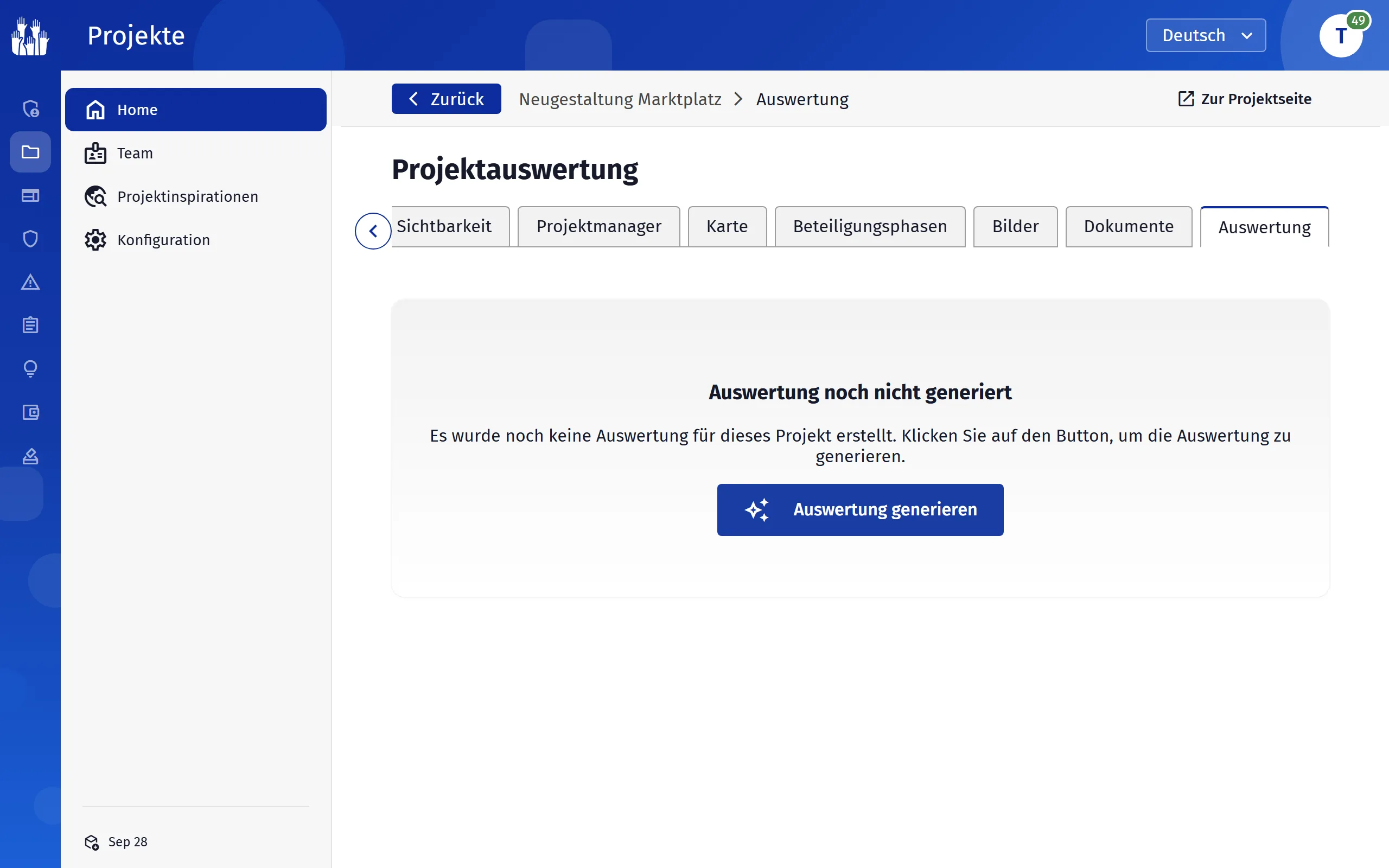
- In the project menu, open “Evaluation”.
- Click “Generate evaluation”. The evaluation is created in the background. This can take a few minutes.
- The “Project evaluation” combines key figures for all participation modules in the project. If AI is set up, you also get an AI analysis.
- With “Download PDF”, you choose phases and sections for a PDF report.
- You download the data itself in the phases, see below.
Decision: which export?
- All proposals as a table?
- Go to the “Proposals” tab of the phase and click “Download CSV”. With “Download GeoJSON”, you get the locations for a mapping program. Both export the current view, including filters.
- The comments?
- Go to the “Comments” tab of the phase and click “Download CSV”.
- The votes in a poll?
- On the “Results” page, under “Export” (export), use “Download individual answers” and “Download poll results”. In the “Evaluation”, each question also has “Download details about streets” and “Download details about crossectional voting”.
- The submissions of a form?
- Go to the “Submissions” tab and click “Download CSV”. Images and documents appear in the file as links.
- A report to share?
- In the “Evaluation”, click “Download PDF” for the project. Once an evaluation exists, the “Results” page of a poll also offers “Create PDF report”.
- Show results publicly?
- For polls, you release “Stats” and “Results” with “Publicly visible”. In the “Evaluation”, use “Visibility” to choose, for each phase, which sections of the evaluation are shown in the project.
The AI analysis is only available if AI is set up on your platform. Key figures and exports also work without it.
Common pitfalls
“Regenerate” creates the evaluation again with the current data and overwrites the existing one.
The street evaluation for a poll question is created in the background. You get an email when it is ready.
A deleted form field is also missing from the CSV file. So delete fields only after you export.