
Guides
Guide
Project manager
Project manager
You want to put questions to a vote, online and, if you like, with votes collected on site too.
Run a poll
Your goal
You want to put questions to a vote, online and, if you like, with votes collected on site too.
Open project area
What you need
- The project is set up.
- You have the “Administer project” right in the project.
How to do it
- In the project, open “Beteiligungsphasen” (participation phases), click “Create new phase” and select “Poll”. The poll starts in test mode.
- Set “Duration” and “Participation restriction”.
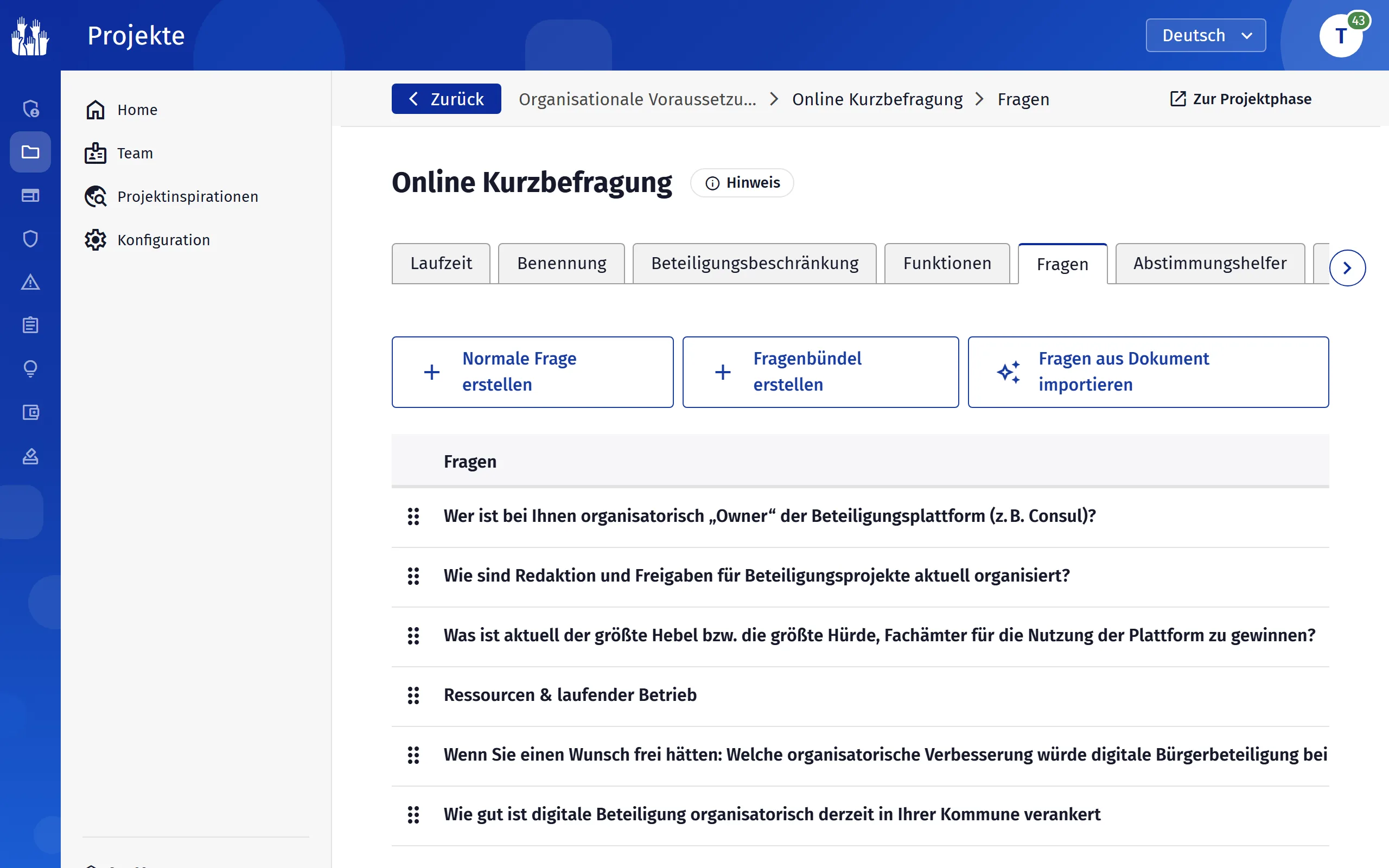
- In the “Questions” tab, create your questions with “Create regular question” or “Create questions bundle”.
- Vote as a test and check the flow.
- In the “Questions” tab, click “Publish poll”. The poll is now public.
“Publish poll” permanently deletes all test votes. You can’t undo it.
Decisions
- Which question type?
- “Single vote”, “Multiple votes”, “Multiple weighted votes”, “Rating scale” or “Map question (place pins)”. You set it for each question under “Voting mode”.
- All on one page or one after another?
- “Features” tab, “Sequential voting”: the questions appear one at a time. Only then can you branch answers with “Next question” or “Ends the vote”.
- Who can vote?
- “Participation restriction” tab: “Guests (no registration required)”, “Registered users” or “Verified users”, and if you like by area or age.
- Votes on site too?
- “Polling officers” tab: Here you set who records offline votes. Until the “Lock date”, this also works after the duration has ended.
- Show results publicly?
- Administrators and the responsible project managers always see “Stats” and “Results”. With “Publicly visible”, you release them to visitors, even before the poll ends.
If AI is enabled on your platform, “Import questions from document” has the AI take over questions from a document.
Evaluate results
- On the “Results” page, use “Export” (export) to download individual answers and poll results.
- In the “Evaluation” of the project, you find further evaluations for each question. With AI, you also get a summary.
Common pitfalls
Once votes exist after you publish the poll, you can no longer change answer texts or delete answers. So check the questions thoroughly in test mode.
Participants can change or withdraw their votes until the duration ends. Anyone who voted on site can’t also participate online. Polls have no minimum quorum.