
Record a vote on site
Your goal
You want to enter the vote of a person who does not vote online.
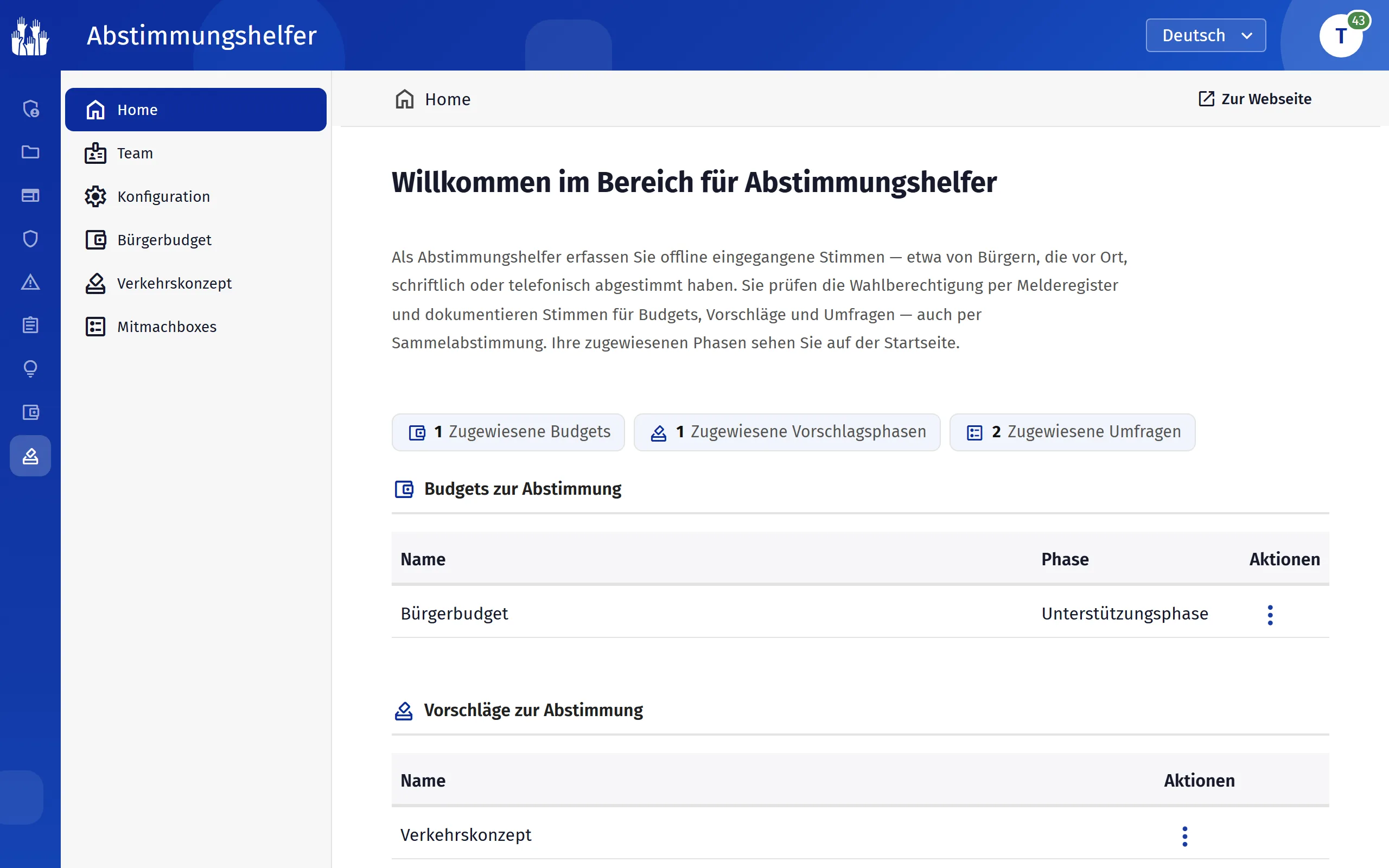
Open the “Polling officers” section
What you need
- You are registered as a polling officer.
- You are assigned to the poll as a polling officer.
How it works
- On “Home” (start page), click “Vote” next to the poll. For budgets, the action is called “Open”.
- On “Add offline vote”, enter the person’s “First name”, “Last name”, “Gender”, “Date of birth” and “Address”.
- If needed, select “Mark as verified” and click “Add offline vote”.
- Record the person’s votes, see below.
- Start the next ballot with “Next person”, “Next vote” or “Next ballot”, depending on the poll.
Votes by poll
- Surveys For each answer, click “Vote”. To correct it, click “Revoke”. Save open answers with “Save answer”, then continue with “Next question”.
- Proposals “Support”. For “Thumbs up and down”, use “I agree” or “Reject”. To correct, click “Revoke”, “Agreed” or “Rejected”.
- Budgets “Support” or “Vote”, depending on the phase of the budget. Use “Revoke” to correct.
The decision
- Verify or not?
- If you have checked the person’s details, select “Mark as verified”. The person then counts as verified. “Continue without verification” skips all details.
Common pitfalls
“Continue without verification” creates a new, anonymous person every time. If the same person votes twice, the platform does not detect it.
First name, last name, date of birth and postal code are required. If one is missing, “Please make sure all fields are filled in.” appears.
With the same details, the platform recognizes a person and uses their existing record. For surveys, anyone who voted on site cannot also take part online.
If “Missing permission” appears, the person may not vote in this poll. The message gives the reason.
As long as a survey is in test mode, all recorded votes are test votes. The platform deletes them when the poll is released.
If you made a mistake, see Correct a recorded vote.