
Guides
Guide
Polling officer
Polling officer
You recorded the wrong vote for a person and want to correct it.
Correct a recorded vote
Your goal
You recorded the wrong vote for a person and want to correct it.
Open the “Polling officers” area
What you need
- You are registered as a polling officer.
- You are assigned to the poll as a polling officer.
How it works
- If the page with the person’s votes is still open, click “Revoke” next to the wrong vote. For proposals with agree and reject, click “Agreed” or “Rejected”.
- Then record the correct vote.
- If you already left the page, reopen the poll on “Home” (home page) with “Vote”. For budgets, use “Open”.
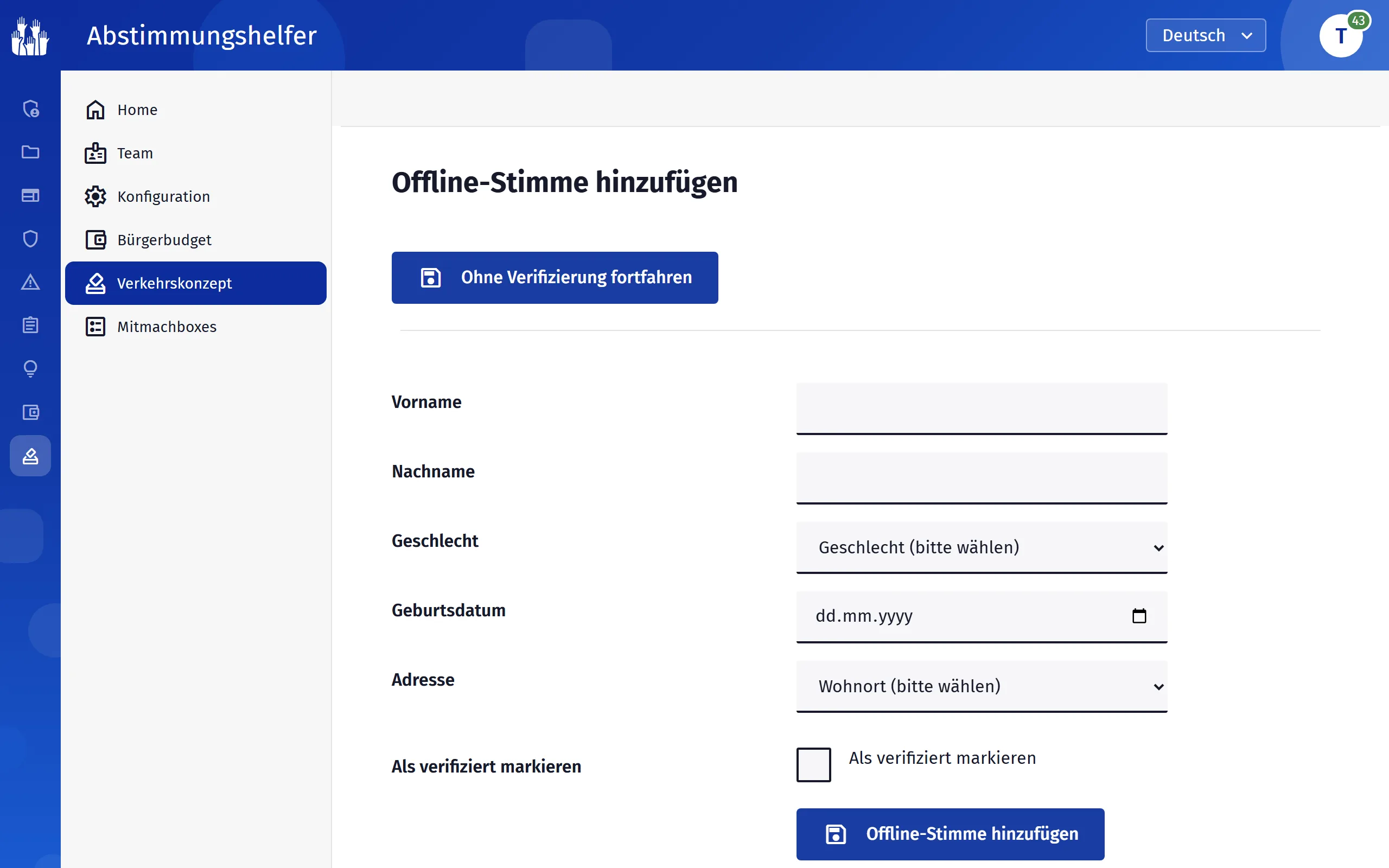
- Enter “First name”, “Last name”, “Date of birth” and the postal code exactly as you did the first time. Then click “Add offline vote”.
- The platform finds the existing entry and shows the votes already recorded. Correct them as in steps 1 and 2.
Decisions
- Single vote or collective poll?
- To fix a wrong number in a collective poll, overwrite it with the correct total and click “Update”. See Record a collective poll.
- Free text recorded wrong?
- Change the text in the question’s field and click “Save answer” again. The new text replaces the old text.
Common pitfalls
You can’t find people again later if you recorded them with “Continue without verification”. Correct their vote before you leave the page.
Upper and lower case in the name don’t matter. Gender and street are not among the details the platform uses to recognize a person.
In surveys, the page shows one question at a time. Use “Previous question” and “Next question” to get to the question you want to correct.
After the “Lock date”, the poll no longer appears on “Home”. Then you can’t correct anything.