
Guides
Guide
Polling officer
Polling officer
You want to support proposals in a participatory budget, or vote on them, for a person who does not take part online.
Vote in person in a participatory budget
Your goal
You want to support proposals in a participatory budget, or vote on them, for a person who does not take part online.
Open the “Polling officers” area
What you need
- You are registered as a polling officer.
- You are assigned to the budget phase as a polling officer.
How it works
- Click “Home”. In the “Budgets to vote on” table, click “Open” next to the budget. The “Active phase” column shows which phase it is in.
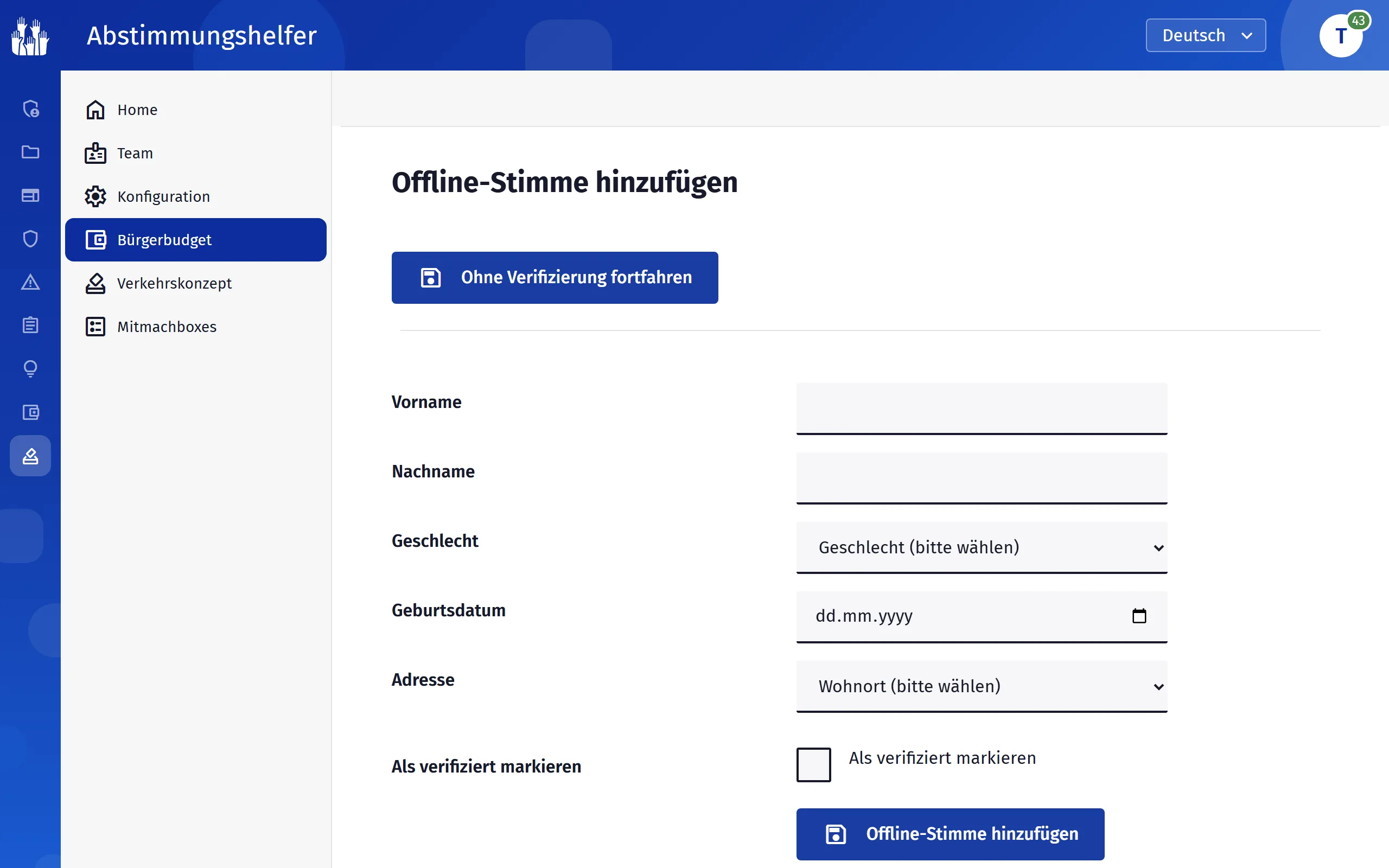
- Record the person on “Add offline vote” as described in Record an in-person vote.
- In the support phase, click “Support” on each proposal the person supports.
- In the poll, click “Vote” on each proposal the person chooses. At the top, “Votes cast” shows how much of the ballot is already used.
- Start the next person with “Next ballot”.
What you can choose from
- Support and assessment phase
- All proposals that meet the criteria. Each one has a “Support” button.
- Poll and its review
- Only proposals that are selected for the poll. Each one has a “Vote” button.
- Voting style “Multiple votes”
- Before you click, choose in the list next to the proposal how many votes the person gives it. In the support phase, it is 1 to 3.
Common pitfalls
To undo a wrong vote, click “Revoke” on the proposal. Later, you can do it as described in Correct a recorded vote.
If the budget is in another phase, such as submission, it does not appear on “Home”. Then there is nothing to record.
If “No proposals available for voting.” appears, there are no matching proposals in this phase yet.