
Guides
Guide
Polling officer
Polling officer
You want to enter the total number of supports for proposals that were collected outside the platform.
Record a bulk vote
Your goal
You want to enter the total number of supports for proposals that were collected outside the platform.
Open the “Polling officers” area
What you need
- You are registered as a polling officer.
- You are assigned to the proposal phase as a polling officer.
How to do it
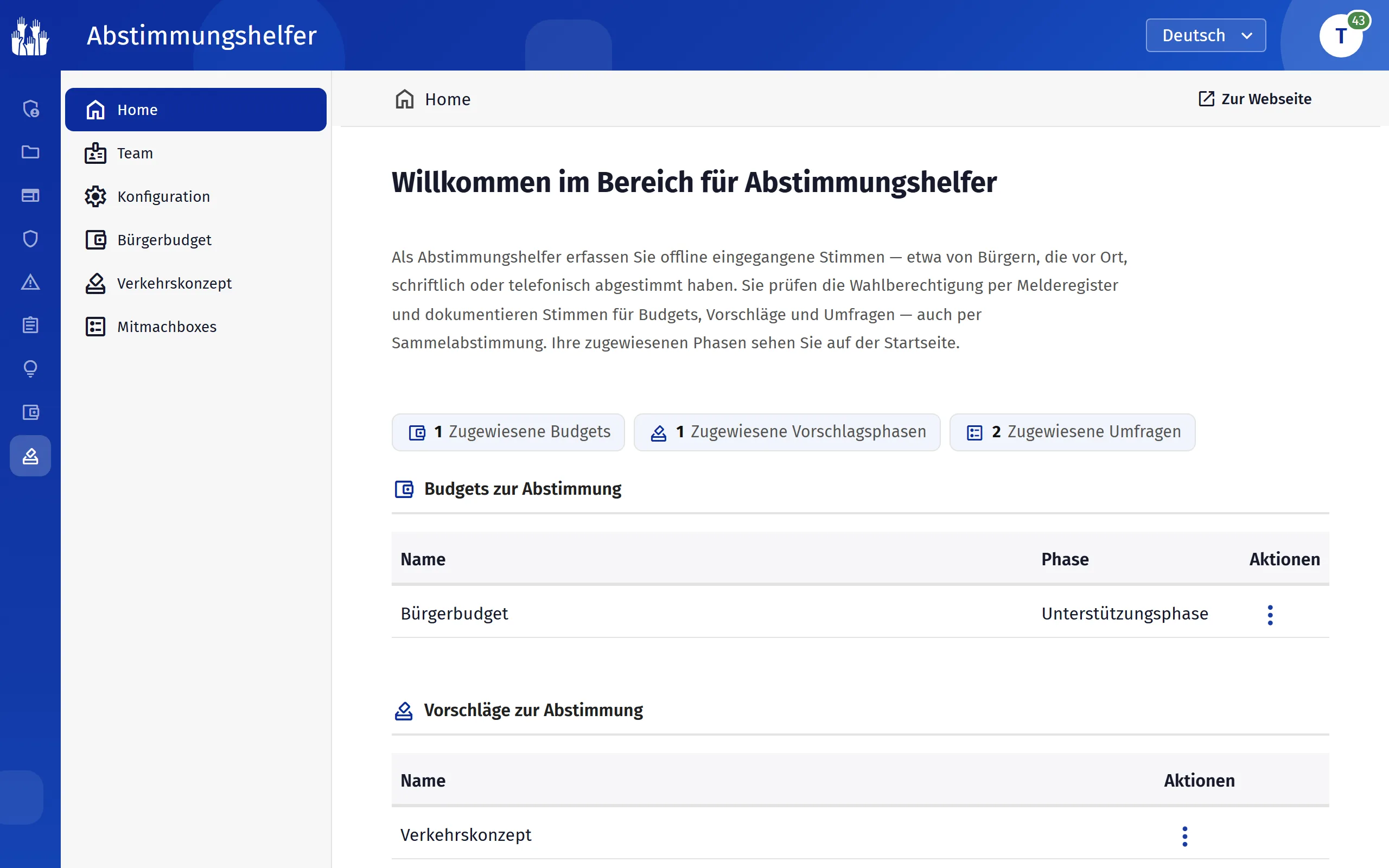
- On “Home”, go to the table “Proposals to vote on” and click “Bulk voting”.
- Enter the number for the proposal in the “Votes” column.
- Click “Update” in the same row. “Saved” appears next to the proposal.
- Repeat this for every proposal. If there are many proposals, use the page numbers below the table to move on.
Common pitfalls
The number replaces the previous value. Always enter the new total, not just the votes that were added.
You save each row separately with “Update”. Numbers in other rows are not saved along with it.
Bulk votes are added to the support for the proposal.
Bulk voting is only available for proposal phases, not for budgets and surveys. You record individual votes as described in Record a vote on site.