
Assign more roles
Your goal
You want to give people access for administration, moderation, in-person votes, assessment, topic pages or other roles.
What you need
- You are an administrator.
Which role does what?
You assign each role under “Team” in the area it belongs to.
-
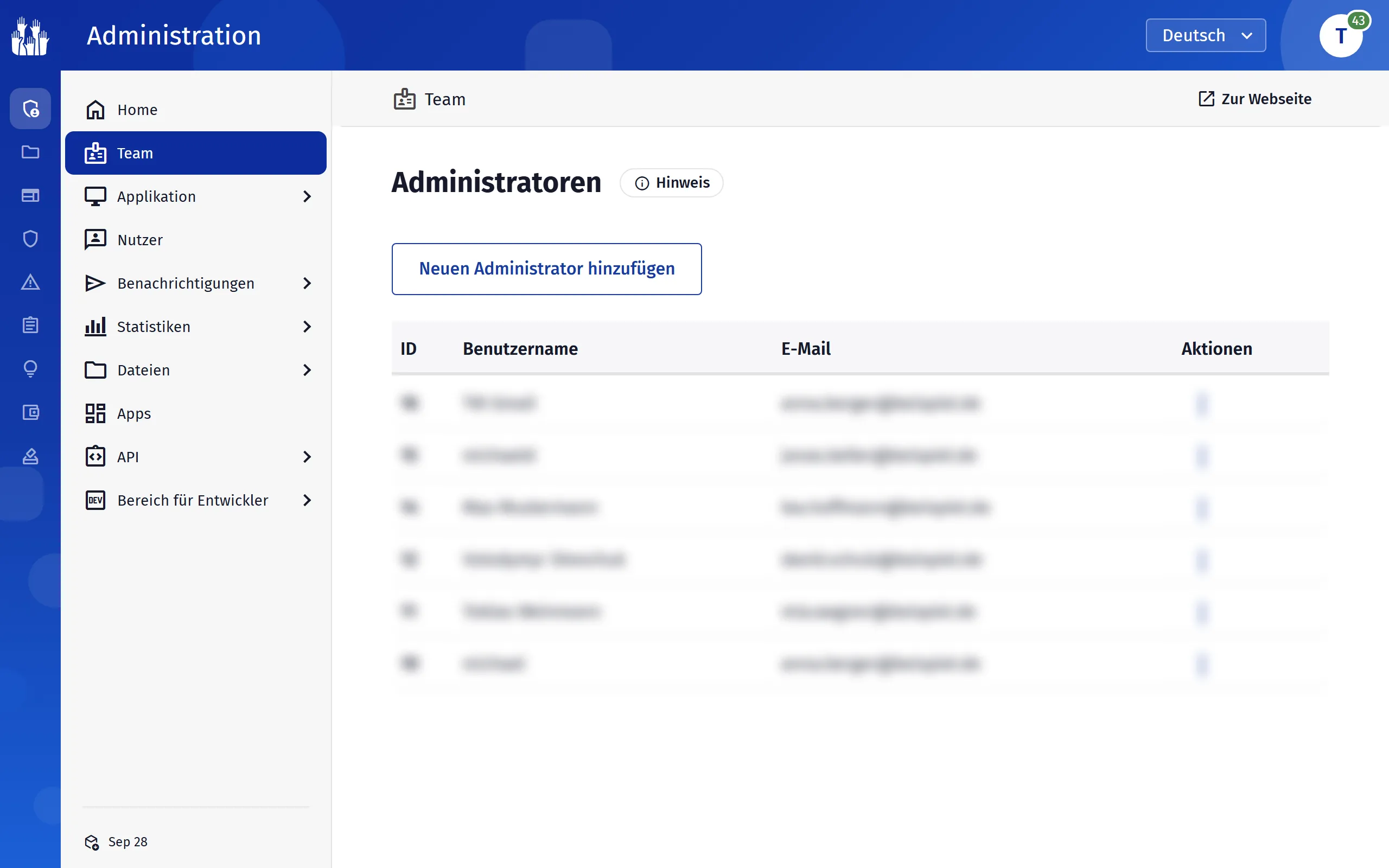
Administrators Full access to all settings and areas. “Team” in the administration. Open
-
Moderators Review reported posts and comments and block users. “Team” in moderation. Open
-
Polling officers Record votes cast on site. “Team” in the polling officer area. Open
-
Budget assessors Assess proposals in the participatory budget, if it is enabled on your platform. “Team” in budget assessment. Open
-
Topic page managers Maintain topic pages. “Team” in the topic pages. Open
-
Case officers in Deficiency reports Process deficiency reports. “Team” in Deficiency reports. Open
How it works
- Open “Team” in the role’s area and click the button to add a person, such as “Add new moderator”.
- Search for the person by email or username and click “Add”.
- If the person doesn’t have an account yet, enter their full email address and click the button to invite them, such as “Invite as moderator”. They get an email and have the role as soon as they create their account.
In Deficiency reports, you search directly under “Team” with the full email address and click “Add”.
Decisions to make
- Should a topic page manager look after all topic pages?
- With “Manage all”, they have access to all topic pages. They can then also create and delete topic pages and manage the team.
- Should a case officer manage all of Deficiency reports?
- With “Manage all”, they have the rights of an administrator for Deficiency reports.
- Which poll does a polling officer record votes for?
- You set this in the poll phase on the “Polling officers” tab. Run a poll
Common pitfalls
Case officers in Deficiency reports must already have an account. You can’t invite them by email there.
The search shows four results at most. Enter the full email address to find the right person.
Open invitations are listed in the “Team” overview under “Pending role assignments”. The role only takes effect if the person creates their account with exactly this email address.
You can’t delete your own administrator role.