
Reference
Reference
Topic pages
Topic pages
Topic pages are standalone areas within your platform: for target groups such as youth participation, for topics such as urban land-use planning, or for areas such as individual municipalities in a county. Each topic page can have its own background image, logo, navigation and texts.
Topic pages
Topic pages are standalone areas within your platform: for target groups such as youth participation, for topics such as urban land-use planning, or for areas such as individual municipalities in a county. Each topic page can have its own background image, logo, navigation and texts.
Who has access?
- Administrators Edit all topic pages and all parts of a topic page.
- Topic page managers See and edit only the topic pages assigned to them.
- Topic page managers with “Manage all” Have access to all topic pages. They also create and delete topic pages and manage the team.
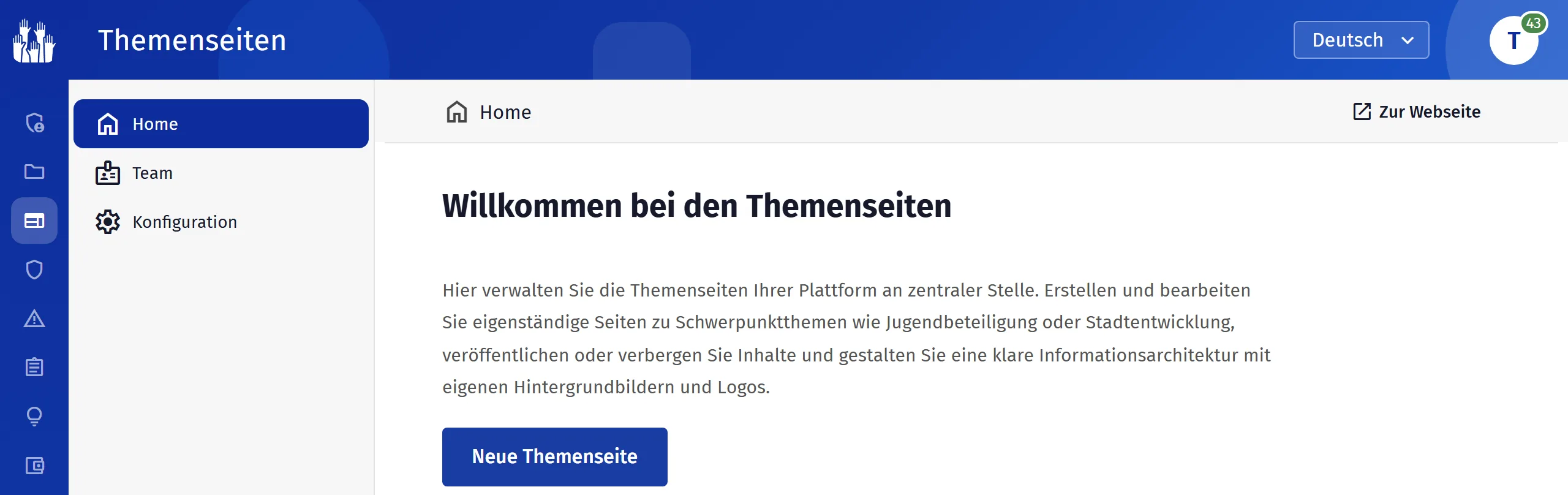
The menu items
- Home A table of the topic pages with “Slug”, the number of “Projects” and “Statuses”. Use “Edit” to open a page. Use drag and drop to change the order. Below the table you see recent activities and the team.
- Team The topic page managers with the “Manage all” switch. Manage the team Only administrators and managers with “Manage all”
- Konfiguration (configuration) On the “Dashboard settings” tab, you maintain “Intro text”, “Notice message” and “Notice active” for the home page. On the “Contact persons” tab, you maintain the contact persons. This works as in moderation.
All fields of a topic page: Edit a topic page
On “Home”
- “New topic page”
- Creates a new topic page as a draft. The button appears for all topic page managers, but only administrators and managers with “Manage all” can create topic pages. Step by step: Create and design a topic page
- “Statuses”
- The switch publishes the topic page or turns it back into a draft. Everyone who may edit the topic page can use it.
- “Delete”
- Removes the topic page. Only administrators and managers with “Manage all” see this action.
Good to know
- You decide which projects appear on a topic page in the project itself: Assign projects to a topic page.
- The figures “Total”, “Published” and “Draft” on “Home” refer to all topic pages on the platform, not just your own.
- A manager with no assigned topic page sees only “No topic pages available” on “Home”.
If you delete a topic page, its navigation entries and content tiles are removed too. Assigned projects are kept and are assigned to the main page again.