
Guides
Guide
Administrator
Administrator
The imprint, the privacy policy and the other required pages are up to date and linked in the footer.
Maintain the imprint and privacy policy
Your goal
The imprint, the privacy policy and the other required pages are up to date and linked in the footer.
Open “System pages”
What you need
- You are an administrator.
- The texts are approved and ready.
How to do it
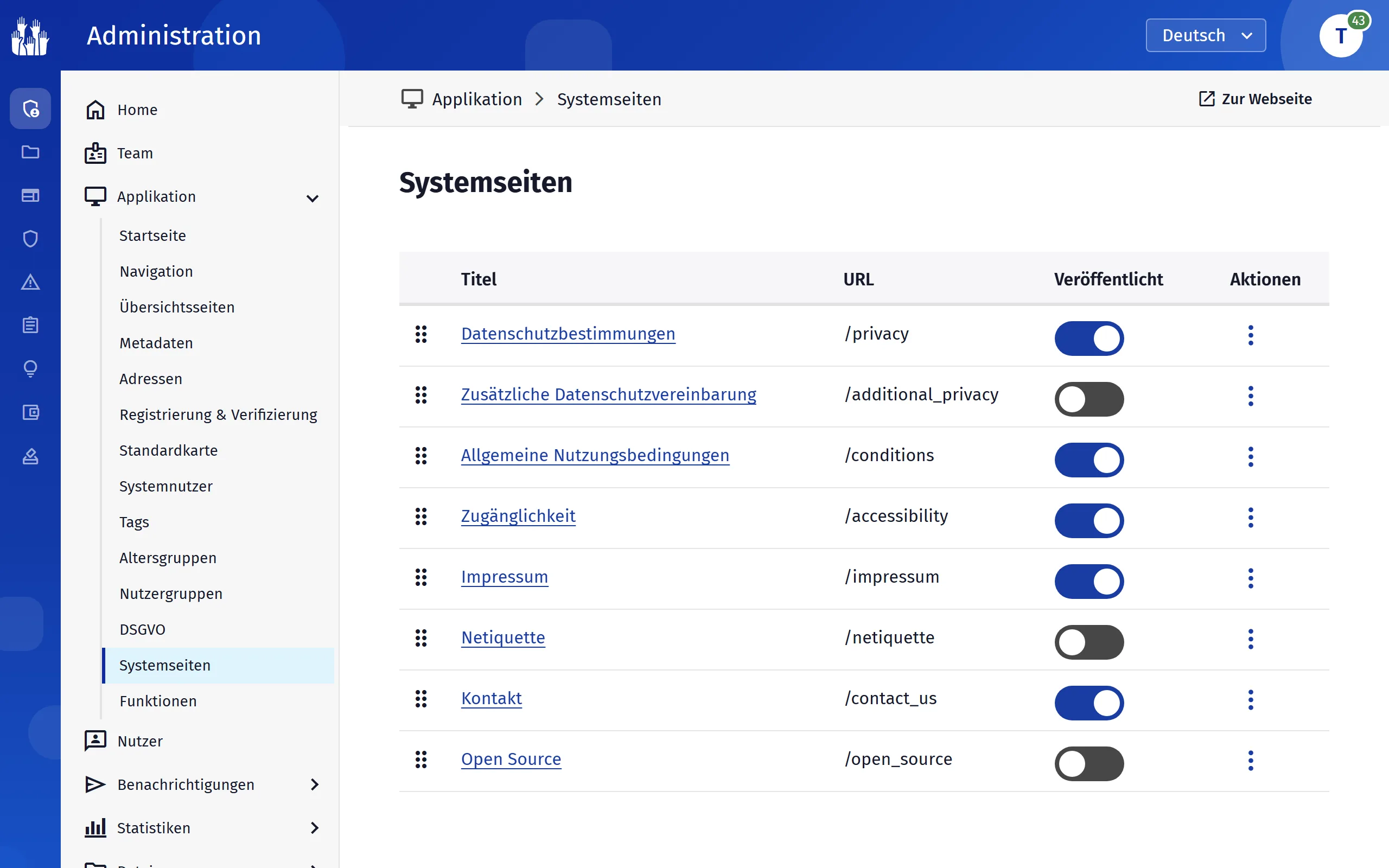
- Under “Application”, open “System pages”.
- Next to the page, for example “Imprint”, click “Edit”.
- Paste the text into “Content”. If needed, change the “Title”. It is also the label of the link in the footer.
- Under “Statuses”, select “Published” and click “Save”.
- Check the result with “Open page”. Arrange the links in the footer using the handle on the left of the table.
The decisions
- Which pages should you publish?
- You can choose from “Privacy Policy”, “Additional privacy agreement”, “Terms and conditions of use”, “Accessibility”, “Imprint”, “Netiquette” (community rules), “Contact” and “Open source”. Only published pages are reachable and appear in the footer.
- How do you show or hide a page quickly?
- The “Published” switch in the table changes the status without opening the page.
Pitfalls
A new “URL slug” changes the address of the page. Links to the old address, for example from emails or from your website, then lead nowhere.
If one of the eight pages is missing, the overview creates it as “Not published” when you open it. Its link is missing from the footer until you publish it.
You can’t create additional pages here, and you can’t delete any page.