
Guides
Guide
Administrator
Administrator
The platform should carry your municipality's colors and logo and be recognizable when people share links.
Set colors, logos, and preview images
Your goal
The platform should carry your municipality's colors and logo and be recognizable when people share links.
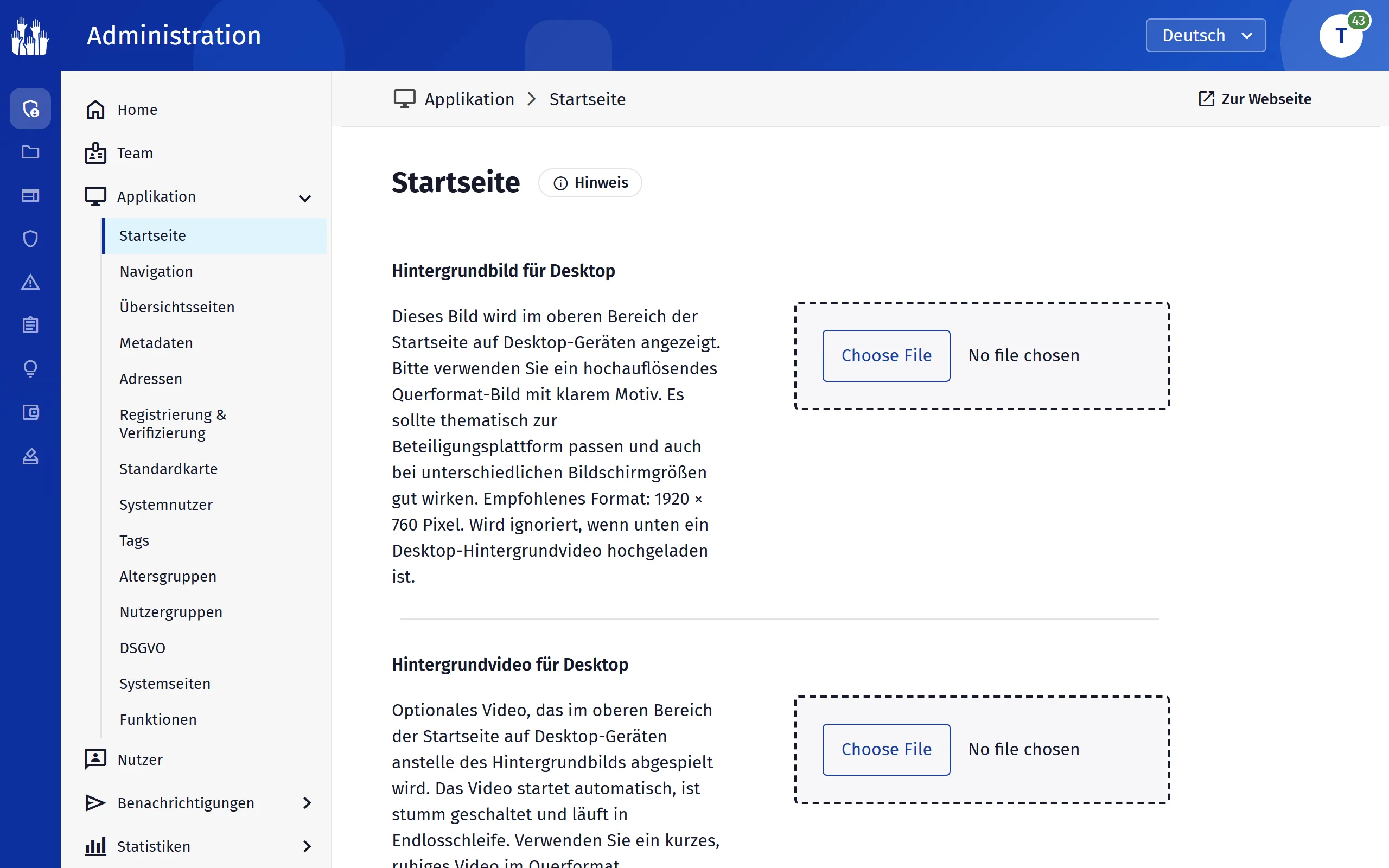
Open “Homepage”
What you need
- You are an administrator.
- You have logos and images as JPG or PNG files.
How to do it
- Under “Application”, open “Homepage”. Upload “Logo (white background)” and “Logo (transparent background)”. An image saves as soon as you select it.
- Choose the “Brand color” and the “Color of links in the top navigation”. Click “Save” for each.
- Open “Metadata”. Enter the “Application name” and save with the button next to the field.
- Upload “App icon”, “Social media preview image” and “Preview image for X (Twitter)” there.
- For emails: Under “Notifications”, “System emails”, upload the “Email logo”. You set the newsletter’s logo and color in the “Settings” tab of the newsletter.
Decisions
- Which brand color?
- It colors buttons, links, and highlights across the whole platform. Topic pages can have their own color. Without a value, the platform’s default color applies.
- Which color for the links at the top?
- On the homepage, the menu sits over the background image with no background of its own. Choose a color that is easy to read on your image.
- Which logo for what?
- “Logo (transparent background)” appears on the homepage and on topic pages above the background image as long as you haven’t scrolled, for example light on dark. “Logo (white background)” appears as soon as the bar is white: on the homepage and topic pages after scrolling, and always on all other pages.
Common pitfalls
Some images need exact dimensions, or the platform rejects them: “App icon” 200 × 200 pixels, “Social media preview image” 470 × 246, “Preview image for X (Twitter)” 246 × 246, “Email logo” 400 × 80 pixels.
Logos can have any dimensions, but the file can be at most 2 MB. They display at 200 × 52 pixels at most. On screens up to 640 pixels wide, no logo appears. The newsletter logo must be at least 130 × 45 pixels.
Change the “Sender email address” under “Metadata” only in agreement with demokratie.today. It must match the configuration of the mail server.