
Guides
Guide
Administrator
Administrator
You want to decide who assesses the proposals of a participatory budget and assign each proposal its valuators.
Appoint valuators for a participatory budget
Your goal
You want to decide who assesses the proposals of a participatory budget and assign each proposal its valuators.
Open the budget assessment team
What you need
- You are an administrator.
- The project has a “Participatory budgeting” phase.
How it works
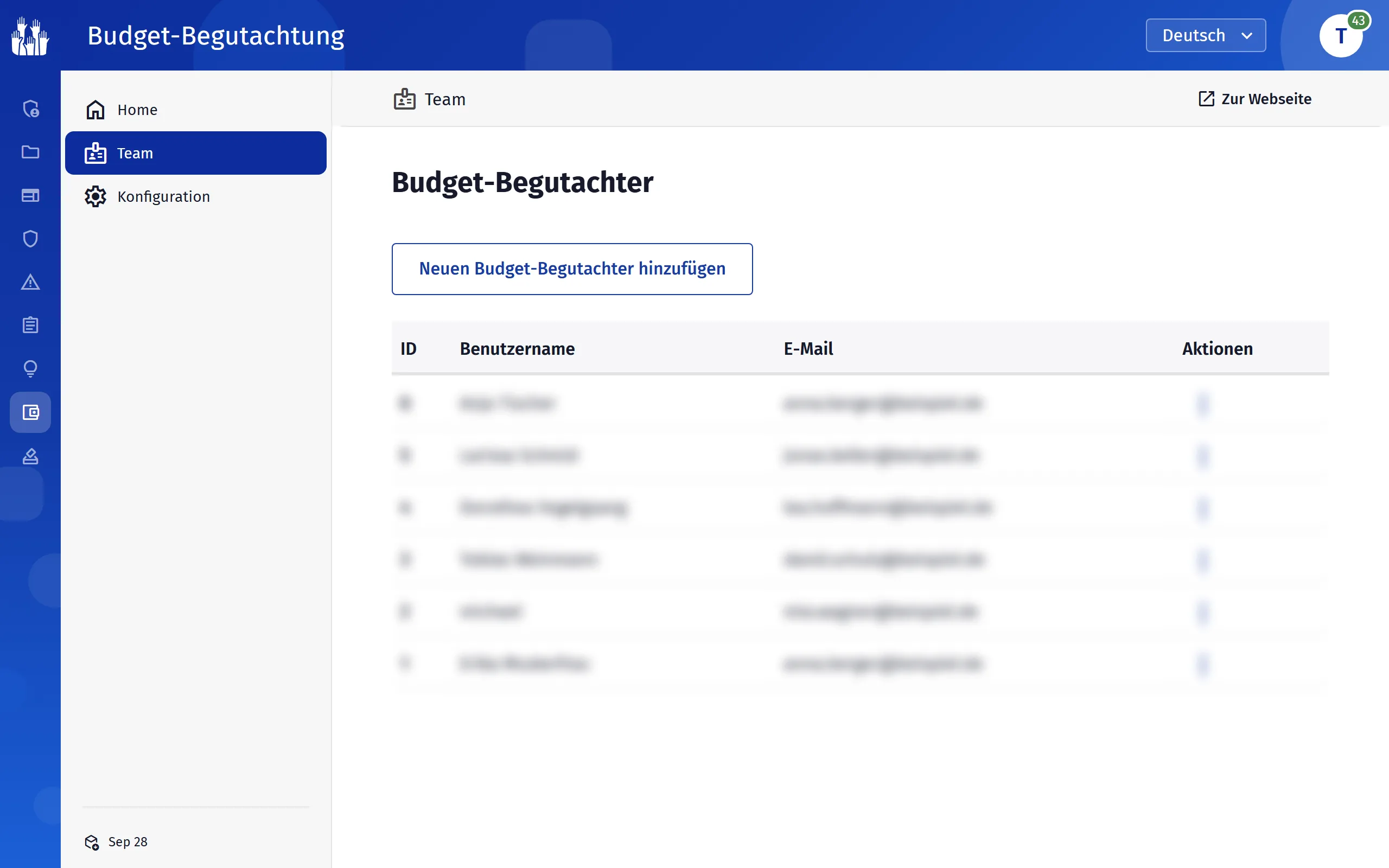
- In the budget assessment, open “Team” (team) and click “Add new budget valuator”. Find the person and click “Add”.
- In the project, open “Participation phases” and then the “Participatory budgeting” phase.
- In the “Edit” tab, under “Valuator”, check the box for everyone who assesses in this budget, and click “Save”.
- Switch to the “Proposals” tab. For the proposal, choose “Valuators & administrators” in the “Actions” column.
- Under “Valuator”, check the boxes and click “Save”. Repeat this for every proposal.
The decisions
- Who can you choose for a proposal?
- Under “Valuators & administrators”, only valuators you selected for this budget in the “Edit” tab appear.
- Valuator or valuator group?
- Choose people under “Valuator”. If you assign a proposal only through “Valuator groups”, it does not appear in the budget assessment of the group members.
Pitfalls
On “Home” (home page) of the budget assessment, valuators only see proposals that are also made visible to valuators. There is no switch for this in the project area.
Project managers with the “Administer project” right can also do steps 2 to 5. Step 1 is reserved for administrators.
The assessment itself is only possible while the budget is in submission or internal review. Appoint the valuators in time.