
Create user groups for restrictions
Your goal
Only a specific group of people should see a project or take part in a participation phase, such as the employees of the administration.
Open “User groups”
What you need
- You are an administrator.
How to do it
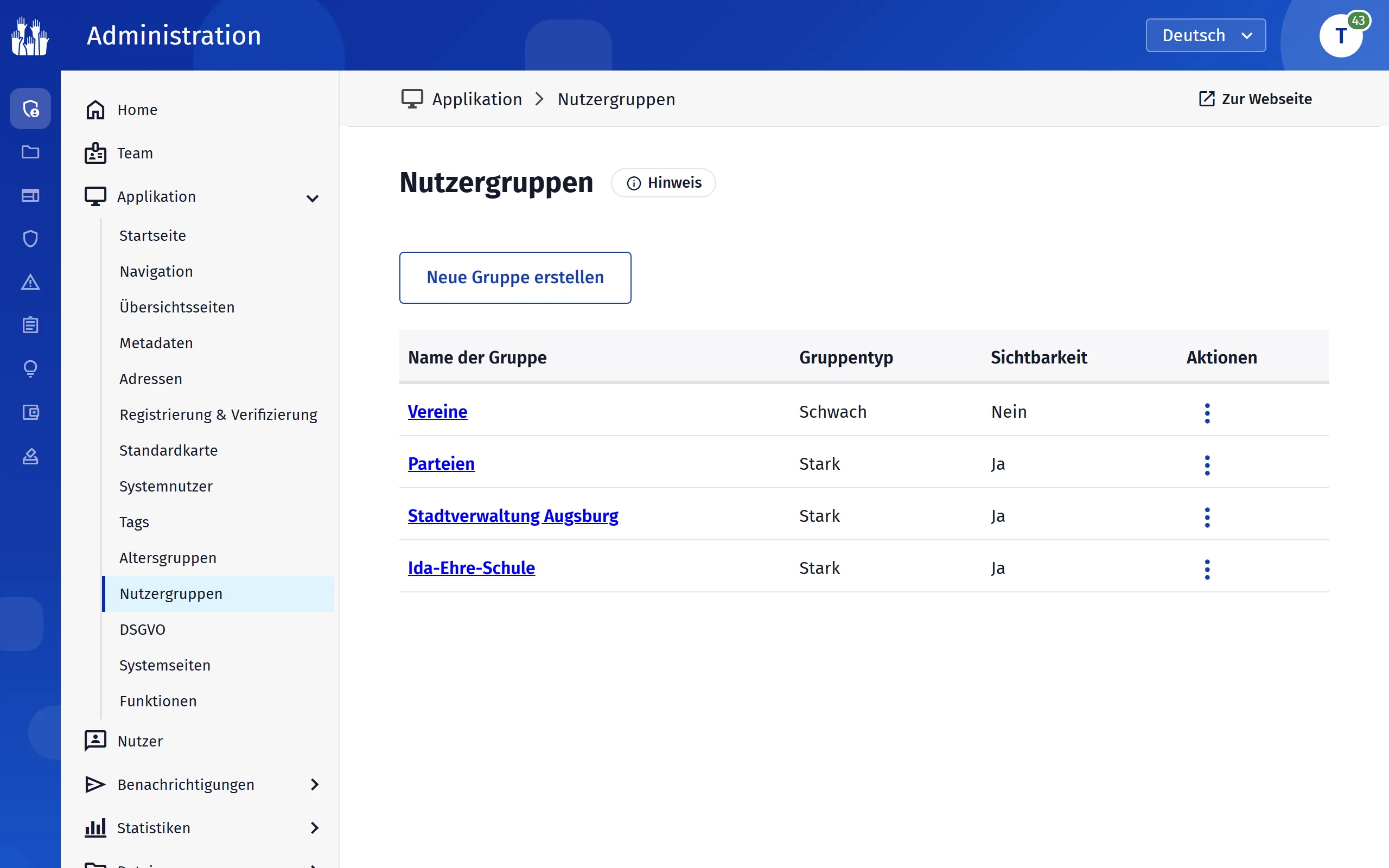
- Under “Application”, “User groups”, click “Create new group”.
- Enter the name, choose the “Kind”, and select the “Visible” checkbox. Click “Create”.
- In the list, click the name of the group, then click “Create new value”. Enter the name of the value, for example “Building department”, and click “Create”.
- Open the value. Search for people by username or email address and click “Add”.
- Set the restriction: in the project, on the “Visibility” tab, with “Restrict visibility to strong groups”. In the participation phase, under “Participation restriction”, with “Restriction to strong groups”.
The decisions
- Strong or weak?
- With “Strong”, only you assign people, and only strong groups restrict the visibility of a project. With “Weak”, users choose their own values in their account and at registration.
- One by one, as a list, or by email address?
- Single people through the search. Many at once through the CSV upload on the value. Whole domains through the “E-mail pattern”, for example
@stadt-musterstadt.de: All existing and future accounts with this ending are added. - What about people without an account?
- If the search for a full email address finds no account, it offers “… ohne Konto hinzufügen” (add … without an account). The address then appears under “Konto noch nicht erstellt” (account not yet created). When the person registers, they are added to the value automatically.
Pitfalls
Use the sample file on the value as a template for the CSV file. The column must be named
Groups without “Visible” are not available for selection in projects and participation phases. Weak groups without “Visible” are also missing from the registration form.
In the participation phase, weak groups are also available for selection, despite the label “Restriction to strong groups”. With weak groups, users decide for themselves whether they belong.
The “E-mail pattern” only works if it begins with “@”.