
Guides
Guide
Administrator
Administrator
A website, app or specialist application should retrieve data from the platform or create content.
Connect an external application via API
Your goal
A website, app or specialist application should retrieve data from the platform or create content.
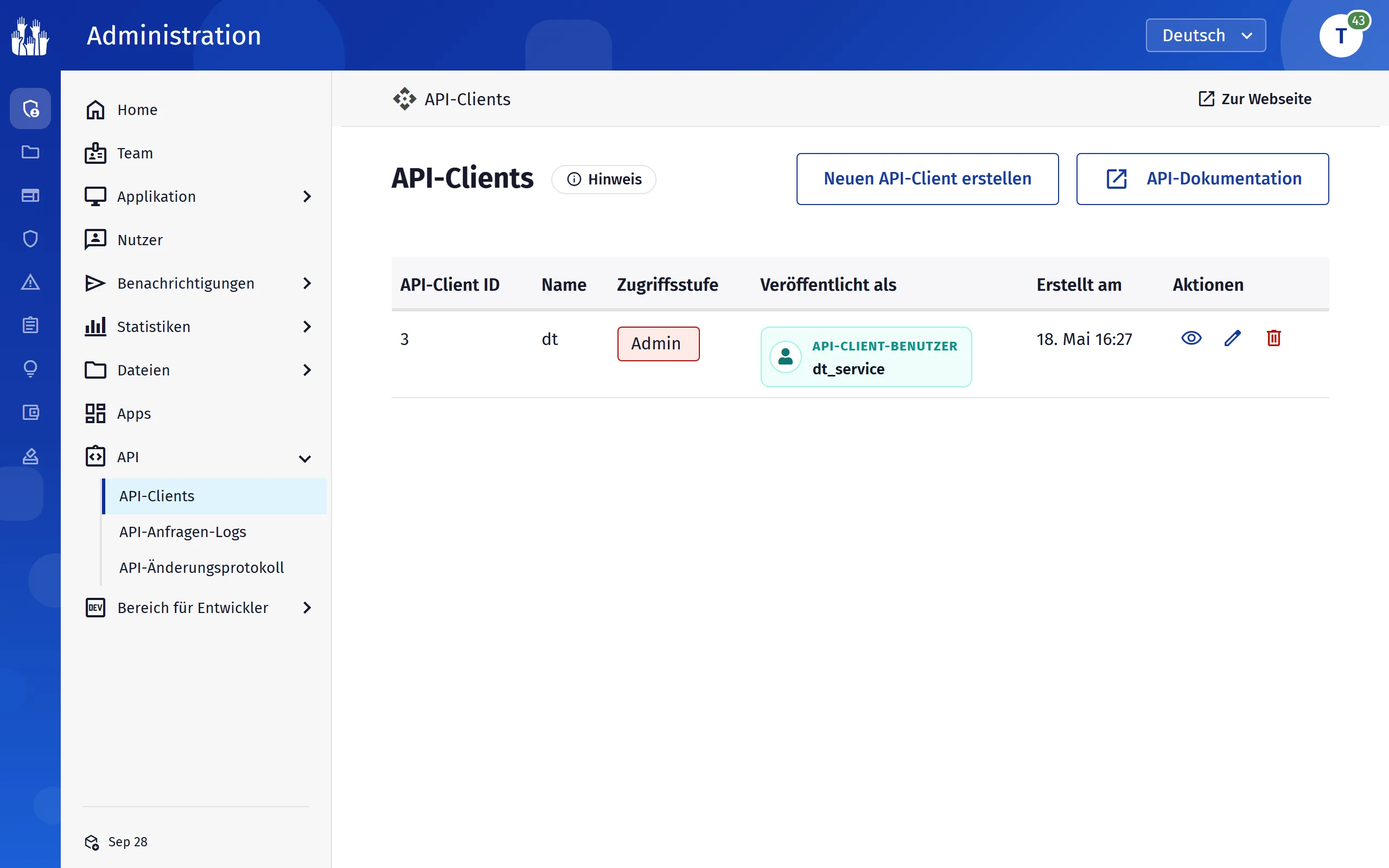
Open “API Clients”
What you need
- You are an administrator.
- The application's developers are waiting for access.
How to do it
- Under “API”, open “API Clients” and click “Create new API client”.
- Enter a name that describes the purpose, for example “Website frontend”.
- Choose the “Access Level”.
- With “Use system user”, decide under which name created content appears. Click “Create”.
- The client’s page shows the “Auth Token”. Give it to the developers, together with the “API documentation” link from the list of clients.
The decisions
- Read only, or write as well?
- “Public Data” only reads public content, for example for a widget on your website. “Admin” can also create, change and delete content. Choose “Admin” only if the application really needs to write.
- Under which name does content appear?
- With “Use system user”, under the platform’s system user. Without the switch, the client gets its own service user with an email address, name and profile picture.
Pitfalls
Whoever has the token has the client’s access. If it has fallen into the wrong hands, click “Regenerate Token” on the client. The old token then stops working, including for your own application.
Nobody logs in with the service user. It only serves as the author of the content.
You can see what a client retrieves in the “API request logs”, filtered by client, path, status and time period.