
Apps and API
“Apps” shows the add-on modules that demokratie.today offers for your platform. Under “API” you give external applications access to your data.
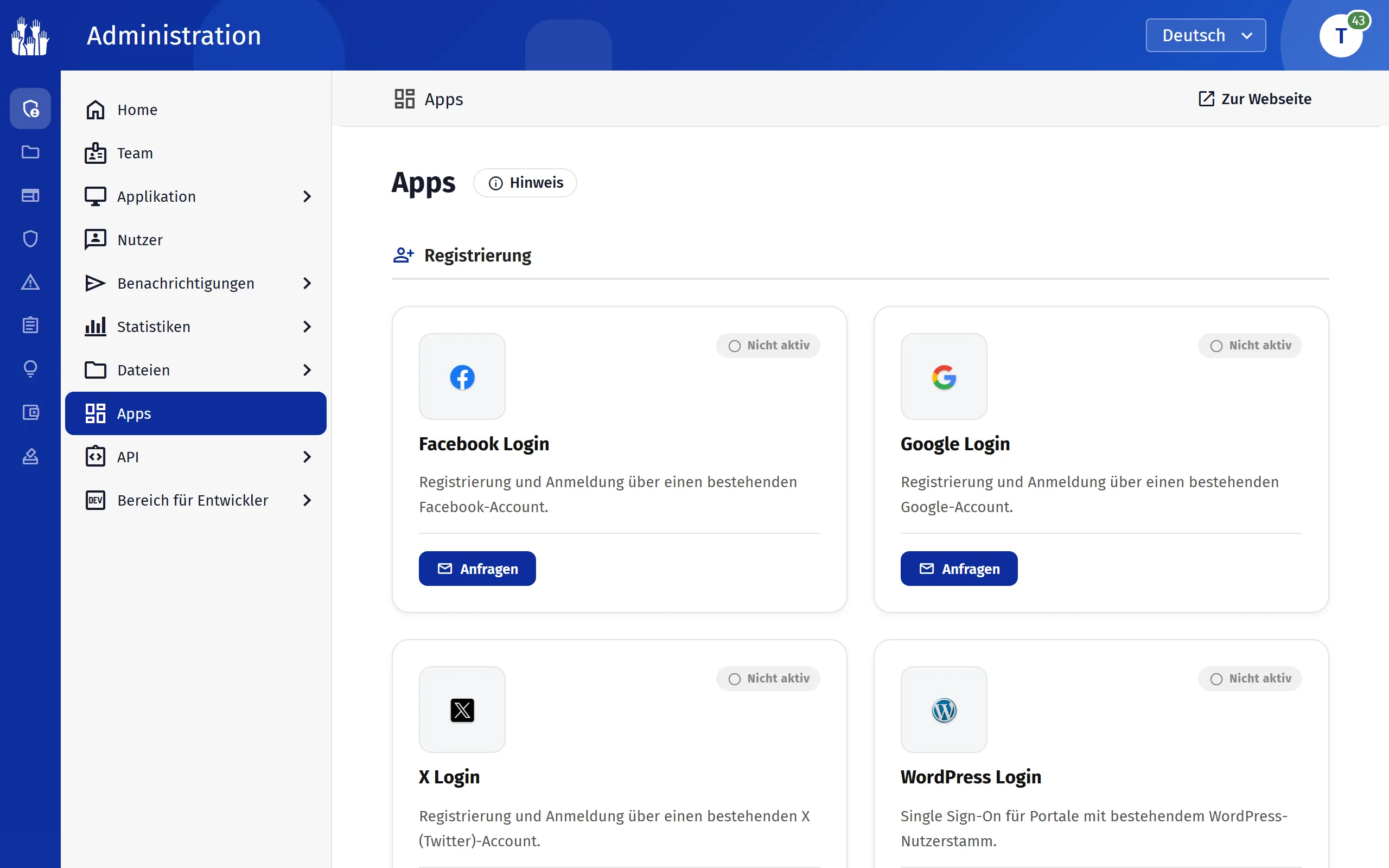
Apps
Apps are grouped into categories, such as “Registration”, “Verification”, “Artificial intelligence”, “Web tracking”, “3D maps” or “Translation”. Each tile briefly describes what the app does.
- “Request”
- Opens an email to demokratie.today with the subject “App-Anfrage” (app request) and the name of the app.
Only the tiles in the “Artificial intelligence” category show the actual status. All other apps appear as “Inactive”, even if they are set up on your platform.
API clients
An API client is the access point for an external application, such as a website or app. Each client has its own token. Step by step: Connect an external application via API
- “Access Level”
- “Public Data” only reads public content. “Admin” can also create, change and delete content.
- “Use system user”
- Content created through the API appears under the system user. If you turn this off, the client gets its own service user as author.
- “Regenerate Token”
- Creates a new token. The old one stops working immediately.
- “API documentation”
- The technical description of the interface, in a new tab.
API request logs
Every request from a client, with method, path, status, duration and client. You can filter by path, method, status, client and time period. “Clear request log” deletes all entries.
API change log
Opens the changes to the interface in a new tab. This is meant for the developers of the connected application.