
Reference
Reference
Administration
Administration
The “Developer area” brings together the technical connections: AI, keys for external services, WhatsApp and machine translation. demokratie.today usually handles the setup.
Developer area
The “Developer area” brings together the technical connections: AI, keys for external services, WhatsApp and machine translation. demokratie.today usually handles the setup.
Only change something here in agreement with demokratie.today. Wrong values shut down the connected functions.
The sub-items
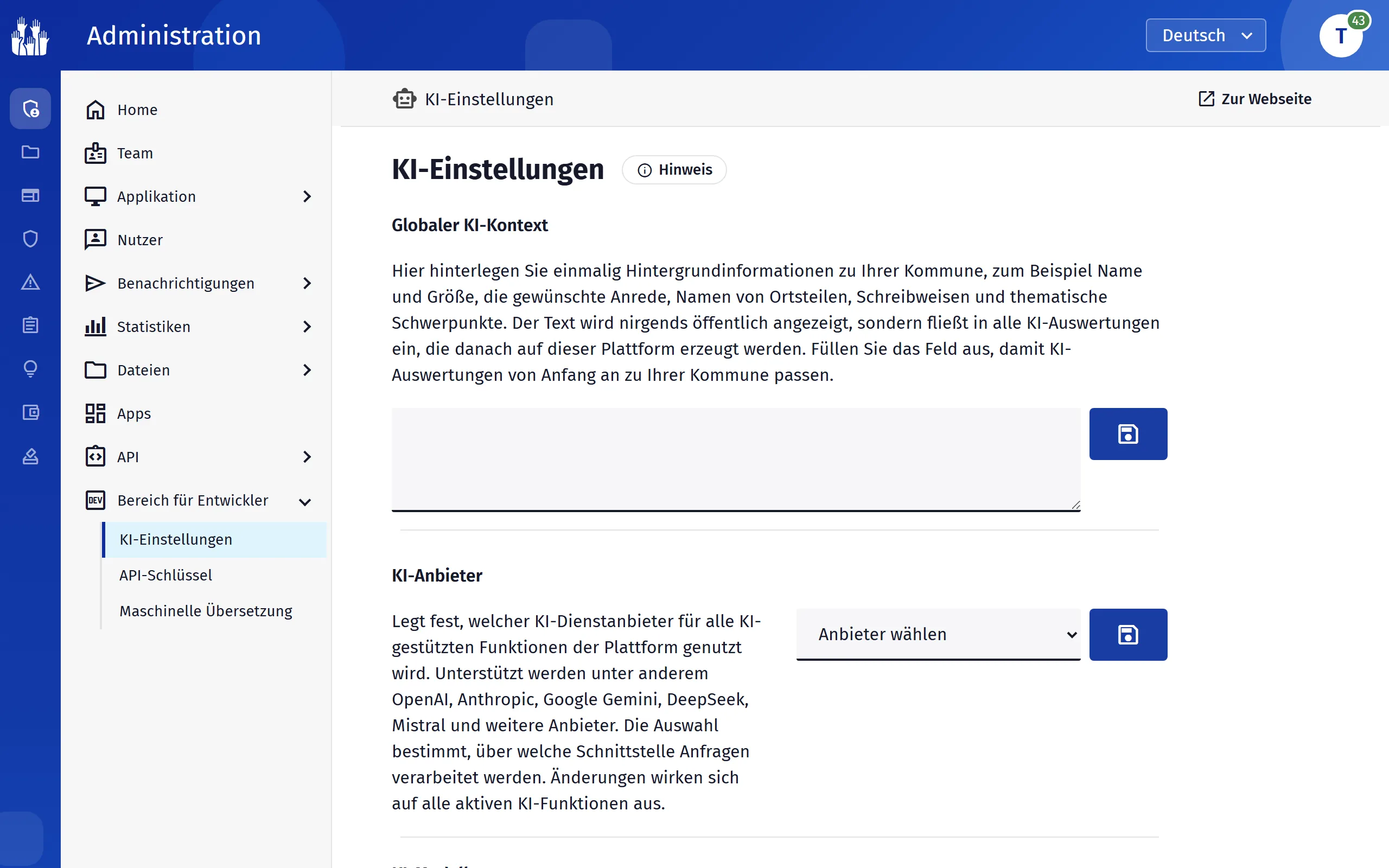
- AI settings Provider, model, API endpoint and your own API key for all AI functions. “Active configuration” shows which values currently apply.
- API keys Keys for external services. Without your own key, the platform uses the default key from demokratie.today.
- WhatsApp The WhatsApp bot with the tabs “Connection”, “Settings”, “Bot message templates”, “QR code” and “Reach”.
- Machine translation Usage and quota at DeepL, the queue and the saved translations for each language.
Good to know
- If AI is not enabled for your platform, “AI settings” only shows the notice “AI feature not enabled”.
- In the list of API keys, each service only shows whether a key is “Custom set” or “Not set”.
- If the DeepL key is missing from the server configuration, translation shows “DeepL is not set up”.
- The settings of the WhatsApp bot only take effect once the WhatsApp business account is set up on the server.