
Guides
Guide
Administrator
Administrator
A newsletter should reach exactly the right people, such as all subscribers of a project in one district.
Create a recipient group
Your goal
A newsletter should reach exactly the right people, such as all subscribers of a project in one district.
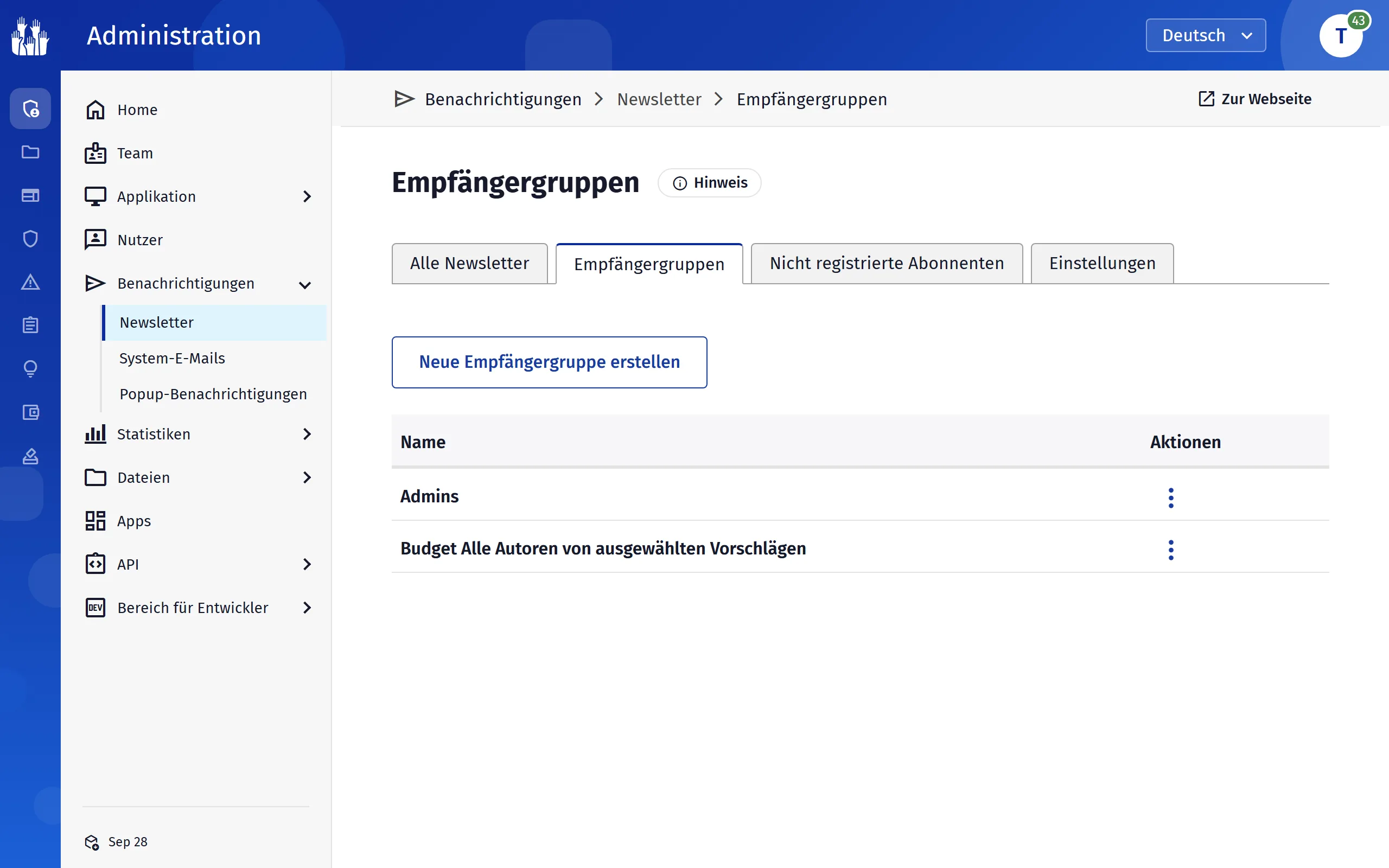
Open “Recipient groups”
What you need
- You are an administrator.
How to do it
- Under “Notifications”, “Newsletters”, open the “Recipient groups” tab and click “Create new recipient group”.
- Enter the “Recipient group name”. It saves as soon as you leave the field.
- Click “Add filter”. The first filter is “Newsletter subscribers”. If needed, pick another source in the selection field and fill in its details.
- Add more filters. For each one, choose how it works: “Add”, “Exclude” or “Intersect”.
- Check the numbers: Each filter shows how many recipients are left after it. Below that is the “Endgröße” (final size).
Then select the group in the newsletter under “Recipient group”.
The decisions
- Which source?
- “Newsletter subscribers”, “Role”, “Phase authors”, “Phase subscribers”, “Projekt subscribers (sidebar toggle)”, “Commenters”, “Voting participants”, “District”, “Postal code”, “Age range”, “Gender”, “Individual group” or “Manual selection”.
- How do you combine filters?
- “Add” adds the people from the filter. “Exclude” removes them. “Intersect” keeps only people who are already in the result and match the filter. “Intersect” is the default.
- Subscribers without an account too?
- For the “Newsletter subscribers” filter, select the checkbox “Include unregistered newsletter subscribers”. Then confirmed subscribers without an account are counted too.
Pitfalls
Filters work from top to bottom. If you drag a filter by its handle to a different position, the result changes.
Only “Newsletter subscribers” checks for consent to the newsletter. For all other sources, “Respect newsletter opt-out” in the newsletter makes sure that only people who have consented get an email.
You cannot delete a group that a newsletter uses. Always open the recipient groups through the tab. The link in the hint text of the newsletter form leads nowhere.