
Guides
Guide
Administrator
Administrator
You want to send a message to a selected group of users and subscribers.
Send a newsletter
Your goal
You want to send a message to a selected group of users and subscribers.
Open “Newsletters”
What you need
- You are an administrator.
So geht’s
- In the “Recipient groups” tab, click “Create new recipient group” if there is no suitable group yet.
- Give the group a name and build it with “Add filter”. The number of recipients appears below each filter.
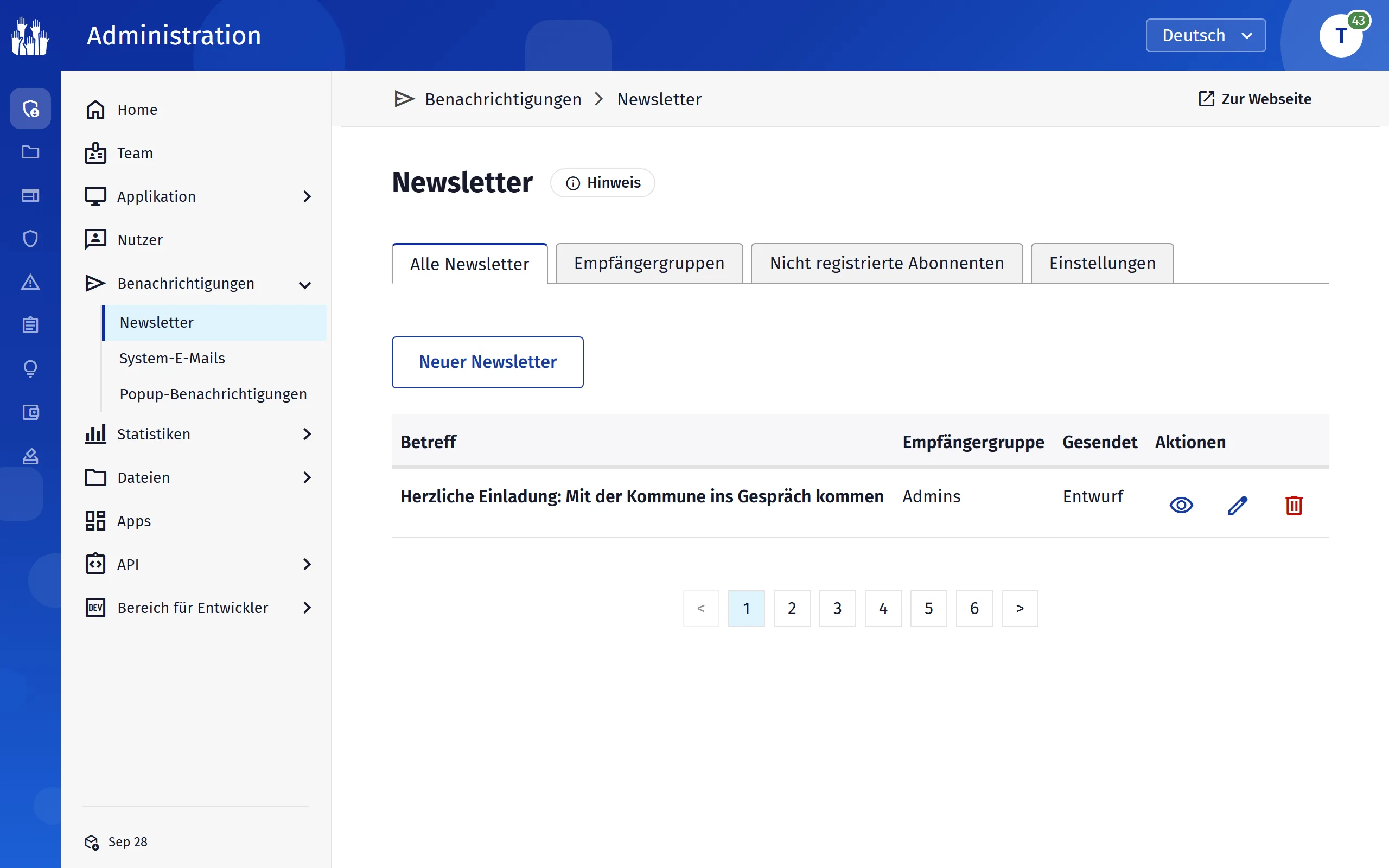
- In the “All newsletters” tab, click “New newsletter”. Enter the subject, choose the recipient group, and click “Create”.
- Fill in the content with “Choose a template” or “Create with AI” and click “Save”.
- In the list, open the newsletter with “Preview” and send yourself a test with “Send test email to me”.
- Click “Send” and confirm the number of recipients.
Die Entscheidungen
- Who gets the newsletter?
- The recipient group decides. Each filter has a source, such as “Newsletter subscribers”, “Role”, “Projekt subscribers (sidebar toggle)” or “Postal code”. Filters apply from top to bottom.
- How do you combine several filters?
- From the second filter on, choose “Add”, “Exclude” or “Intersect”. “Intersect” is the default: only people who meet all previous filters remain.
- What about people who have not agreed to receive newsletters?
- “Respect newsletter opt-out” is the default. Then only users who have turned on “Receive by email website relevant information” in their account receive the newsletter, plus confirmed subscribers without an account. Turn it off only for mandatory information.
“Create with AI” is available if AI is set up on your platform. You set the header and footer of the email in the “Settings” tab.
Stolpersteine
Even a newsletter that has already been sent still shows “Send” in the preview. Another click sends it to all recipients again.
The “Endgröße” (final size) of a recipient group also counts people who do not want newsletters. The newsletter preview shows how many people actually receive an email, under “Recipients”.
Large mailing lists go out in batches of 10,000 emails, 20 minutes apart. You cannot delete a recipient group that a newsletter uses.