
Set responsibilities by topic and location
Your goal
Every new deficiency report should automatically go to the responsible person or group.
Open “Categories”
What you need
- Case officers and groups are set up.
- The categories are set up.
How it works
- Under “Categories”, open each category with “Edit” and choose the “Default officer”.
- If needed, open “Manage subcategories” and give individual subcategories their own “Default responsibility”.
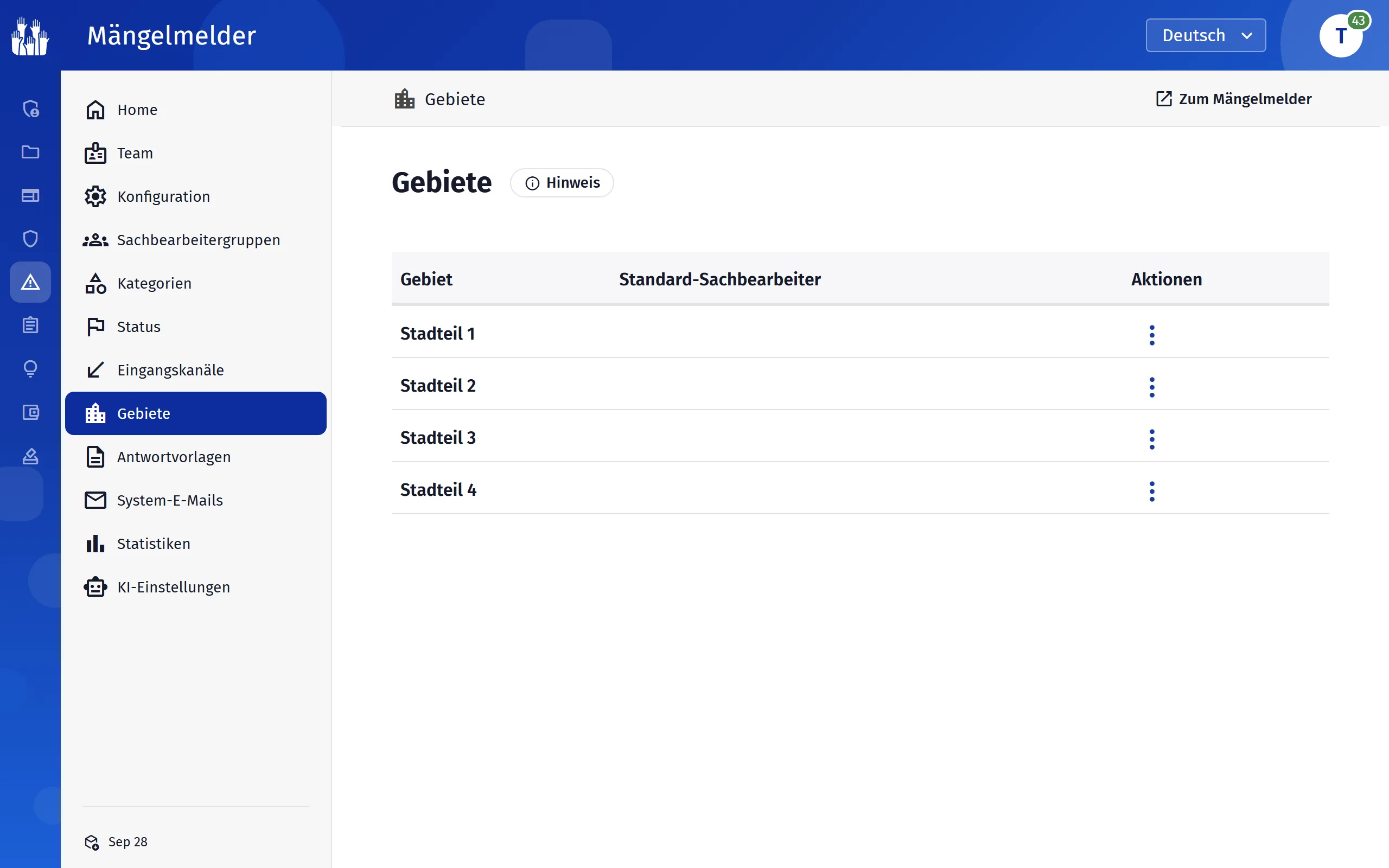
- If responsibility depends on location, open “Areas”.
- For the area, click “Edit”, choose the “Default officer” and click “Save”.
- Check the result with a test deficiency report through the public form. The “Officer” column on “Home” shows who received it.
The decisions
- By topic or by location?
- Both work. The platform checks the area first, then the subcategory, then the category. An area with an entry always wins.
- Group or person?
- With “Officer groups only for assignment” in “Configuration”, only groups are available. Every deficiency report then goes through a team.
- What if nothing matches?
- Then the deficiency report stays without an officer. So set a “Default officer” for every category.
Pitfalls
An area only applies if the deficiency report has a location on the map and that location lies within the area’s map boundary. If “Require map location” is switched off, deficiency reports without a location are accepted too. Only the responsibility by category applies to them.
Responsibility is determined only when a deficiency report is created. Reassign existing deficiency reports on their detail page under “Officer”.
Deficiency reports created in the administration area via “New report” are also assigned. The responsible people are notified in the same way as for deficiency reports submitted through the public form.