
Guides
Guide
Deficiency reports administration
Deficiency reports administration
You want to record whether a request came in through the platform, by phone, by email, or in person.
Set up intake channels
Your goal
You want to record whether a request came in through the platform, by phone, by email, or in person.
Open “Intake channels”
What you need
- You are an administrator, deficiency reports administrator, or case officer with “Manage all”.
How to do it
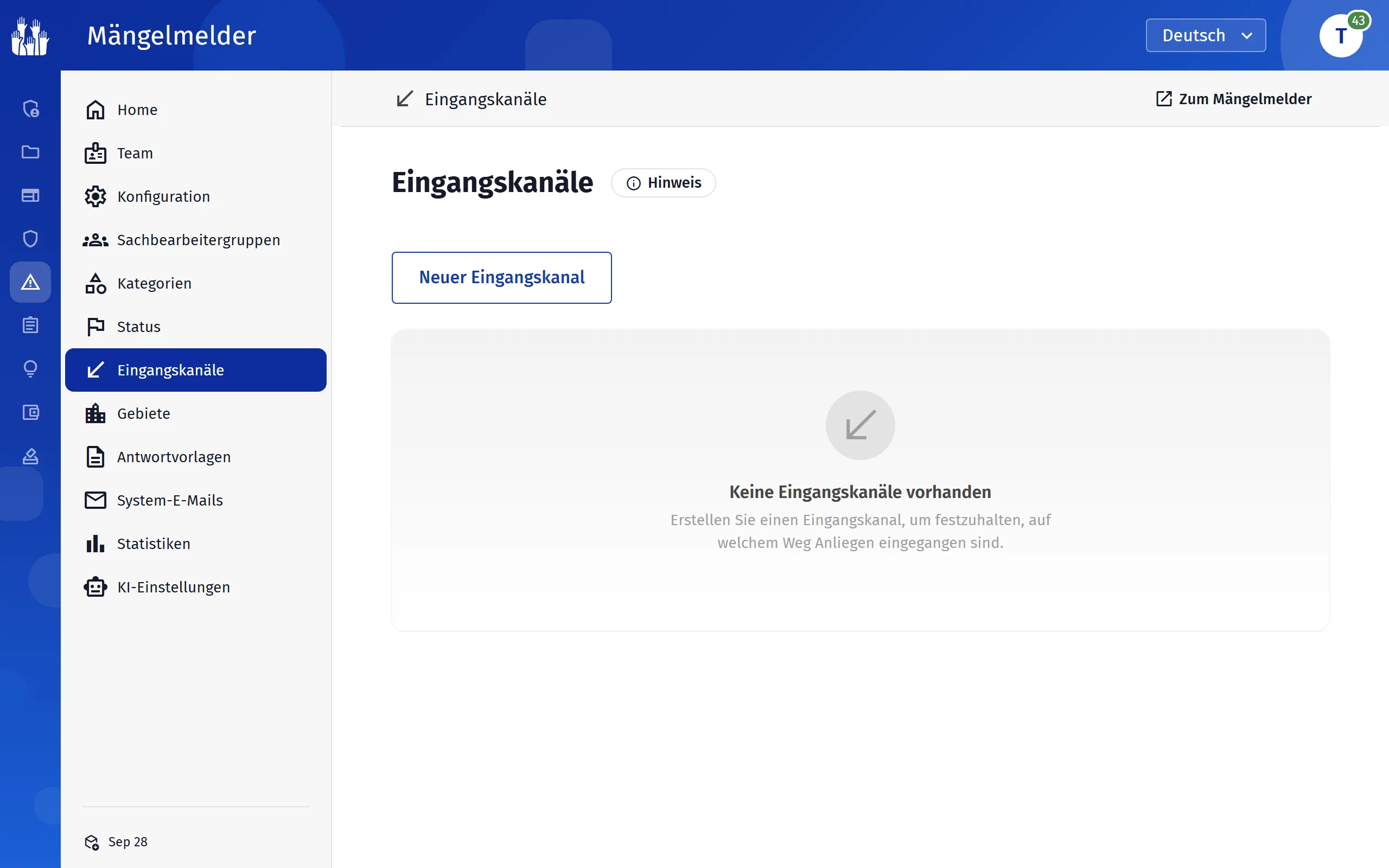
- In Deficiency reports, open “Intake channels” and click “New intake channel”.
- Create the channel for the public form, for example “Platform”, and check “Default channel”.
- Create the other channels, such as “Phone”, “Email” and “Persönlich” (in person).
- Drag and drop them into the order you want.
- Under “Configuration”, on the “Features” tab, turn on “Intake channel required for third-party reports”. Only then does the “New report” form ask for the channel.
The decisions
- Which channel is the default?
- The channel for everything citizens submit themselves. There is only ever one. If none is marked, the first channel in the order is the default.
- Should you turn on the required field?
- With the switch on, whoever records a deficiency report “On behalf of” someone else must state how it came in. With the switch off, these deficiency reports also get the default channel, and the statistics do not tell the channels apart.
Pitfalls
You cannot delete intake channels that still have deficiency reports assigned to them.
The “Intake channel” field only appears if the switch is on and at least one channel exists. Only administrators and deficiency reports administrators can change the switch.