
Reference
Reference
Deficiency reports
Deficiency reports
Intake channels record how a request reached the administration, for example “Platform”, “Phone”, “Email” or “Persönlich” (in person).
Intake channels
Intake channels record how a request reached the administration, for example “Platform”, “Phone”, “Email” or “Persönlich” (in person).
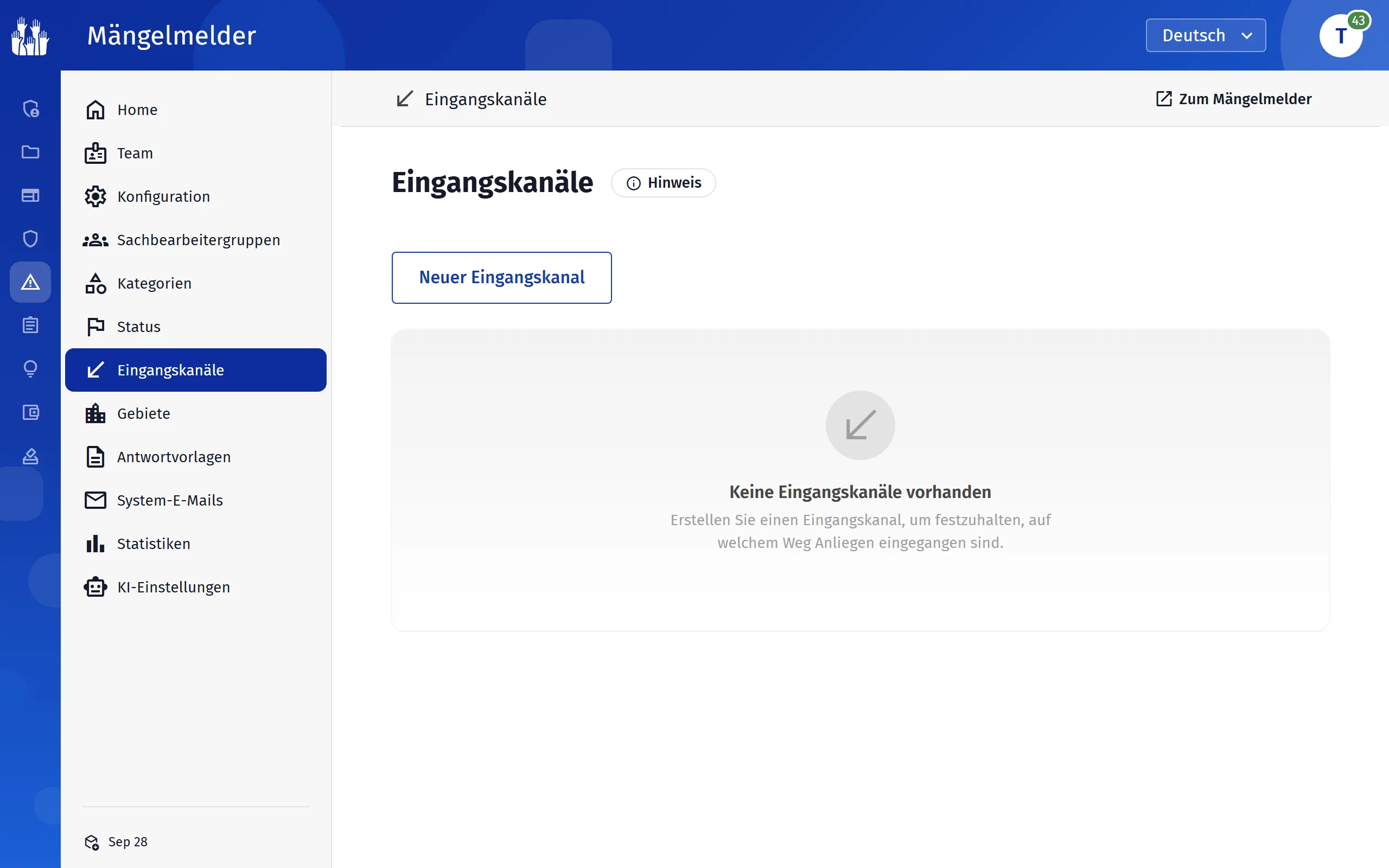
Administrators, deficiency reports administrators, and case officers with “Manage all” see this menu item. Step by step: Set up intake channels
“Intake channels”
The table shows “Name” and “Default”. Use “New intake channel” to create a channel. To change the order of the selection list, drag and drop.
- “Name”
- The name in the selection field. Keep it short and unambiguous.
- “Default channel”
- All deficiency reports for which nobody chose a channel get this channel, especially those from the public form. There is only ever one default channel. The marker moves when you save.
If no channel is marked as the default, the first one in the order applies.
Where the channel matters
- For a deficiency report on behalf of someone else, the “Intake channel” field appears if “Intake channel required for third-party reports” is turned on in the “Configuration”. Then the field is required as soon as “On behalf of” is filled in. Without this switch, the field is missing, and these deficiency reports also get the default channel.
- The table on “Home” has the column “Intake channel” with a filter.
- The “Statistics” show the “Distribution by intake channel” and a separate detail table.
You cannot delete intake channels that still have deficiency reports assigned to them.