
AI in Deficiency reports
Deficiency reports uses AI in two places. It assigns new deficiency reports to a category, and a voice assistant helps fill in the report form.
Both work only if AI is available on your platform. The voice assistant fields appear only after demokratie.today has connected the AI app for you.
Step by step: Use AI in Deficiency reports
AI categorization
You turn it on under “Configuration”, on the “Features” tab, with “AI categorization in the report form”.
- In the public form
- Citizens don’t see the “Category” and “Subcategory” fields. The AI picks both when they submit, based on the title, the description and, if there is one, the photo.
- In the administration area
- Under “New report”, the category fields stay visible. If you leave them empty, the AI assigns a category when you save. If you choose one yourself, your choice stands.
- Uncertain cases
- If the AI isn’t sure enough, or the AI service doesn’t respond, the deficiency report goes into the fallback category. In the administration area, a notice after saving points this out.
AI categorization runs before automatic assignment. So responsibility already follows the category the AI chose.
Category settings
- “AI categorization fallback”
- Use this to mark the category for uncertain cases under “Categories”. There is only ever one. Without a mark, the first category in the order applies.
- “AI categorization hint”
- For each category and subcategory: what belongs in it and, above all, what doesn’t. Only the AI reads this text. Citizens don’t see it.
Most misassignments happen between similar categories. A sentence like “Not: street lamps, they belong under Lighting” helps the AI more than a long description.
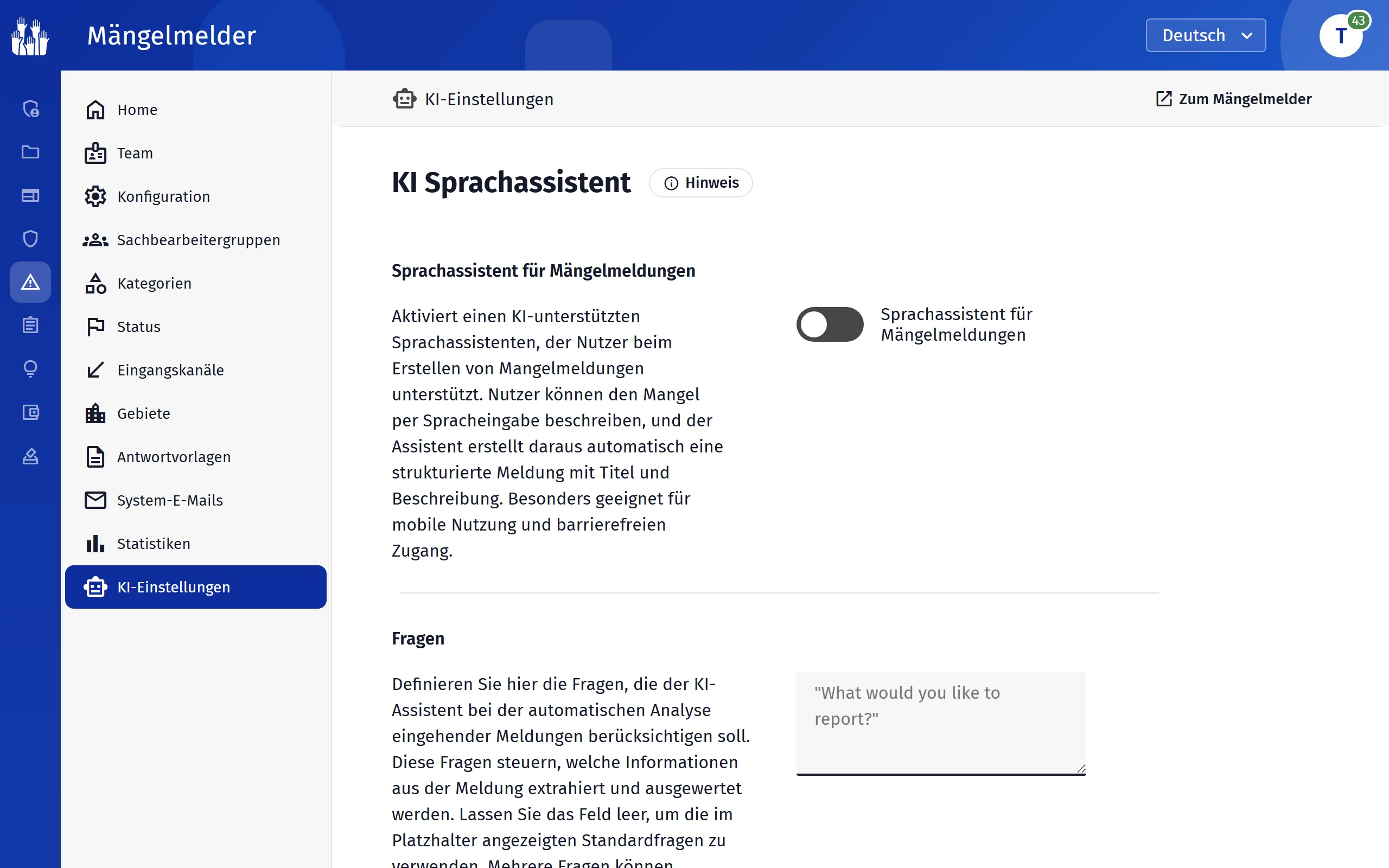
“AI settings”
The menu item opens the “AI voice assistant” page.
- “Voice assistant for deficiency reports”
- Shows the voice assistant in the public report form. You find the same switch on the “Features” tab.
- “Questions”, “Criteria”, “Closing remarks”
- Control the voice assistant. Empty fields use the defaults shown as placeholders in the field. Use “Save” to apply your texts.
If the AI app isn’t connected, the page shows “The AI app is not connected”. In that case, contact your demokratie.today contact.
Administrators, deficiency reports administrators and case officers with “Manage all” see the menu item. Only administrators and deficiency reports administrators can change the switch.