
Reference
Reference
Deficiency reports
Deficiency reports
Under “Team”, you decide who handles deficiency reports. Under “Officer groups”, you combine these people into offices or teams.
Team and groups
Under “Team”, you decide who handles deficiency reports. Under “Officer groups”, you combine these people into offices or teams.
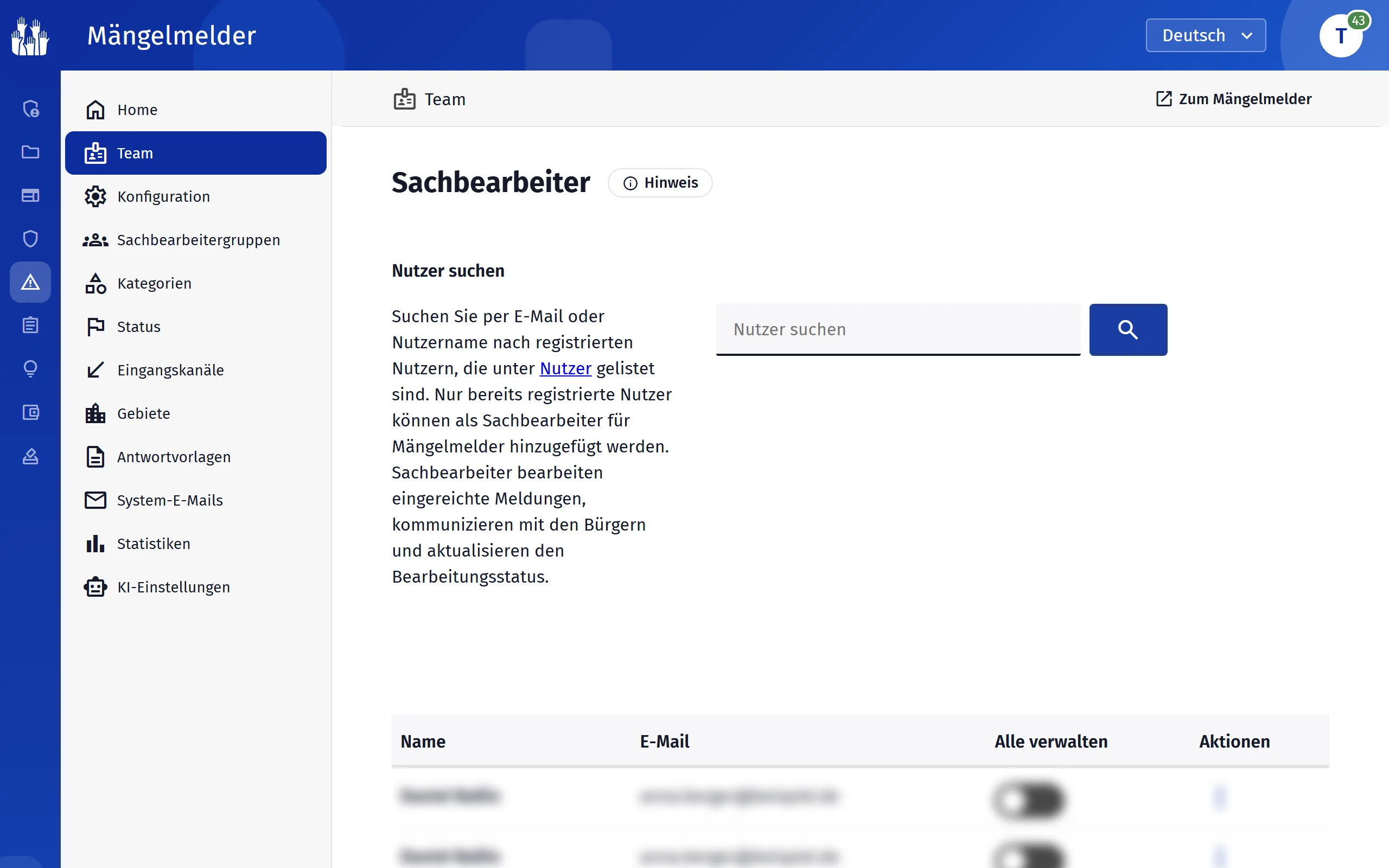
Administrators, deficiency administrators and case officers with “Manage all” see both menu items. Step by step: Create case officers and groups
“Team”
The page is called “Officer” and lists all case officers with “Name”, “Email” and “Manage all”.
- “Search users”
- Enter the full email address of a registered account. In the result, click “Add”.
- “Manage all”
- The switch for each person. They then see all deficiency reports and almost all menu items, like a deficiency administrator.
- “Delete”
- Removes the case officer role from the person. Their user account stays.
The search does not find a user name or part of an address, even though the hint text suggests it does. There is no invitation by email here.
“Officer groups”
With “New officer group”, you create a group.
- “Name”
- Appears in all selection lists for responsibility, for example “Civil engineering office”. Citizens do not see it.
- “Default email”
- A shared address, ideally a functional address like tiefbau@stadt.de.
- “Officer”
- The members. You can only choose people who are already listed under “Team”.
Who receives a group’s emails?
- When a deficiency report is assigned to the group, each member gets an email. If the group has a “Default email”, an email also goes to that address.
- If “Officer groups only for assignment” is on and the group has a “Default email”, the message goes only to that address.
- Reminders about overdue deficiency reports go to each member, not to the “Default email”.
Comparing the roles
- Case officers Handle deficiency reports. If “Required assignment to officer” is on, they handle only the reports assigned to them or their group.
- Case officers with “Manage all” See and change all deficiency reports, and create categories, statuses and the team. Instead of individual reminders, they get a daily overview of all overdue deficiency reports.
- Deficiency administrators The administrator assigns this role. They get an email for every new deficiency report from the public form.
Case officers with “Manage all” cannot open “System emails”. They can see the switches and texts under “Configuration”, but they can only change the “Confirmation popup” there.