
Guides
Guide
Deficiency reports administration
Deficiency reports administration
You want to decide who handles deficiency reports and group the people into departments or teams.
Create case officers and groups
Your goal
You want to decide who handles deficiency reports and group the people into departments or teams.
Open “Team” (team)
What you need
- The people have a user account on the platform.
- You are an administrator, a deficiency reports administrator, or a case officer with “Manage all”.
How it works
- In Deficiency reports, open “Team” (team).
- Under “Search users”, enter the person’s full email address and click “Add” in the result.
- If needed, turn on “Manage all”.
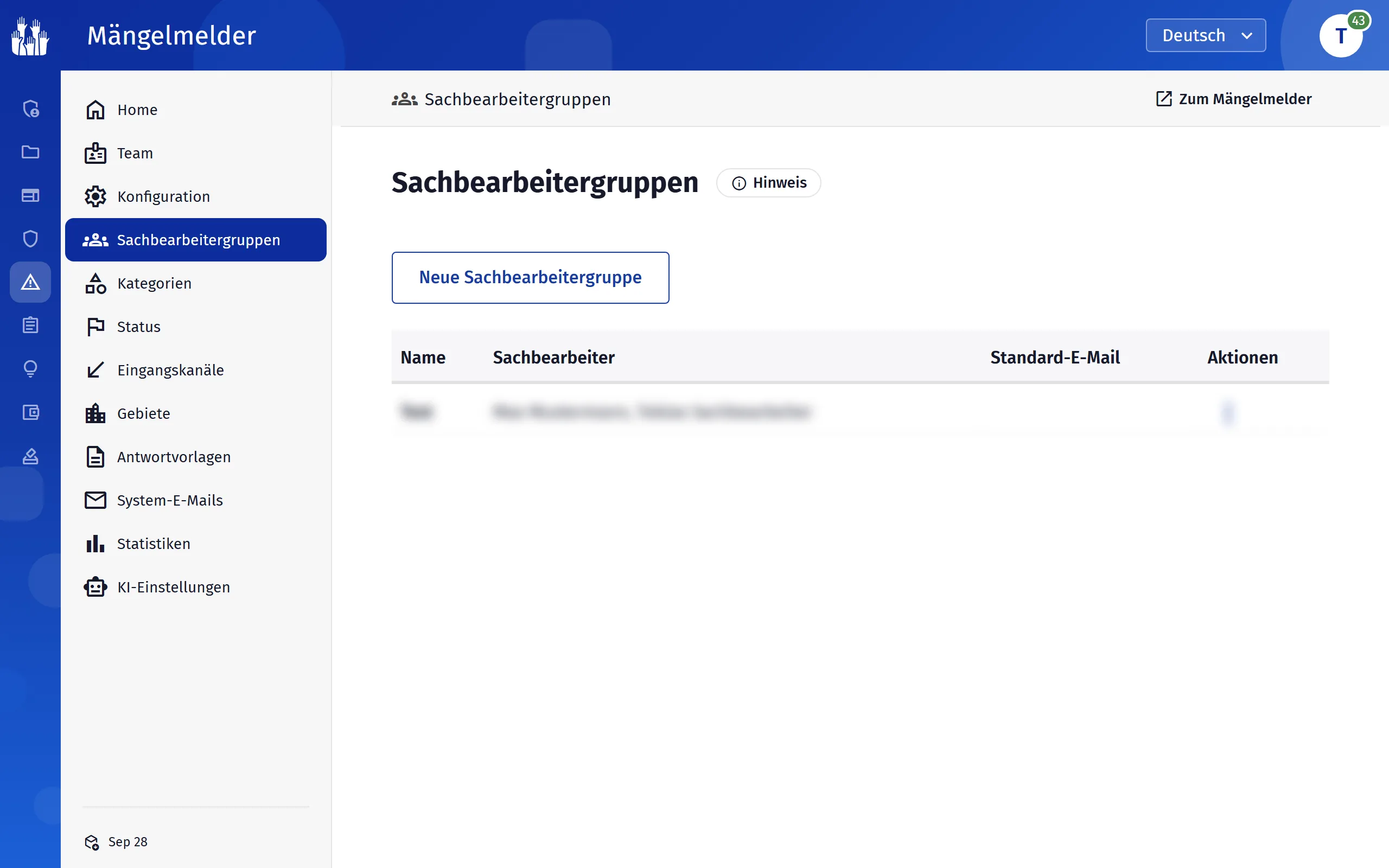
- Open “Officer groups” and click “New officer group”.
- Enter a “Name” and a “Default email”, and check the members under “Officer”.
- Save the group. Then set the responsibilities.
The decisions
- Person or group?
- All members may handle a deficiency report assigned to a group, and the email goes to all of them. If a person changes, you only change the members, not every responsibility.
- Who gets “Manage all”?
- Whoever keeps the overview in Deficiency reports. These people see all deficiency reports, create categories, statuses, and the team, and receive the daily overview of overdue reports.
- Which “Default email”?
- Ideally a functional address like tiefbau@stadt.de, so the messages arrive regardless of individual people.
Common pitfalls
The search only finds the full email address of an existing account. It does not find usernames or parts of the address. There is no invitation by email here.
You can only add people to a group who are already listed under “Team”. So create the case officers first, then the groups.
If “Officer groups only for assignment” is turned on and the group has a “Default email”, the assignment email goes only to that address, not to the members.
You do not create deficiency reports administrators here. The administrator assigns that role.