
Guides
Guide
Deficiency reports administration
Deficiency reports administration
Citizens can assign their concern to a topic, and every topic reaches the right office.
Create categories and subcategories
Your goal
Citizens can assign their concern to a topic, and every topic reaches the right office.
Open “Categories”
What you need
- You are an administrator, deficiency reports administrator or case officer with “Manage all”.
How to do it
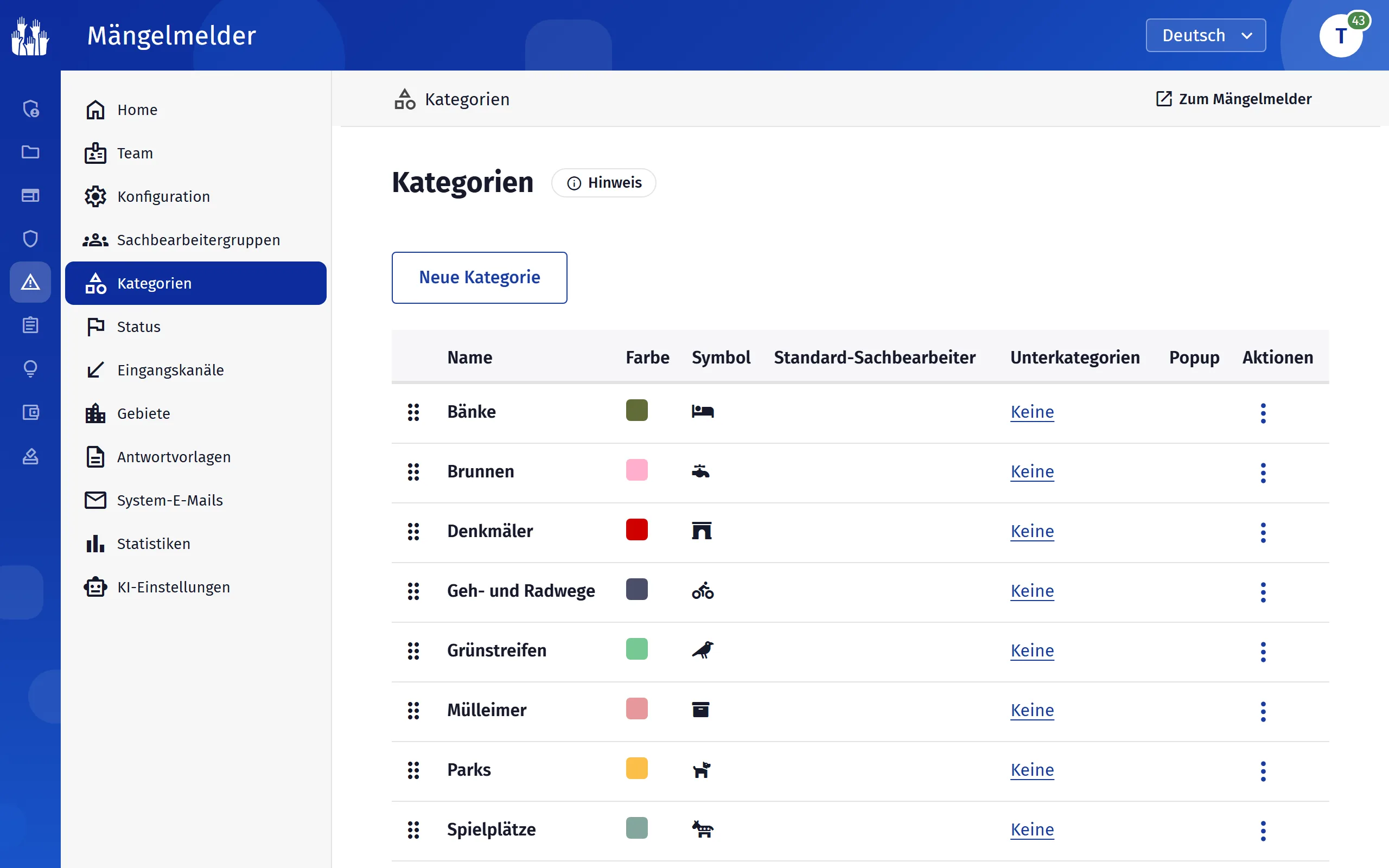
- In Deficiency reports, open “Categories” and click “New category”.
- Enter a “Name” and choose “Color” and “Icon”.
- Under “Default officer”, choose a group or person.
- If needed, enter a note under “Popup” (pop-up) that citizens see when they choose this category. Save.
- In the category’s row, click “Manage subcategories”, then “New subcategory”.
- Enter a “Name”, and if needed a separate “Default responsibility”, and save.
- Use drag and drop to put categories and subcategories in the order you want them to appear in the report form.
The decisions
- How detailed should the structure be?
- The category is the topic, the subcategory is the specific case, for example “Potholes” under “Road damage”. Choose names that people understand without background knowledge.
- Responsibility on the category or the subcategory?
- The subcategory takes priority if it has its own “Default responsibility”. Without an entry, the category’s responsibility applies. The responsibility of the area comes before both.
- Use the pop-up?
- Use it for cases that belong elsewhere, for example a different reporting channel. The window appears right after the selection.
Pitfalls
You cannot delete categories and subcategories that already have deficiency reports assigned to them. Rename them instead.
Responsibility is determined only when a deficiency report is created. If you later change the responsibility of a category, existing deficiency reports stay where they are.
If AI categorization is turned on, citizens do not see the category fields. Then the “AI categorization hint” and the fallback category apply. Use AI in Deficiency reports