
Guides
Guide
Deficiency reports administration
Deficiency reports administration
Recurring cases get answered quickly and consistently.
Create response templates
Your goal
Recurring cases get answered quickly and consistently.
Open “Response templates”
What you need
- You are registered as a case officer in Deficiency reports, or you manage Deficiency reports.
How to do it
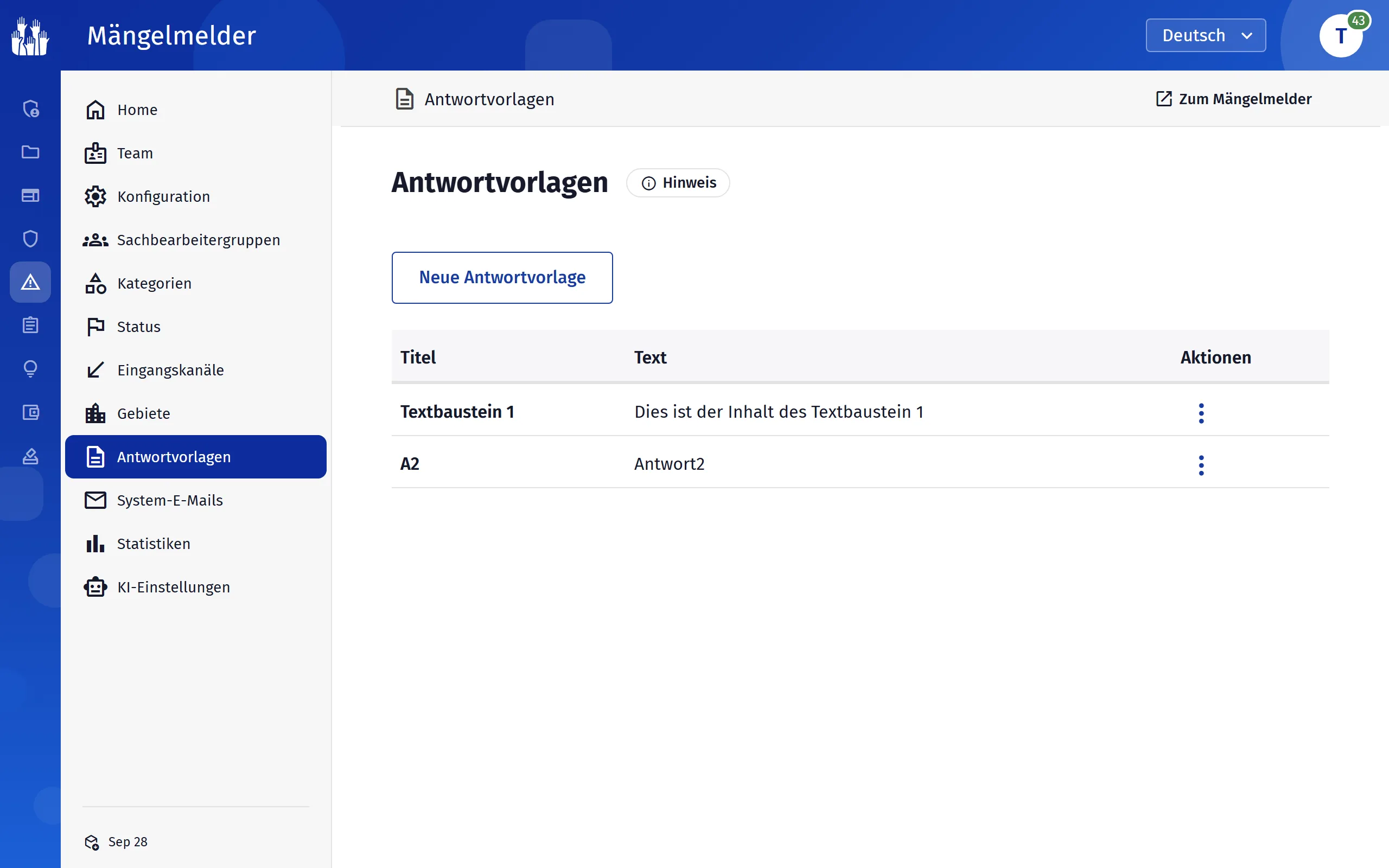
- In Deficiency reports, open “Response templates” and click “New response template”.
- Enter a “Title”, for example “Standard response: road damage”.
- Under “Text” (text), write the response as it should appear publicly. Save.
- Check the template in a deficiency report: In the “Official response” section, it is now available under “Response template”.
The decisions
- How general should it be?
- General enough that the template fits without changes, with one spot for case officers to fill in. You can edit the text after inserting it.
- How many templates?
- One per frequent case. The “Title” appears in the selection list, so it should name the case clearly.
Pitfalls
The official response is public. Internal remarks do not belong in a template. Put them in the “Internal notes” of the deficiency report.
Inserting a template replaces the entire text in the response field. If you write your own text first and then choose a template, you lose it.