
Guides
Guide
Deficiency reports administration
Deficiency reports administration
You want to define the processing statuses, notify the people who report at every status change, and have stalled deficiency reports chased up.
Set up statuses and reminders
Your goal
You want to define the processing statuses, notify the people who report at every status change, and have stalled deficiency reports chased up.
Open “Statuses”
What you need
- You are an administrator, deficiency reports administrator or case officer with “Manage all”.
How to do it
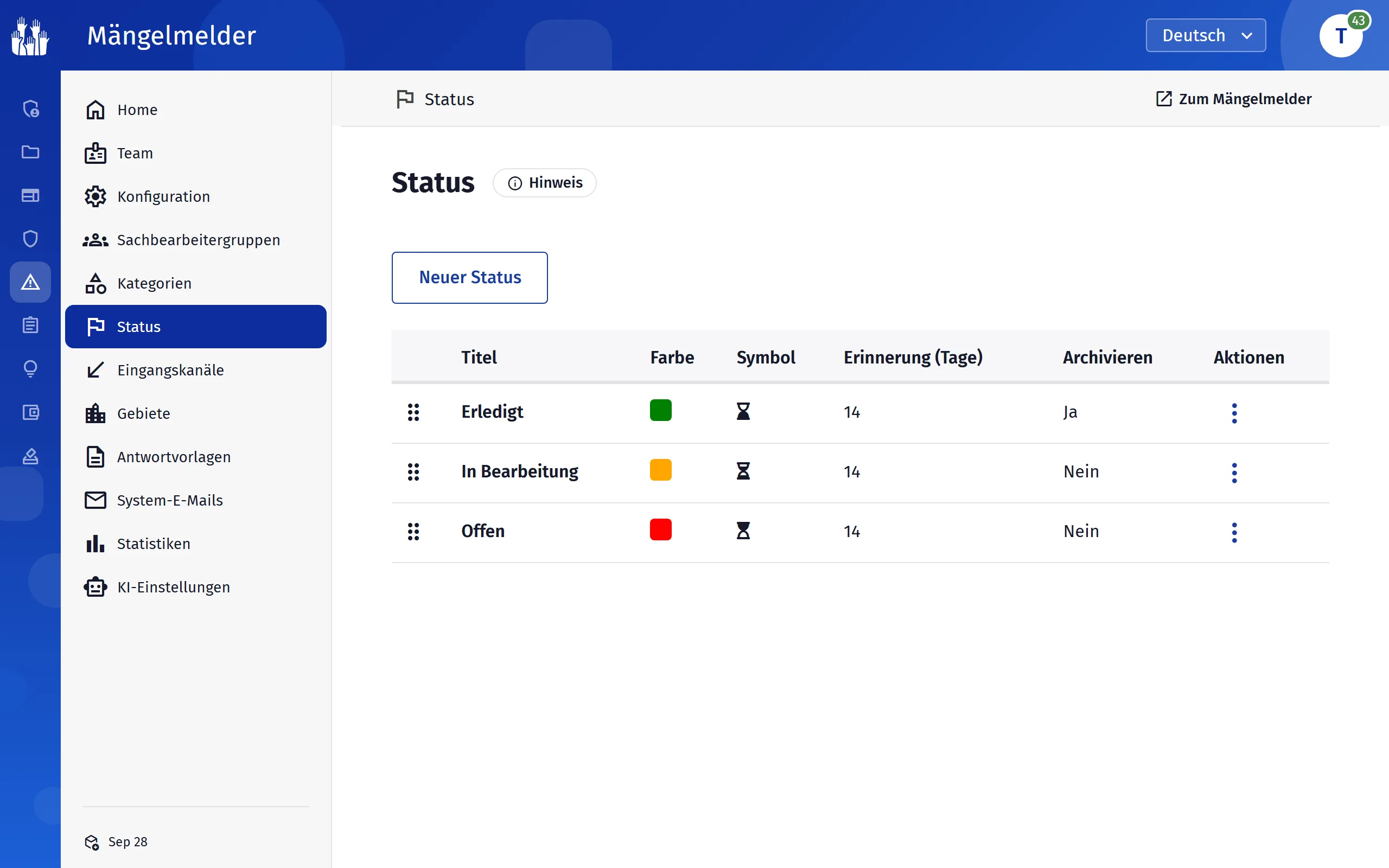
- In Deficiency reports, open “Statuses” and click “New status”.
- Enter “Title” and “Explanation” and choose “Color” and “Icon”.
- Under “Reminder (days)”, enter a deadline. If the field is empty or says 0, there is no reminder.
- Check “Archive” if it is a final status such as “Done”.
- Write the “Email notification text” that the person who reported receives when a deficiency report moves to this status. Save.
- Put the statuses in order by drag and drop. The top one is the initial status of every new deficiency report.
The decisions
- Which statuses?
- At least one initial status at the top, one or more intermediate statuses and a final status with “Archive”. Citizens see the title.
- Which reminder period?
- For example, 5 for an intermediate status: Five days after assignment or status change, the platform reminds the people responsible, as long as there is no official reply. Final statuses get no reminder.
- What goes in the notification text?
- What the new status means for the person, for example “We have passed your deficiency report on to the public works depot.”
Pitfalls
Every status change sends an email to the person who reported, even without an “Email notification text”. An empty field does not stop the email.
Deficiency reports in a status with “Archive” are archived seven days after the change. The “Closed” metric on “Home” (home page) counts them.
Statuses that still have deficiency reports assigned cannot be deleted. The top status is also the one the “Statistics” count as “Open”.