
Guides
Guide
Deficiency reports administration
Deficiency reports administration
You want to know how satisfied people were with how their deficiency report was handled.
Collect feedback from people who report
Your goal
You want to know how satisfied people were with how their deficiency report was handled.
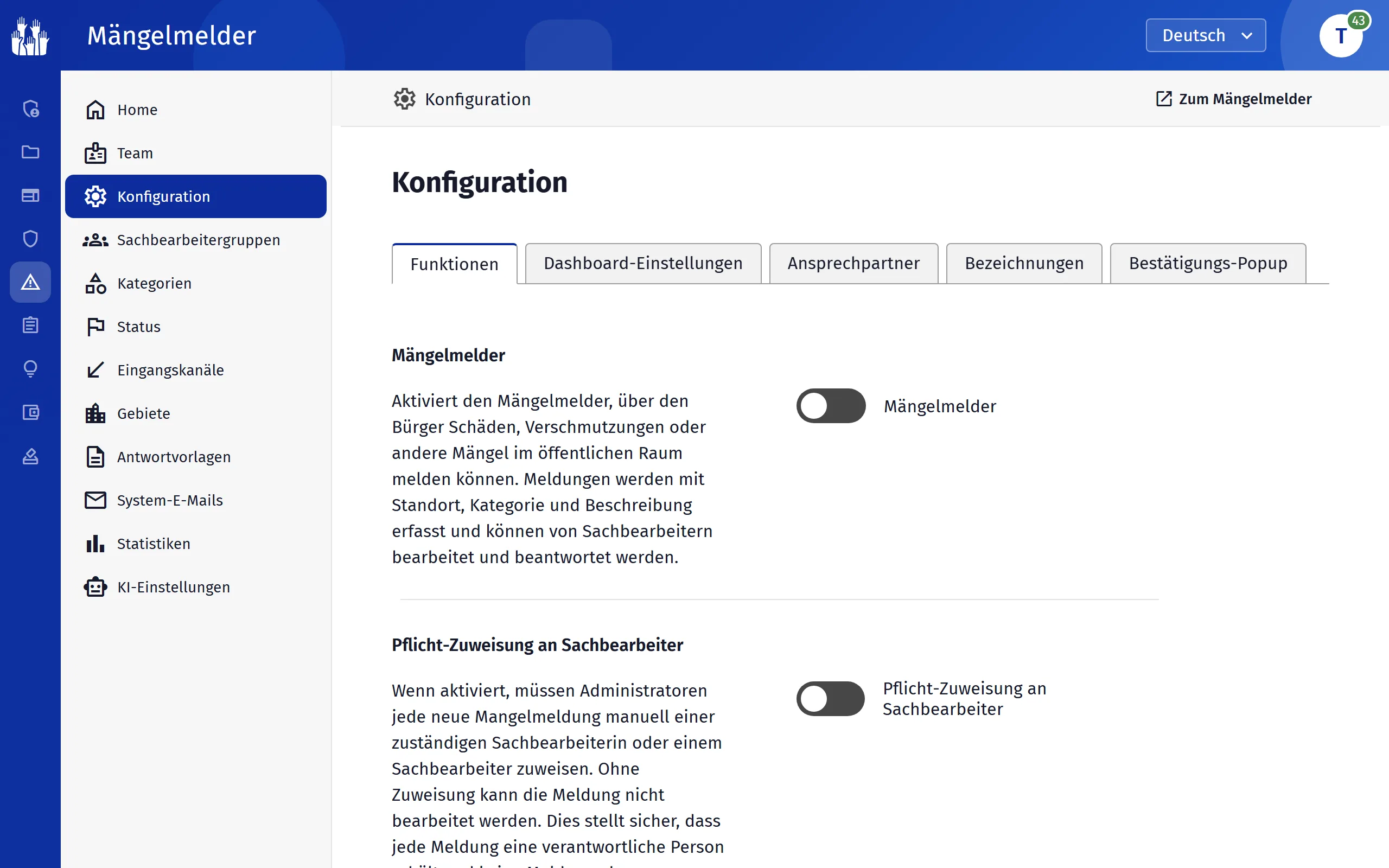
Open “Configuration”
What you need
- You are an administrator or a deficiency reports administrator.
- There is at least one status with “Archive”.
How it works
- In Deficiency reports, open “Configuration”, go to the “Features” tab, and turn on “Send feedback form”.
- If needed, adjust the “Deficiency report feedback request” under “System emails”.
- From now on, the person who reported receives an email with the link to the form 24 hours after the deficiency report moves to a status with “Archive”.
- You can see individual answers in the “Feedback” tab of the deficiency report.
- The averages are under “Statistics” in the “Satisfaction” section, and in the detail tables by category, case officer, and input channel.
What the form asks
The first three questions are ratings up to 5. Only the first one is required.
- How satisfied the person is with how the deficiency report was handled.
- How they rate the response time.
- How polite and helpful the contact was.
- Whether their request was fully resolved, answered with “Yes” or “No”.
- What they liked and what could be improved, each as free text.
Common pitfalls
Each deficiency report can be rated only once, and only by the person who submitted it.
If someone records a deficiency report for another person and gives no email address, the person who recorded it is the author. The feedback request then goes to them, not to the other person.