
Guides
Guide
Deficiency reports administration
Deficiency reports administration
New deficiency reports land in the right category automatically, and reporters can submit them with a voice assistant.
Use AI in Deficiency reports
Your goal
New deficiency reports land in the right category automatically, and reporters can submit them with a voice assistant.
Open “Configuration”
What you need
- AI is available on your platform.
- You are an administrator or a deficiency reports administrator.
How to do it
- Under “Categories”, open each category and enter an “AI categorization hint”. Do the same for the subcategories.
- For one category, select “AI categorization fallback”, for example “Other”. Unclear cases land here.
- Under “Configuration”, tab “Features”, turn on “AI categorization in the report form”.
- Submit a test deficiency report and check on “Home” which category it received.
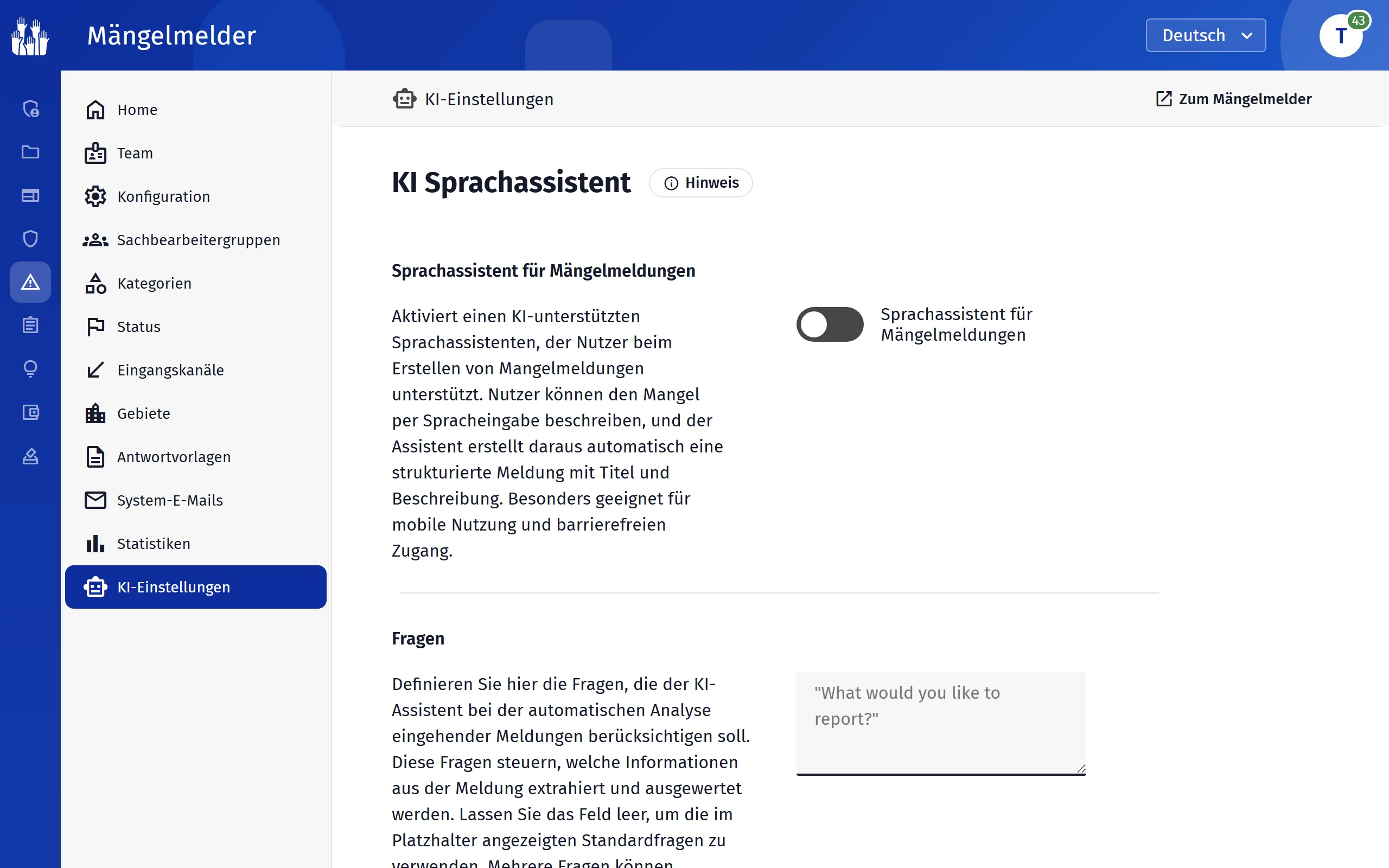
- For the voice assistant, open “AI settings” and turn on “Voice assistant for deficiency reports”.
- If needed, adjust “Questions”, “Criteria” and “Closing remarks”, then click “Save”.
The decisions
- AI or selection by the reporters?
- With AI categorization, citizens no longer choose a category. The AI decides based on the title, description and photo. Without it, reporters choose the category themselves.
- What belongs in the categorization hint?
- One or two sentences on what belongs in the category and what does not. For example: “Damage to roads, sidewalks and bike paths. Not: street lights, which belong under Lighting.”
- Which fallback category?
- One that someone reviews and corrects regularly. If you do not select one, the platform uses the first category in the order.
Common pitfalls
The AI decides before the automatic assignment. A wrong category therefore also leads to the wrong responsibility. Check the fallback category regularly.
In the “New report” form, the category fields stay visible. Anyone who chooses a category themselves bypasses the AI.
If “AI settings” shows no fields, but “The AI app is not connected”, contact your demokratie.today contact person.