
Record a deficiency report for someone
Your goal
You want to enter a concern that reached you by phone, email, or in person.
Open “New report”
What you need
- You are an administrator, deficiency reports administrator, or case officer with “Manage all”.
How to do it
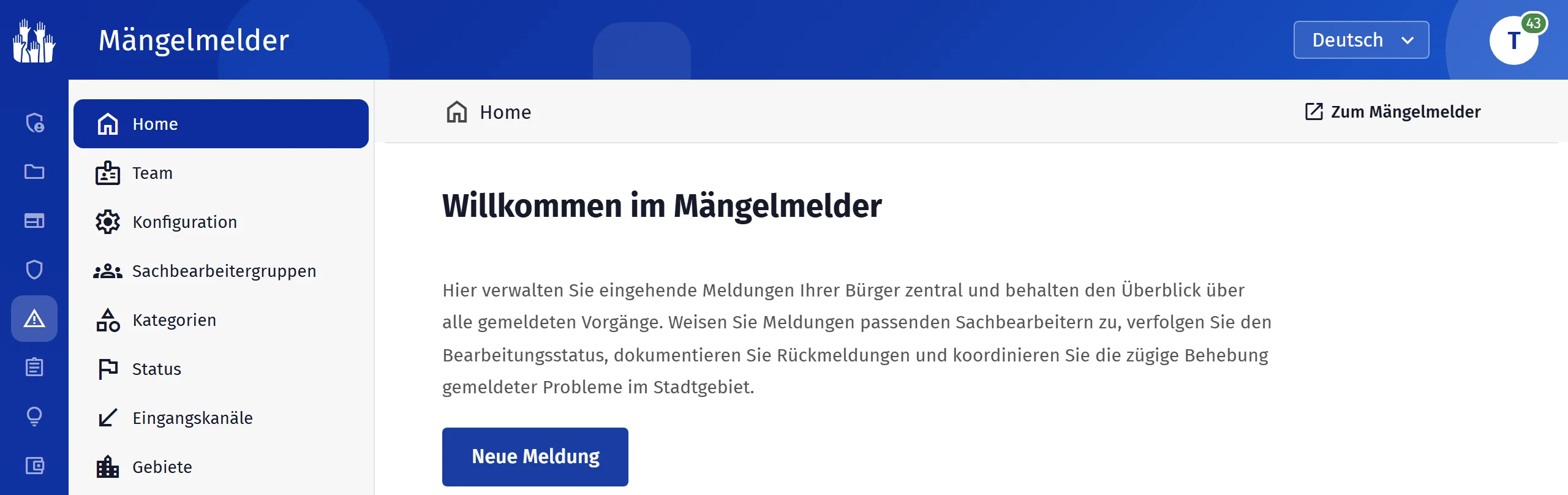
- On “Home”, click “New report”.
- Enter “e.g. Broken street light on Main Street” and “Description”.
- Under “On behalf of”, enter the person’s name. If needed, enter “Company” and “Email address”.
- Select the “Intake channel” if the field appears.
- Select a “Category” and, if offered, a “Subcategory”. Set the location on the map if it is shown.
- Click “Save”. The deficiency report gets the top status and is assigned automatically.
The decisions
- With or without an email address?
- With an address, the deficiency report is linked to the person’s account. If there is no account yet, the platform creates one and sends a confirmation email. Without an address, the deficiency report stays assigned to you.
- Choose the category yourself or leave it to the AI?
- If AI categorization is active, you can leave the category empty. The AI assigns it when you save. Where it can’t do so reliably, the deficiency report lands in the fallback category.
Pitfalls
When you save, the platform notifies the people who are automatically responsible. Only the person you record the deficiency report for receives a confirmation of receipt, and only if you enter an email address. Without an address, no confirmation of receipt is sent.
Without an email address, you are the author of the deficiency report. The emails for every status change then go to you, not to the person.
If “Intake channel required for third-party reports” is turned on, the platform saves the deficiency report only with an “Intake channel”. Without this switch, it gets the default channel.
The “Company” is saved in the profile of the linked account, not on the deficiency report. It is only applied if the profile has no company yet.
The form shows only the fields that are turned on under “Configuration”, for example “Cover image”, “Documents” or the map.