
Guides
Guide
Case officers in Deficiency reports
Case officers in Deficiency reports
You want to close a completed deficiency report so it is archived and the person who reported it is asked for feedback.
Close a deficiency report
Your goal
You want to close a completed deficiency report so it is archived and the person who reported it is asked for feedback.
Open Deficiency reports
What you need
- You are allowed to edit the deficiency report.
- A status with “Archive” exists, for example “Done”.
Steps
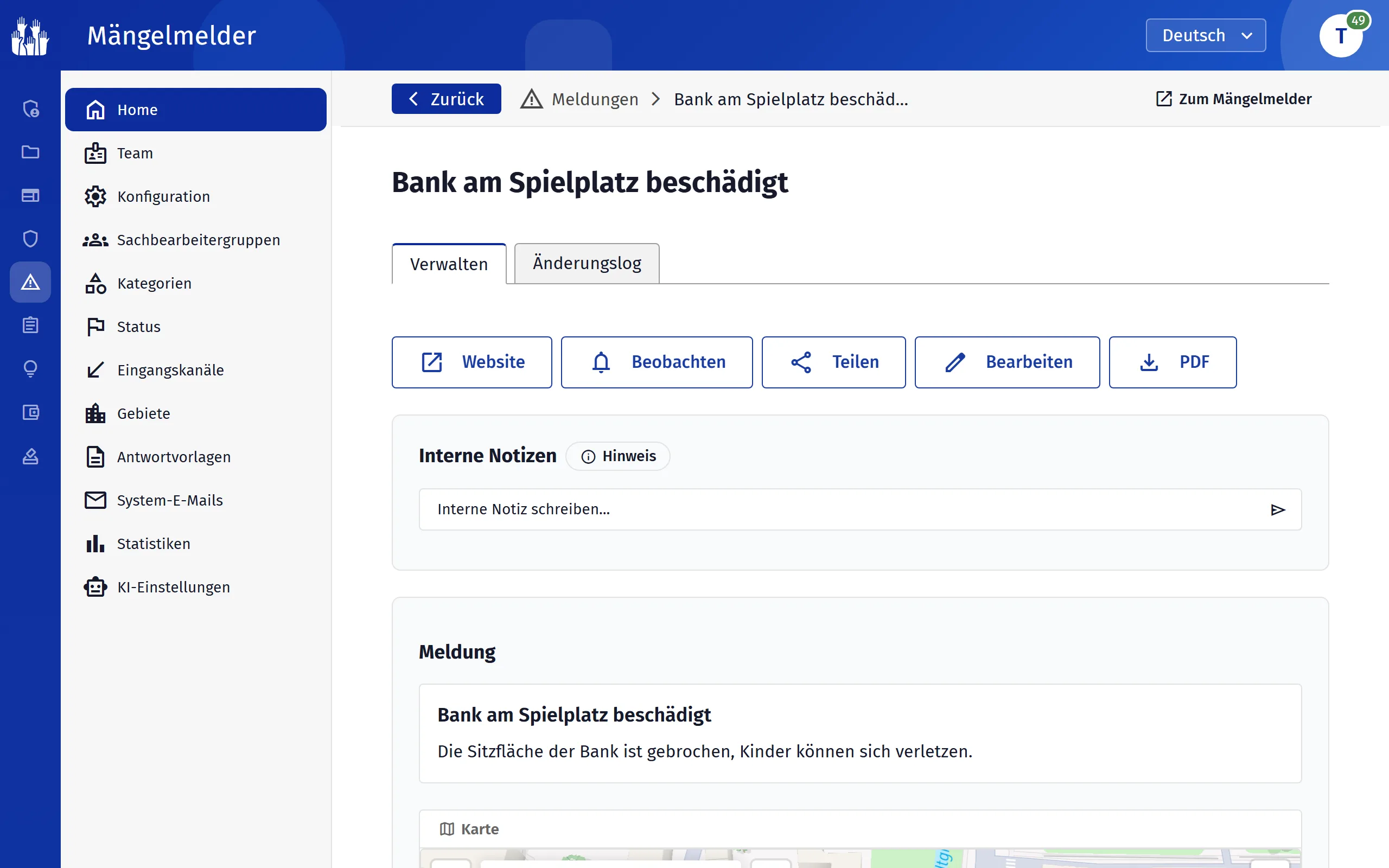
- Open the deficiency report.
- If needed, write an official reply, for example what was done, and save it.
- In the “Administration” section under “Statuses”, choose the final status and click “Save”.
What happens next
- The person who reported it gets an email about the new status right away.
- If “Send feedback form” is turned on, they get the link to the feedback form 24 hours later.
- Seven days after the status change, the platform archives the deficiency report automatically overnight.
- There are no more reminders for this deficiency report.
The decisions
- Which final status?
- Any status with “Archive” closes the report, such as “Done” or “Rejected”. The Deficiency reports administration sets which statuses exist.
- Reply first, then close?
- Yes. The email about the status change links to the deficiency report, and your reply is already there. When you save a new or changed reply, the person who reported it also gets a separate email with the text of the reply. This does not apply if you entered the report on behalf of someone else or if there is no email address.
Pitfalls
It takes seven days until the report is archived. If you set a different status during this time, the deficiency report stays active.
Archived deficiency reports disappear from the default view of the table and from the public overview. To find them, use the “Archive” filter with “Archived”.
The person’s feedback then appears in the “Feedback” tab of the deficiency report. Each deficiency report can only be rated once.