
Guides
Guide
Case officers in Deficiency reports
Case officers in Deficiency reports
You want to stay informed about changes to a deficiency report or bring in colleagues without giving up responsibility.
Share and watch a deficiency report
Your goal
You want to stay informed about changes to a deficiency report or bring in colleagues without giving up responsibility.
Open Deficiency reports
What you need
- You are registered as a case officer in Deficiency reports and are allowed to read the report.
How to do it
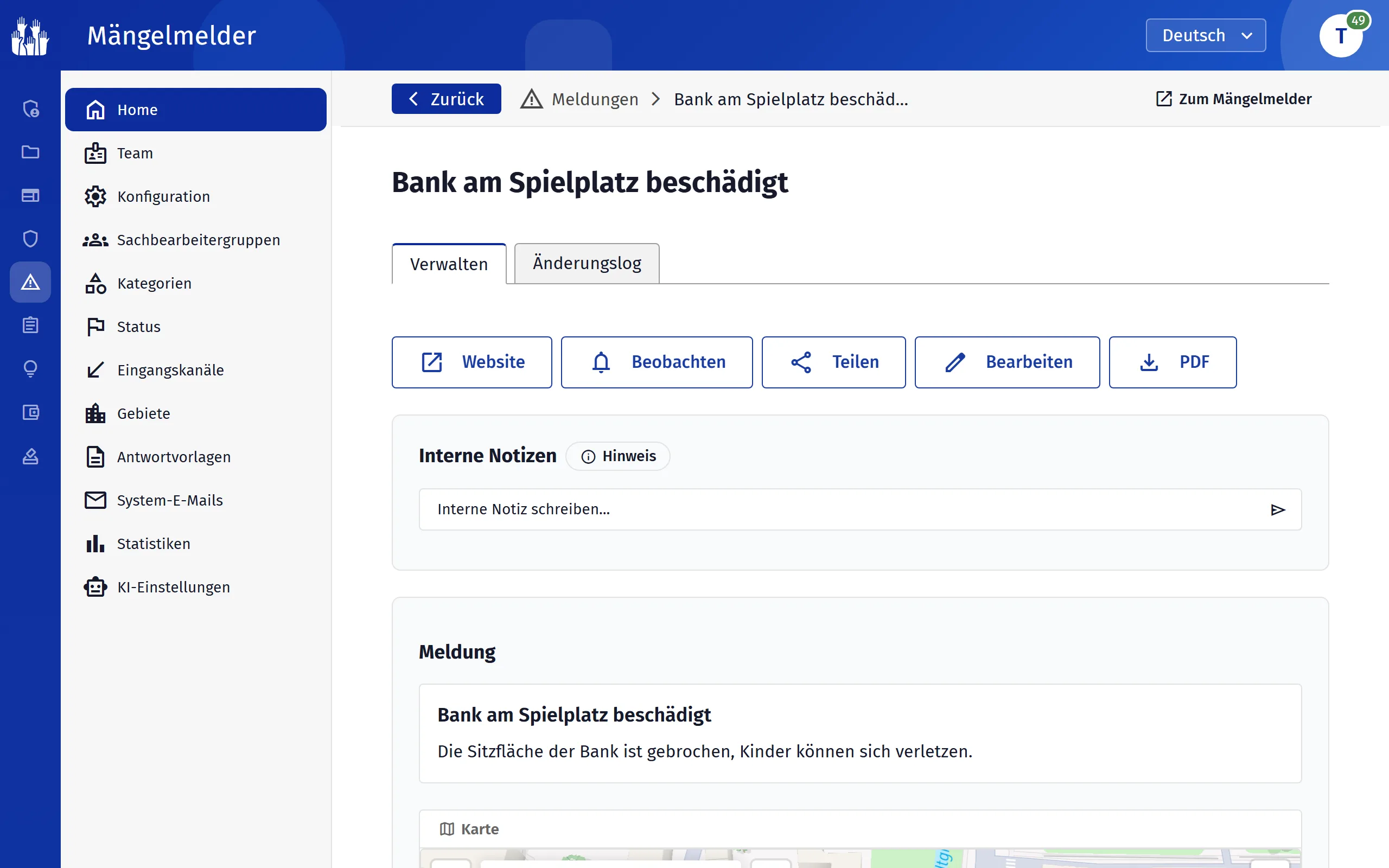
- Open the deficiency report.
- Click “Watch” at the top to get emails about every change. A second click turns this off.
- Click “Share” to bring in others. “Share report” opens.
- Under “Officer groups” or “Case workers”, check the recipients.
- Click “Share”. The recipients get an email and watch the report from then on.
The decisions
- Watch or assign?
- Watching only informs. Responsibility stays where it is. If someone should handle the report, assign it under “Officer”.
- Why share?
- Anyone who watches a report can also read it and write internal notes, even if it would otherwise be hidden from them. This is how you bring in another department for a follow-up question, for example.
Common pitfalls
If you share with a group, every single member watches the report. The group’s “Default email” gets no message.
Watchers get emails for a new assignment, a new status, a changed official reply and a new internal note. The emails do not notify you of your own changes.
The share email contains a link that recipients can use to unsubscribe from notifications. If the report is otherwise hidden from them, they also lose access.
The bell in the “Watching” column on “Home” also turns watching on and off.