
Guides
Guide
Case officers in Deficiency reports
Case officers in Deficiency reports
You want to record questions, agreements and decisions about a deficiency report without citizens seeing them.
Use internal notes
Your goal
You want to record questions, agreements and decisions about a deficiency report without citizens seeing them.
Open Deficiency reports
What you need
- You are registered as a case officer in Deficiency reports and are allowed to read the deficiency report.
How it works
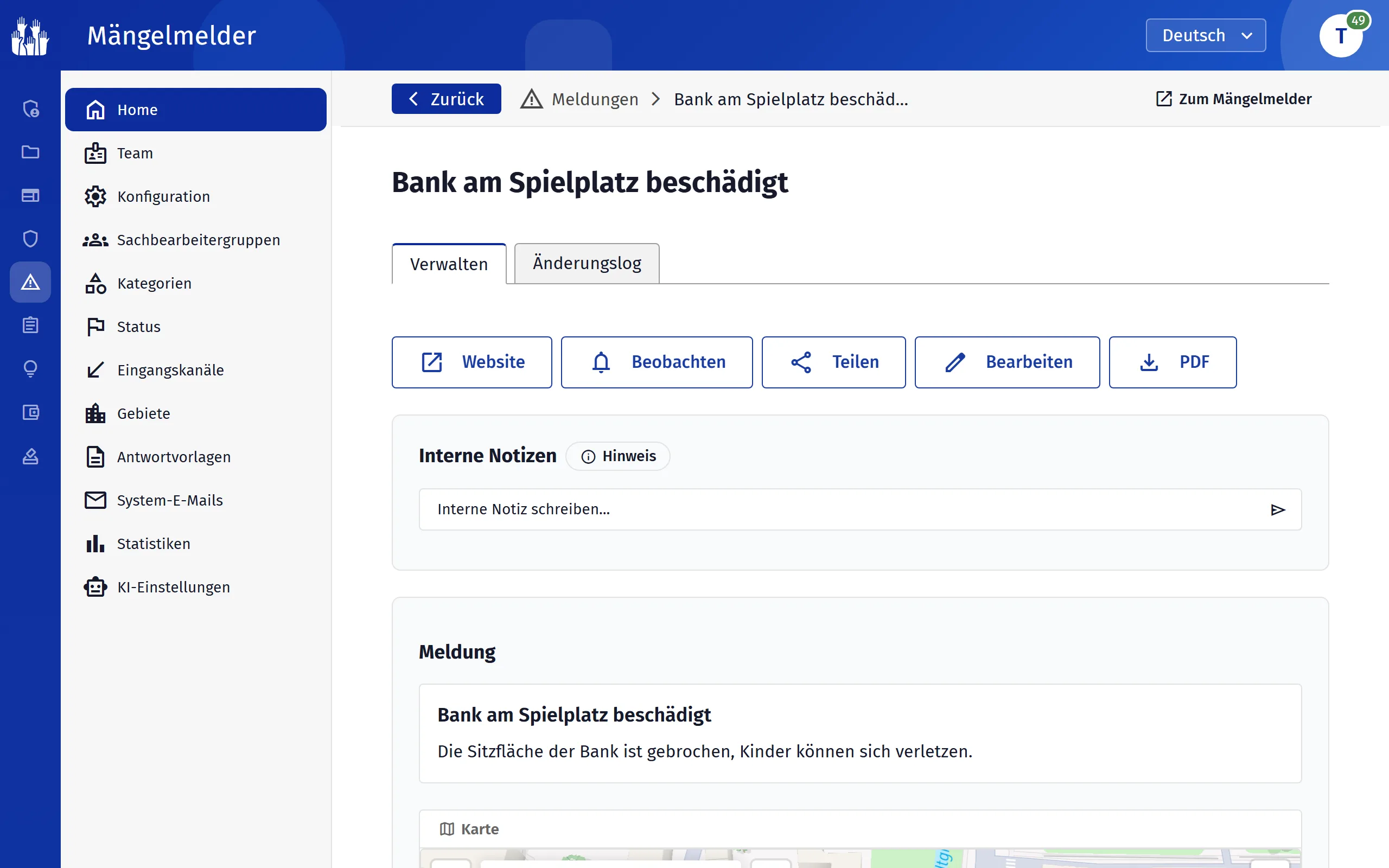
- Open the deficiency report. The “Internal notes” section is at the top of the detail page. Above it is the note “Zu: ” (to:) followed by the title of the deficiency report.
- Type in the “Write an internal note…” field and click “Create note”. Press Ctrl or Cmd plus Enter to be faster.
- To reply to a note, click “Answers” below it, type your text and click “Send reply”.
- If you want colleagues to receive the note by email, click “Send notification” on your own note. It then shows “Notified”.
The decisions
- Note or official reply?
- Only people in the administration area who are allowed to open the deficiency report can see notes. Anything the person who filed the report should know belongs in the official reply.
- Send a notification or not?
- Every new note is emailed anyway to everyone who watches the deficiency report. “Send notification” also emails all administrators and the responsible case officers.
Common pitfalls
“Send notification” works only once per note and only on your own notes. You can also delete only your own notes, using “Delete”.
You can also write internal notes on deficiency reports that you are only allowed to read, for example because they were shared with you.