
Guides
Guide
Citizens
Citizens
You want to know what your municipality is planning in your district or on a topic, and how far along it is.
Find the administration's plans
Your goal
You want to know what your municipality is planning in your district or on a topic, and how far along it is.
Municipal plans are only available if your municipality has turned them on. You do not need an account.
How it works
- Open “Municipal plans”.
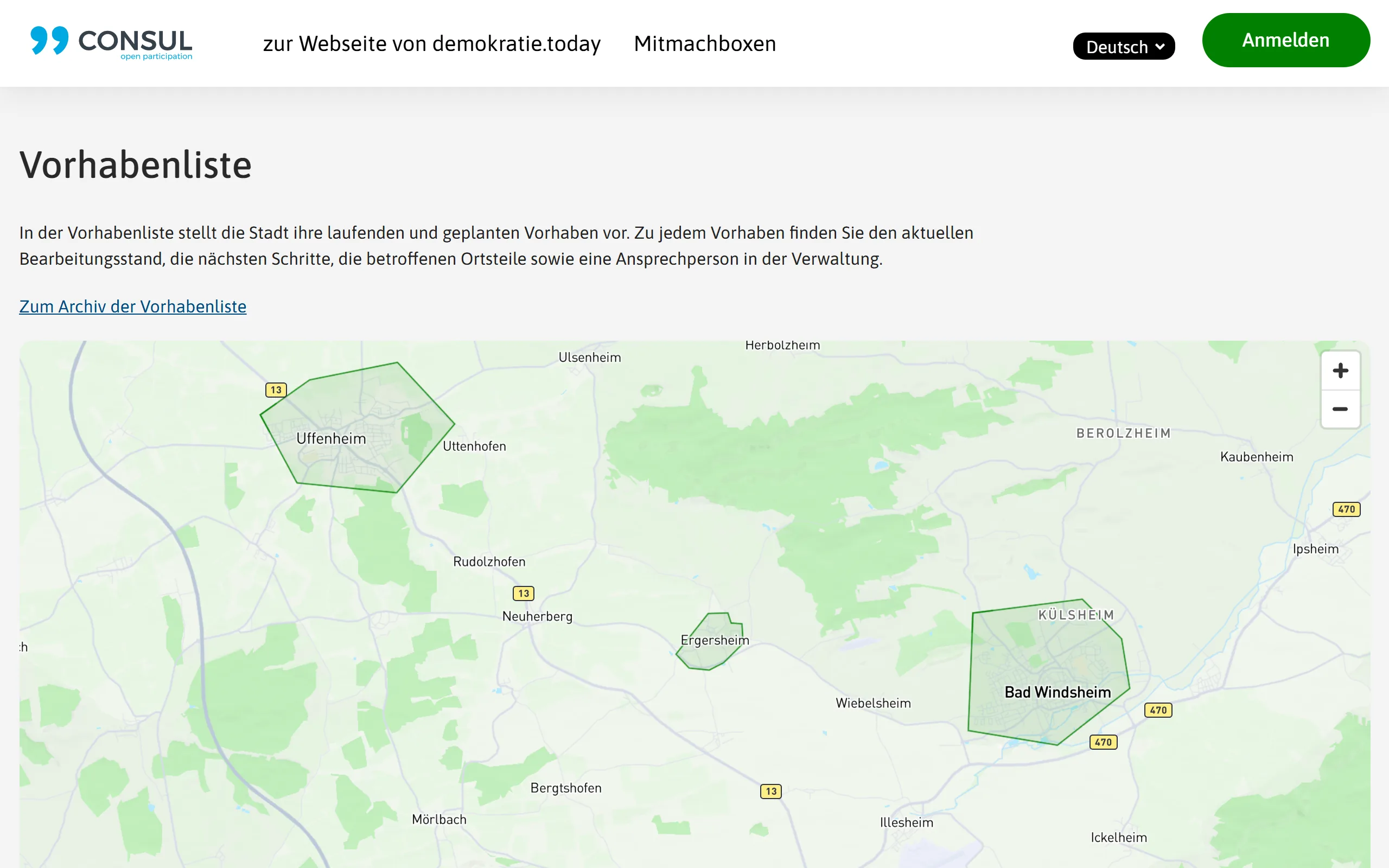
- In the sidebar, under “District” or “Topic”, check the boxes for what interests you. The list reloads with every box you check. On the map, you can also select a district by clicking it.
- If you like, use the search field to look for a keyword.
- Open a plan. Under “Where does the plan stand?” you see the latest decision, the current status and the next steps.
- If you have a question or a note, click “Submit a notice”, fill out the form and click “Send notice”.
Good to know
- “new entry” and “updated entry” mark plans that were added or changed in the last 30 days.
- Under “Citizen participation”, you filter for plans with formal or informal participation. If a participation project is running, “Go to the project” on the plan’s page takes you there.
- Completed plans are in the archive. You reach it through “Go to the municipal plans archive”.
- Your note goes to the responsible department together with your email address. It does not appear publicly.