
Guides
Guide
Citizens
Citizens
You want to answer short questions from the administration with one click.
Take part in a quick survey
Your goal
You want to answer short questions from the administration with one click.
What you need
- A quick survey is running in the project.
How it works
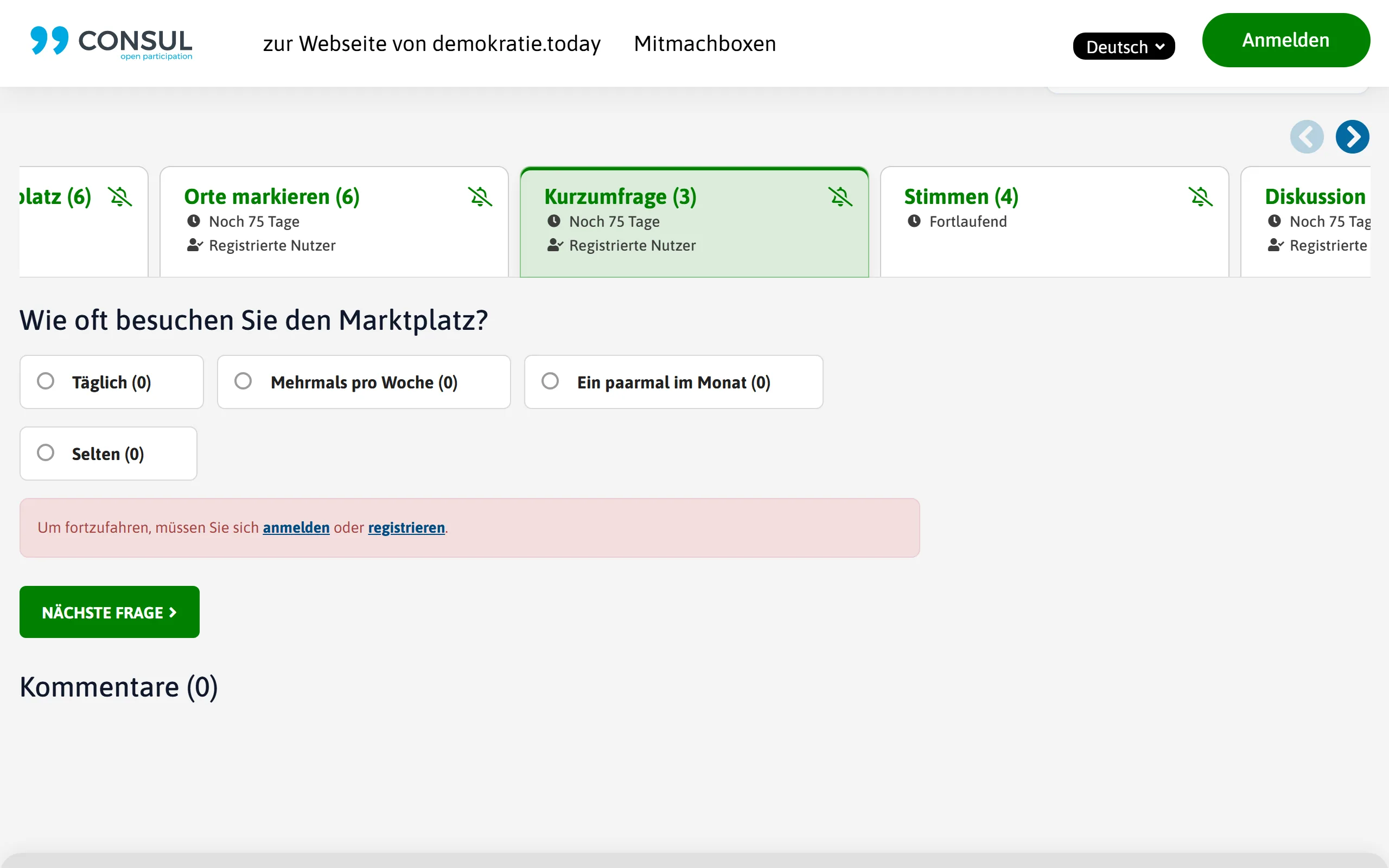
- Open the project and select the quick survey tab.
- Click an answer. It is saved right away.
- Switch between questions with “Next question” and “Previous question”. After the last question, “First question” takes you back to the start.
- If there is a list of all questions, select the question there. “Zurück zur Fragenliste” (back to the question list) takes you back.
Good to know
- To change your answer, click a different answer.
- If the administration has turned it on, you see next to each answer how often it was chosen.
- Some questions have “Open answers”. There you write your own words and click “Publish answer”.
- Some quick surveys don’t require registration. Otherwise, a note below the question tells you whether you need to sign in or verify first.
Common pitfalls
If participation has ended or has not started yet, you can’t answer. Organization accounts can’t take part.