
Guides
Guide
Citizens
Citizens
You want to get an email when there is news in a participation project.
Subscribe to a project
Your goal
You want to get an email when there is news in a participation project.
What you need
- You have an account and are signed in.
How to do it
- Open the project.
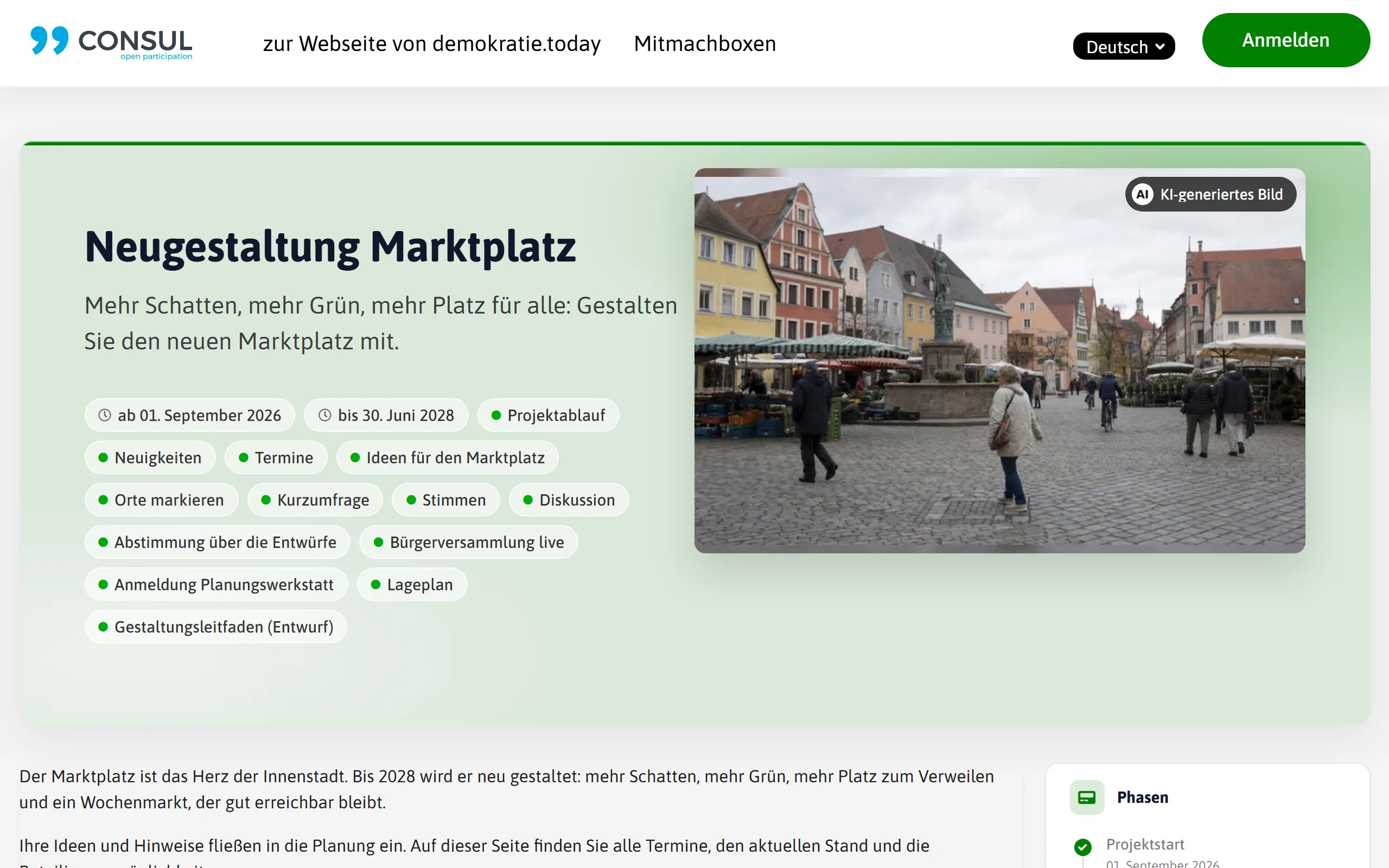
- In the sidebar, find the “Notifications” box with the question “Would you like to stay current?”.
- Turn on the switch. This subscribes you to all phases the project has right now.
Individual phases only
Most phases have a bell in the phase bar. Click it to subscribe to just that phase or to end your subscription. A crossed-out bell means you are not subscribed.
What you get
- An email when something new happens in a phase you subscribed to, such as an announcement, a milestone or an event.
- A notification in your account. You find it under “My account”.
End your subscription
- In the “Notifications” box, turn the switch off. This ends your subscription to all phases of the project.
- Or follow the link at the end of the email. Then, while signed in, click the bell of the phase.
- To unsubscribe from all projects at once, use “Unsubscribe from all project notifications”. You find the button on the page that the unsubscribe link in the newsletter leads to.
Common pitfalls
If a new phase is added later, you are not subscribed to it automatically. Click the bell on the new phase.
Without the “Notifications” box, there is no subscription in this project. The administration decides for each project whether it appears.