
Guides
Guide
Citizens
Citizens
You want to receive the platform's newsletter by email, with or without an account.
Subscribe to the newsletter
Your goal
You want to receive the platform's newsletter by email, with or without an account.
What you need
- The home page offers the “Newsletters” box.
Without an account
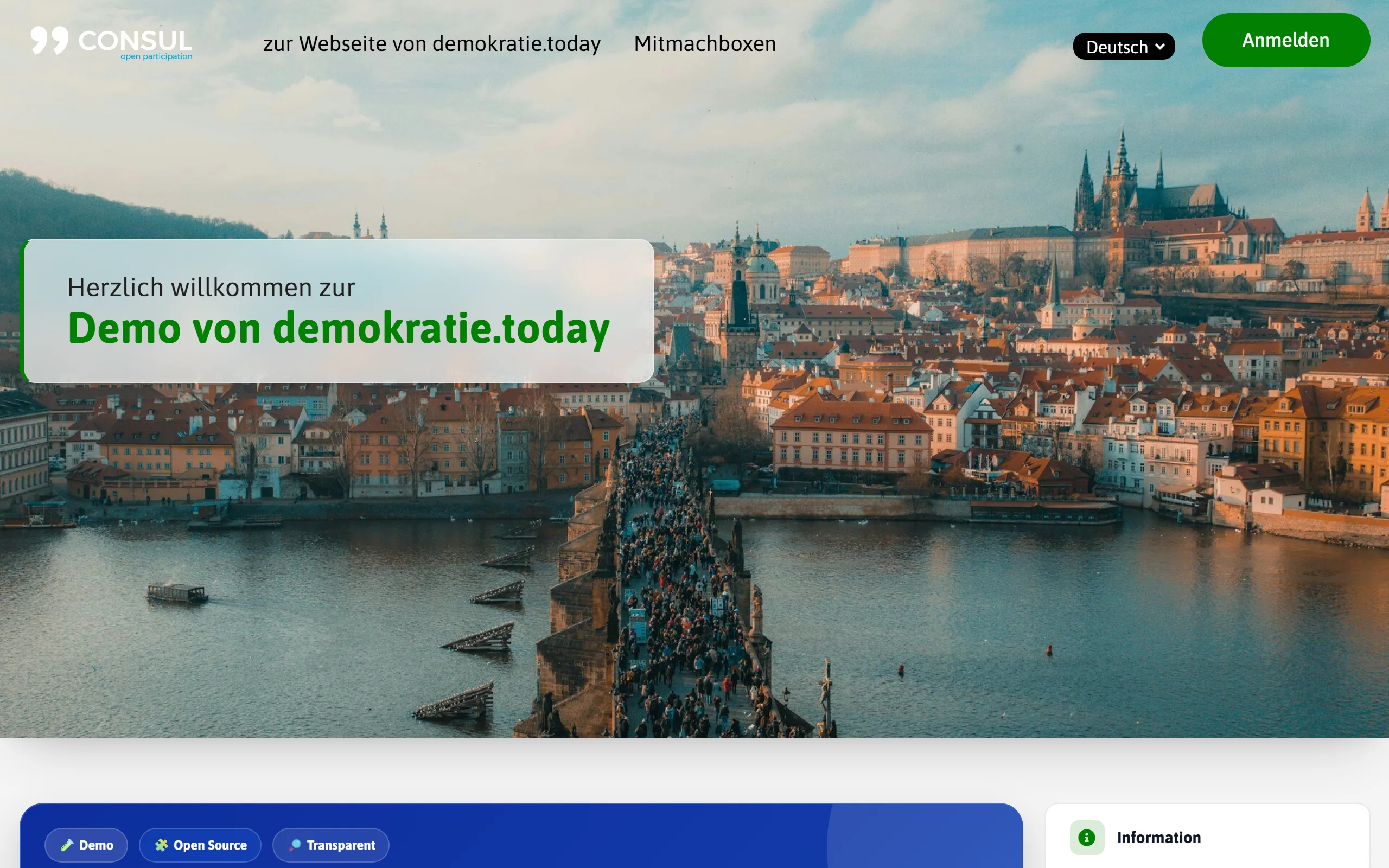
- Open the home page and look for the “Newsletters” box in the sidebar.
- Under “Not registered? Sign up now!”, enter your email address and click “Sign in”.
- Open the email you receive and click the confirmation link.
- The platform shows “Erfolgreich zum Newsletter angemeldet” (successfully subscribed to the newsletter).
With an account
- Sign in. In the “Newsletters” box on the home page, turn the newsletter on or off with one click.
- Or go to “My account”, check “Receive by email website relevant information” in the “Notifications” box, and click “Update”.
Unsubscribe
Every newsletter has an unsubscribe link in the footer. Without an account, the link unsubscribes you right away. The platform shows “Erfolgreich vom Newsletter abgemeldet” (successfully unsubscribed from the newsletter). With an account, the link takes you to your notification settings.
Common pitfalls
Your subscription is not valid until you confirm it with the link in the email. If you enter your address again, the platform sends the confirmation email again.
If an account already exists for your address, the form does not subscribe you. You get an email asking you to turn on the newsletter in your account settings.