
Guides
Guide
Citizens
Citizens
You want to write your opinion on a topic, reply to others or rate comments.
Comment and join the discussion
Your goal
You want to write your opinion on a topic, reply to others or rate comments.
What you need
- The project has a comment section.
- You are logged in, if the project requires it.
How to do it
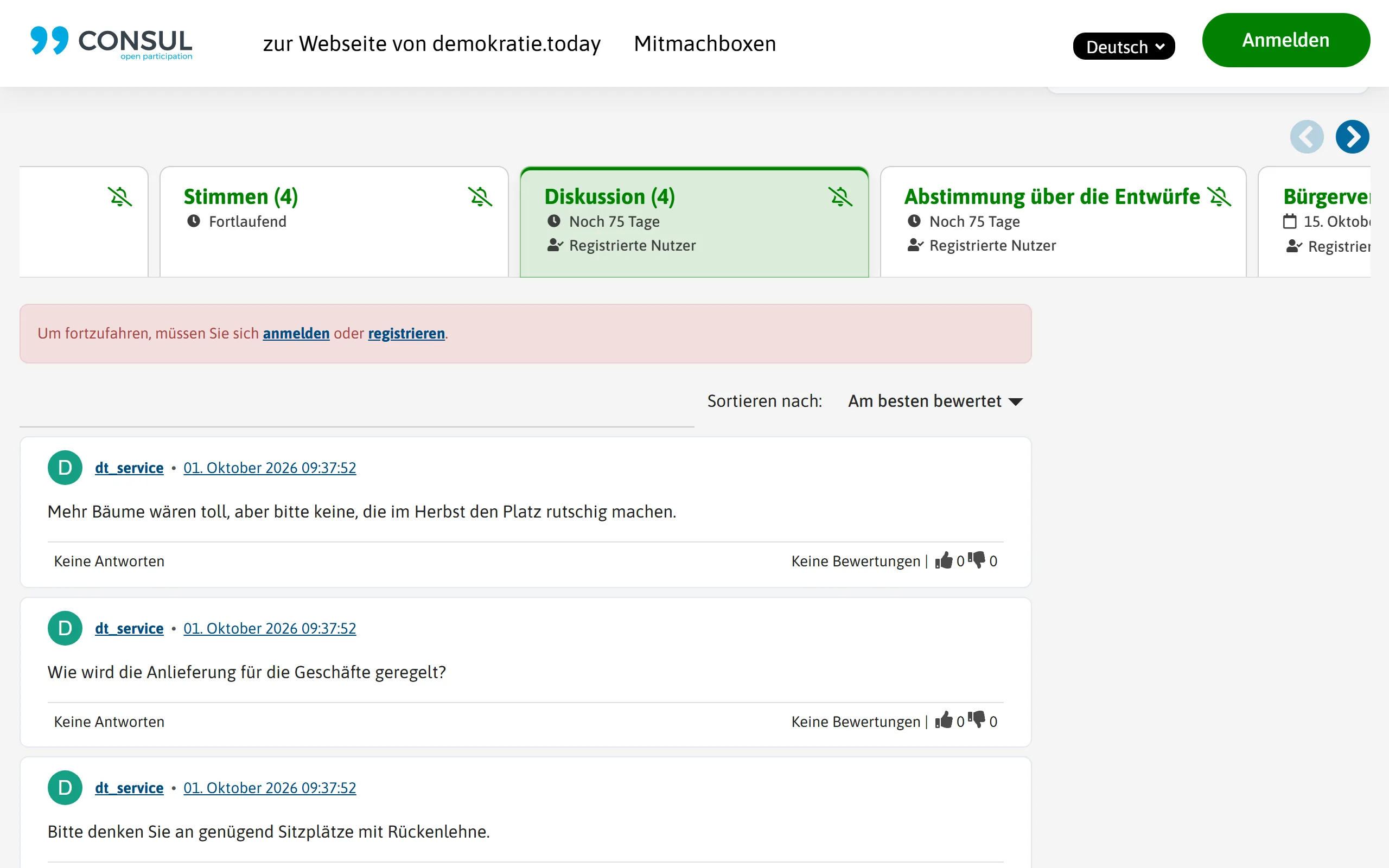
- Open the project and select the tab with the comments. The administration decides what it is called.
- Write your comment in the text field.
- Click “Publish comment”. The administration can give the button a different text.
- To reply to a comment, click “Answer” below it, write your text and click “Publish answer”.
- You rate other people’s comments with the thumbs-up on the comment. The administration decides whether there is also a thumbs-down.
Good to know
- If you first need to log in, register or verify your account, you see a notice instead of the text field. If the project allows guests, you can also continue without an account.
- To change the order of the comments, use the sorting above the list.
- You comment the same way under proposals and under proposals in the participatory budget, as long as the project allows comments there.
Common pitfalls
After the phase has ended, you can no longer write comments.
The administration can hide comments that break the rules. To report an inappropriate comment, use the report function on the comment.