
Reference
Reference
Citizens' guide
Citizens' guide
In a comment section, you talk with other participants and the administration about a topic. You write your own comments, reply to others and rate comments.
Comments
In a comment section, you talk with other participants and the administration about a topic. You write your own comments, reply to others and rate comments.
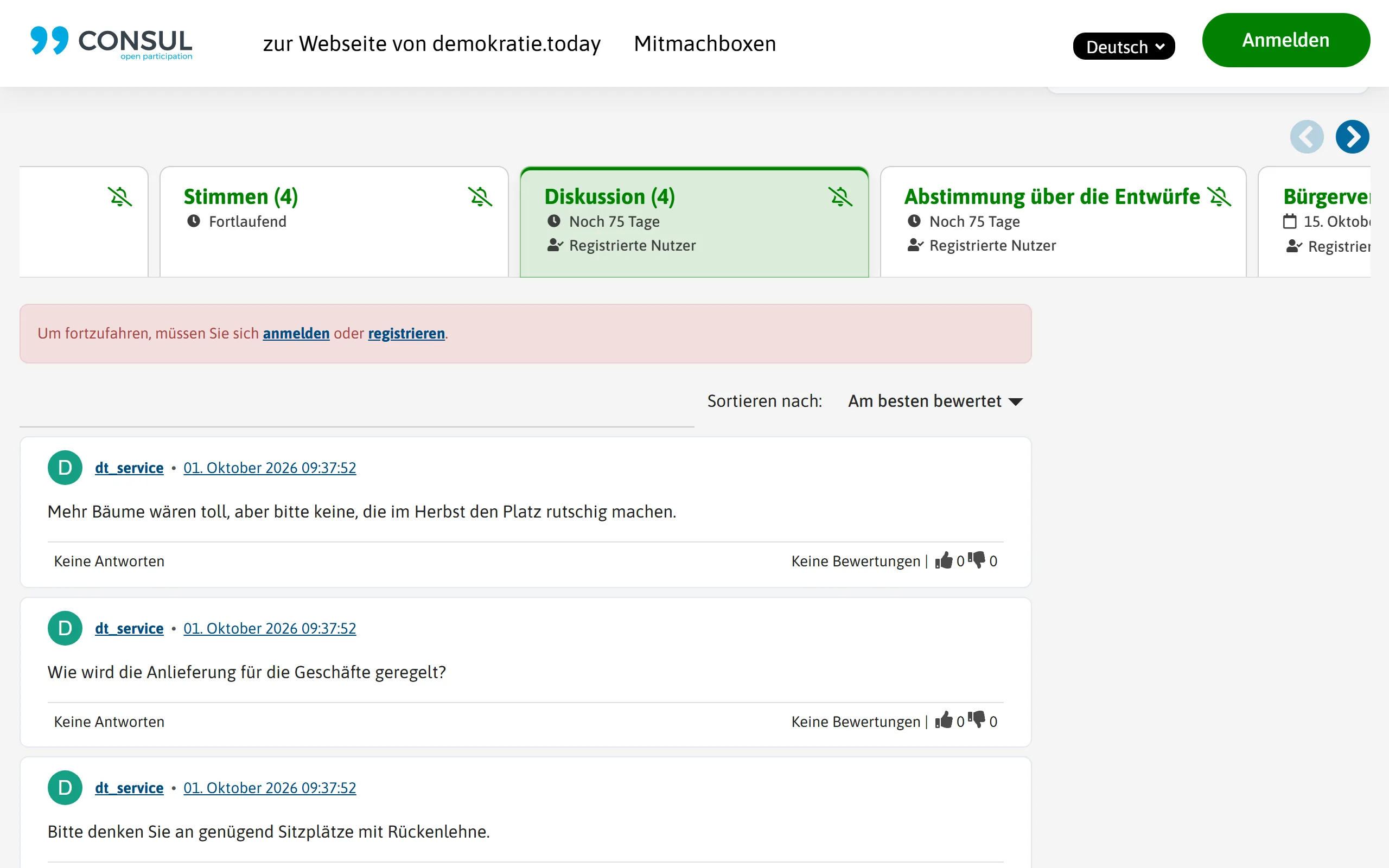
Step by step: Comment and join the discussion
What you can do
- Comment Write your text and click “Publish comment”. The administration can give the button a different label.
- Reply Click “Answer” below a comment, then “Publish answer”.
- Rate Use the thumb on the comment. A thumbs down is only available if the administration allows it.
- Report Report an inappropriate comment to the moderators.
Depending on the project
- The administration decides whether you have to sign in or verify your account. Some projects allow guests.
- Participation can be limited to certain areas or age groups. A notice in place of the text field then states the limit.
- You can only comment while the phase is running.