
Reference
Reference
Citizens' guide
Citizens' guide
On the ideas platform, citizens propose their own ideas, independent of any project. Others support them within a deadline. This shows which ideas have a lot of backing.
Ideas platform
On the ideas platform, citizens propose their own ideas, independent of any project. Others support them within a deadline. This shows which ideas have a lot of backing.
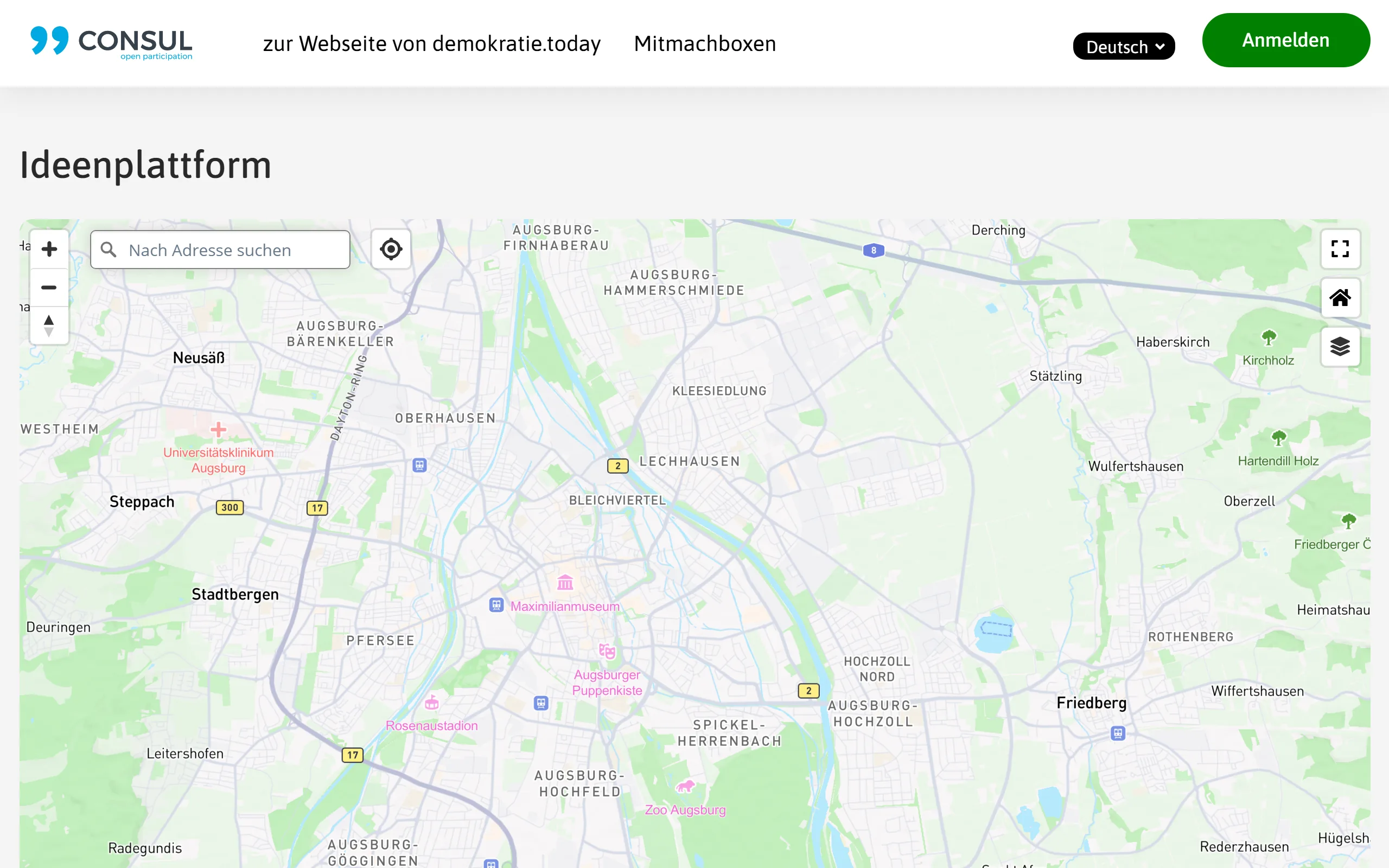
The ideas platform is only available if it has been enabled on your platform. It may also have its own name there.
The overview
The overview shows all approved ideas as a list and on a map.
- Sort by
- “Most supported”, “Most commented” or “Newest”.
- “Category”
- Shows only ideas on one topic.
- “Statuses”
- “Active” for ideas whose deadline is still running, “Archived” for expired ones.
- “Quorum” (quorum)
- “Reached” or “Not reached”: whether an idea has the support it needs.
Take part
- Submit an idea Use “New Idea” after you log in. Go to the guide
- Support In the “Supports” card, click “Support”. Use “Withdraw support” to take it back.
- Comment Below the idea, if the administration has turned on comments.
- Share Use the “Share” card in the sidebar.
On an idea’s page
- The “Supports” card shows the progress in percent, how many supports are needed and how many there are already.
- The same card shows “Verbleibende Zeit” (time remaining) in days.
- If you support an idea, you automatically follow it. If you withdraw your support, you stop following it too.
Good to know
- New ideas only appear after the administration approves them. You can see your own idea before that once you log in.
- The deadline starts when the idea is approved. The administration sets its length and the number of supports needed for each idea.
- An official response from the administration does not currently appear on the idea’s page.