
Reference
Reference
Citizens' guide
Citizens' guide
In text editing, the administration puts a draft up for discussion, such as a statute or a set of guidelines. You select a passage in the text and comment on exactly that passage. This shows the administration which wording your comments refer to.
Text editing
In text editing, the administration puts a draft up for discussion, such as a statute or a set of guidelines. You select a passage in the text and comment on exactly that passage. This shows the administration which wording your comments refer to.
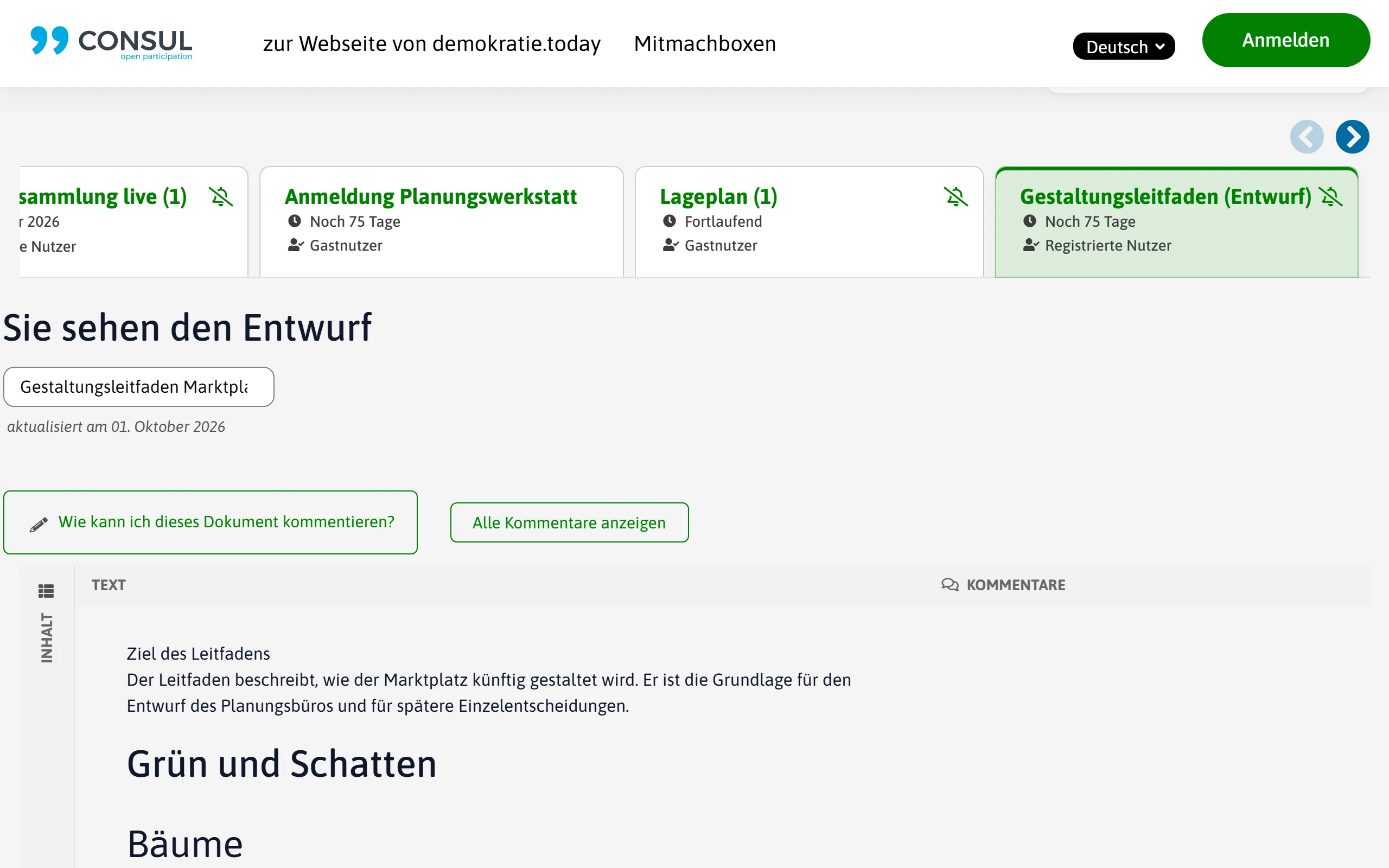
Step by step: Comment on a draft text
Layout
- “You’re seeing draft version”
- Choose the version. If there are several, the newest is preselected.
- “Content”
- The table of contents of the text.
- “Text”
- The draft itself. Passages with comments are highlighted.
- “Comments”
- The comments on the selected passage.
Commenting
- Log in.
- Select the passage of text and click the button with the pencil.
- Write your comment and click “Publish comment”.
More features
- Show all comments All commented passages of the version at a glance. Use “See in context” to go back to the text.
- Show summary of changes What has changed compared to the previous version.
- How can I comment on this document? A short guide with a video.
If a version is locked for comments or the phase has ended, you can only read the text.