
Reference
Reference
Citizens' guide
Citizens' guide
In the participatory budget, you help decide how a fixed budget is spent. You submit proposals, support other proposals and vote at the end. The participatory budget runs in phases. The tab at the top shows which phase is active.
Participatory budgeting
In the participatory budget, you help decide how a fixed budget is spent. You submit proposals, support other proposals and vote at the end. The participatory budget runs in phases. The tab at the top shows which phase is active.
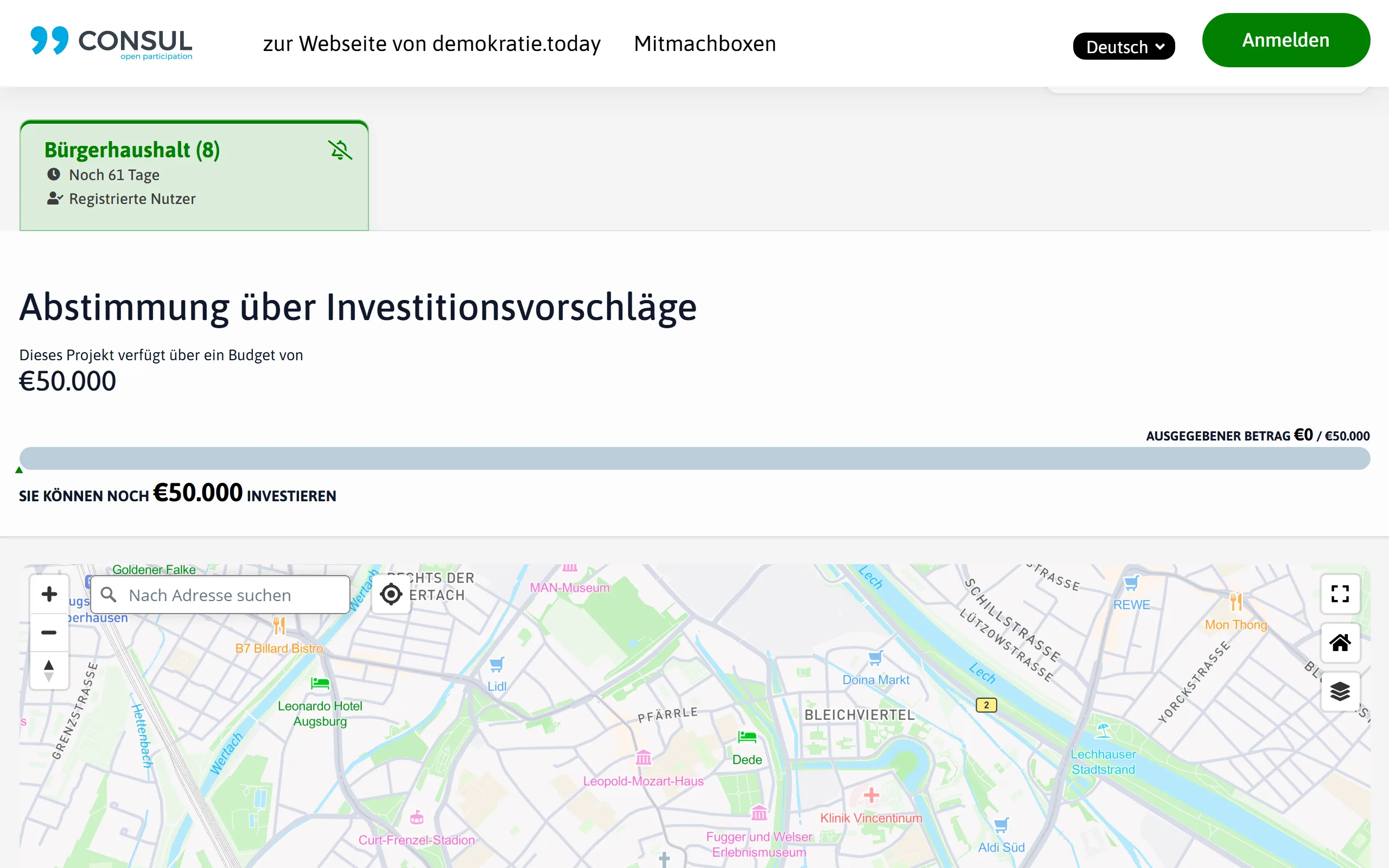
Step by step: Take part in the participatory budget
The phases
- Information No proposals yet. A notice tells you when submission starts.
- Submit With “Create proposal” you add your own idea.
- Review Before and after the support phase, the administration reviews the proposals and estimates the costs.
- Support With “Support” you show which proposals matter to you.
- Poll With “Vote” you pick the proposals that should get the budget.
- Closing The list shows the winners.
The administration decides which phases there are and what they are called. In participatory budgets with amounts, the available budget appears at the top.
Submit a proposal
- Click “Create proposal”. The administration can give the button a different text.
- Enter a title and describe your idea. Depending on the project, you can add a cover image, a location on the map, documents or a link to a YouTube or Vimeo video.
- Some projects ask who should implement the proposal under “Implementation” and ask for your cost estimate under “Cost estimate”.
- Confirm the privacy policy and terms of use and click “Submit now”.
If the project offers “Create investment proposal with AI”, an AI helps you word your proposal. The draft stays fully editable before you submit it.
Support and vote
- “Support”, “Remove your support”
- In the support phase. You can remove your support again.
- “Vote”, “Remove vote”
- In the poll phase. Your votes collect in the sidebar under “My ballot”.
- “Your votes”
- In some participatory budgets, you distribute several votes and choose here how many a proposal gets.
Depending on the project
- The administration decides whether you have to register or verify your account.
- The administration can limit how many proposals you may submit and how many you may support.
- In some projects, you can support or vote before you are verified. It only counts once you are verified.
- The “Assessment of the administration” can appear on each reviewed proposal.
- In some projects, you can also submit proposals via WhatsApp.