
Reference
Reference
Citizens' guide
Citizens' guide
Some projects broadcast events live, such as a town hall meeting. You watch the broadcast right on the project page and answer questions from the administration.
Livestream
Some projects broadcast events live, such as a town hall meeting. You watch the broadcast right on the project page and answer questions from the administration.
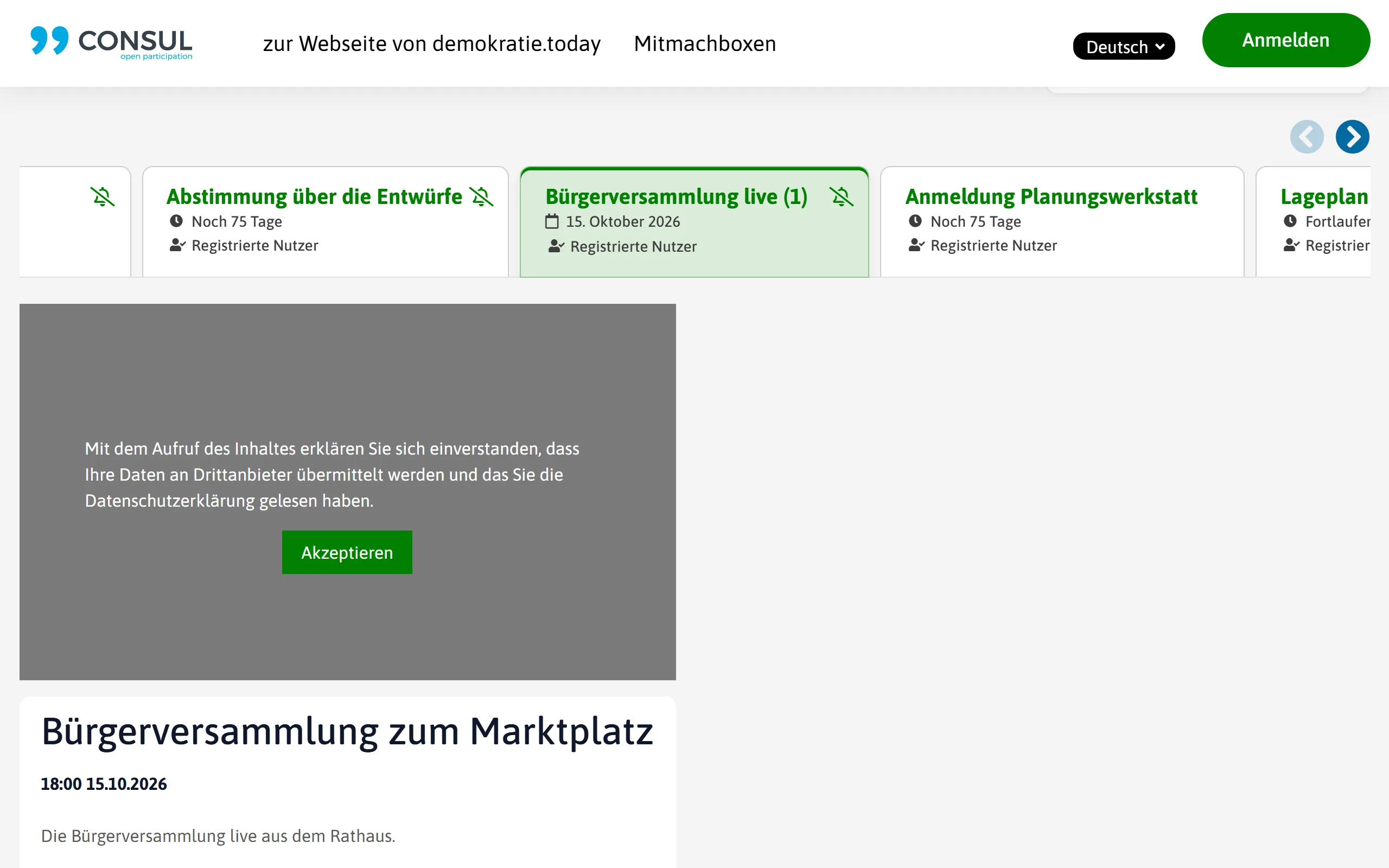
Watch
- Open the project and select the tab with the livestream.
- Start the video. Below it you see the title, start time and description.
- If there are several broadcasts, switch between them using the “Livestreams” list.
Answer questions
- Below the video is a question with answer options. Click your answer.
- If the administration asks a new question during the broadcast, “Neue Frage: …” (new question: …) appears. Select “Go to question” to open it.
- Depending on the question, you see how others voted after you answer, or you can also write your own answer.
Depending on the project
- Anyone can watch. The administration decides whether you need to be signed in to answer the questions.
- You can only answer the questions while the phase is running.
- The platform notifies you of new livestreams by email if you have subscribed to the project and the administration sends the notification.