
Reference
Reference
Citizens' guide
Citizens' guide
In a short survey, you answer simple questions with one click. Depending on the question, you see how others answered, or you also write an open answer.
Short survey
In a short survey, you answer simple questions with one click. Depending on the question, you see how others answered, or you also write an open answer.
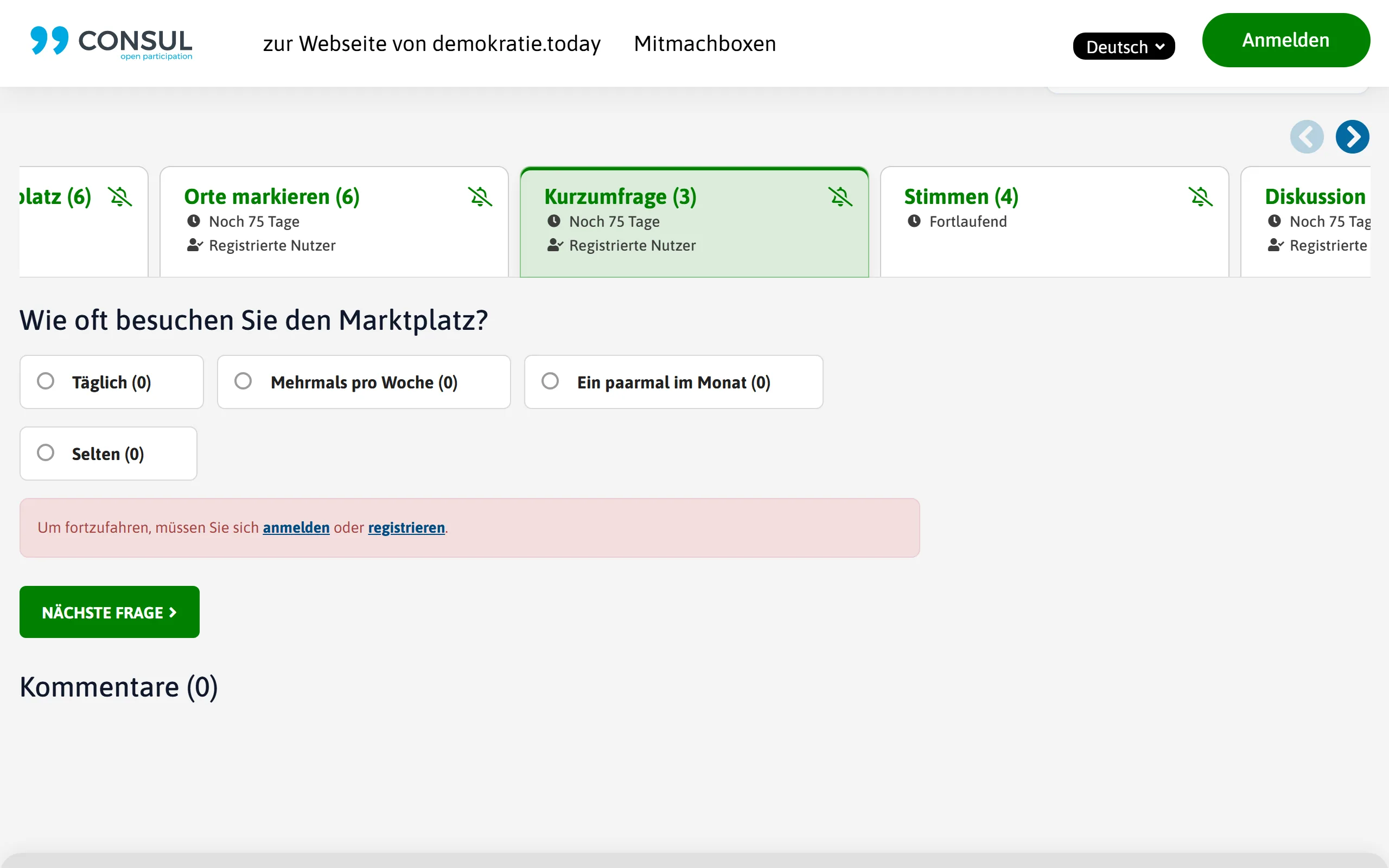
Step by step: Take part in a short survey
How to answer
- In the project, open the short survey tab.
- Click an answer. It is saved right away.
- Use “Next question” to move on, or pick the question from the list if there is one.
Good to know
- To change your answer, click a different answer.
- Next to the answers, you may see in brackets how often each one was chosen.
- Under “Open answers”, you write your own words and rate the answers of others.
- Some short surveys don’t require registration.
- Accounts of organizations cannot take part.