
Reference
Reference
Citizens' guide
Citizens' guide
So you don’t miss any news, subscribe to individual projects or to the platform’s newsletter. The platform then sends you emails. For projects, it also sends notifications to your account.
Stay informed
So you don’t miss any news, subscribe to individual projects or to the platform’s newsletter. The platform then sends you emails. For projects, it also sends notifications to your account.
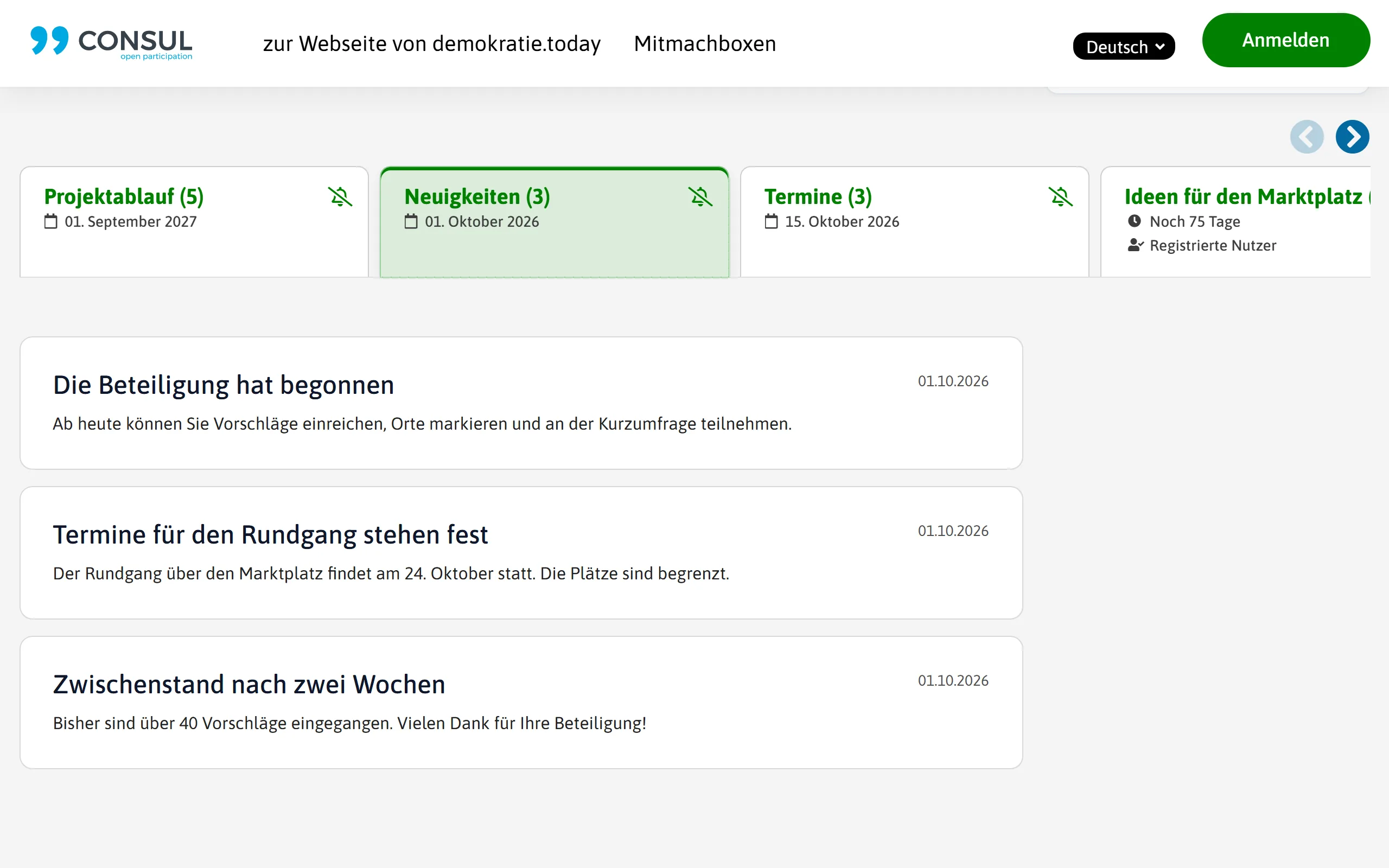
Ways to subscribe
- Subscribe to a project In the “Notifications” box on the project page, with an account. Subscribe to a project
- Subscribe to a single phase Use the bell next to the phase, with an account.
- Subscribe to the newsletter In the “Newsletters” box on the home page, also without an account. Subscribe to the newsletter
What a project subscription gives you
You get an email when something new happens in a subscribed phase, for example:
- a new message in the notifications tab,
- a new milestone,
- a livestream, if the administration sends a notification about it,
- an event, if the administration sends a notification about it.
These emails link to the phase. You read the news there. A notification also appears in your account under “My account”.
Unsubscribe
- Project
- Turn off the switch in the “Notifications” box or click the bell next to the phase.
- All projects
- “Unsubscribe from all project notifications” on the page that the unsubscribe link in the newsletter leads to.
- Newsletter
- Use the link in the footer of every newsletter.
Good to know
- A project subscription covers the phases that exist when you turn it on. To subscribe to a new phase, use its bell.
- Not every project offers a subscription. Without the “Notifications” box, there is none.
- You choose which other emails you get, such as emails about comments, in your account.