
Guides
Guide
Citizens
Citizens
You want your own account so you can take part in participation projects.
Create an account
Your goal
You want your own account so you can take part in participation projects.
What you need
- You have an email address and can access your inbox.
How it works
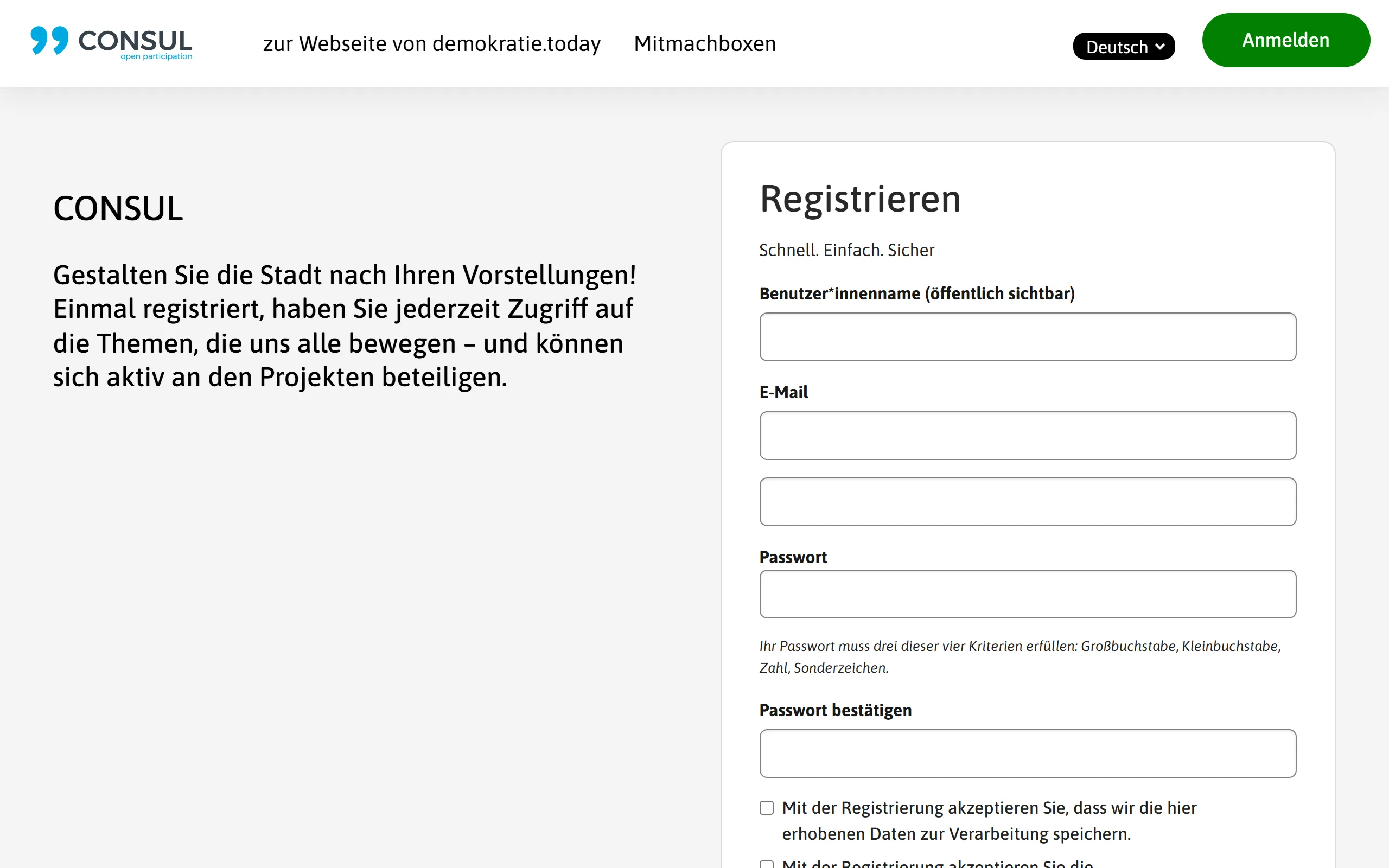
- Click “Sign in” at the top. On the sign-in page, click “Hier registrieren” (register here).
- Choose a username. It is publicly visible.
- Enter your email address.
- Choose a password with at least eight characters and repeat it in “Confirm password”. It must contain three of these four: uppercase letter, lowercase letter, number, special character.
- Select the checkboxes for data processing, privacy agreement and general terms of use. The checkbox “By registering, you agree to receive our newsletter.” is optional.
- Click “Create a new account”. The page “Confirm email address” appears.
- Open the email “Confirmation instructions” and click “Confirm account”. You see the message “Your account has been confirmed.”
- Sign in. Enter your email address or username and your password.
Good to know
- Depending on the platform, the form asks for more details, such as first name, last name, gender, address and date of birth.
- Depending on the platform, you can also register with BundID or another service. The buttons for this are below the form.
- If a participation project allows guests, you see the link “participate as a guest” there. Then a username is enough.
Next steps
- Submit a proposal.
- Take part in a poll.
- Report deficiencies in public spaces.
Common problems
Until you confirm your account, you can’t sign in. The link in the email is valid for three days.
If no email arrived or the link has expired, click “Resend confirmation code” on the sign-in page. If you register again with the same address, the platform also sends the confirmation again.