
Guides
Guide
Citizens
Citizens
You want to answer the questions in a poll and cast your vote.
Take part in a poll
Your goal
You want to answer the questions in a poll and cast your vote.
What you need
- The poll has started and has not ended yet.
How it works
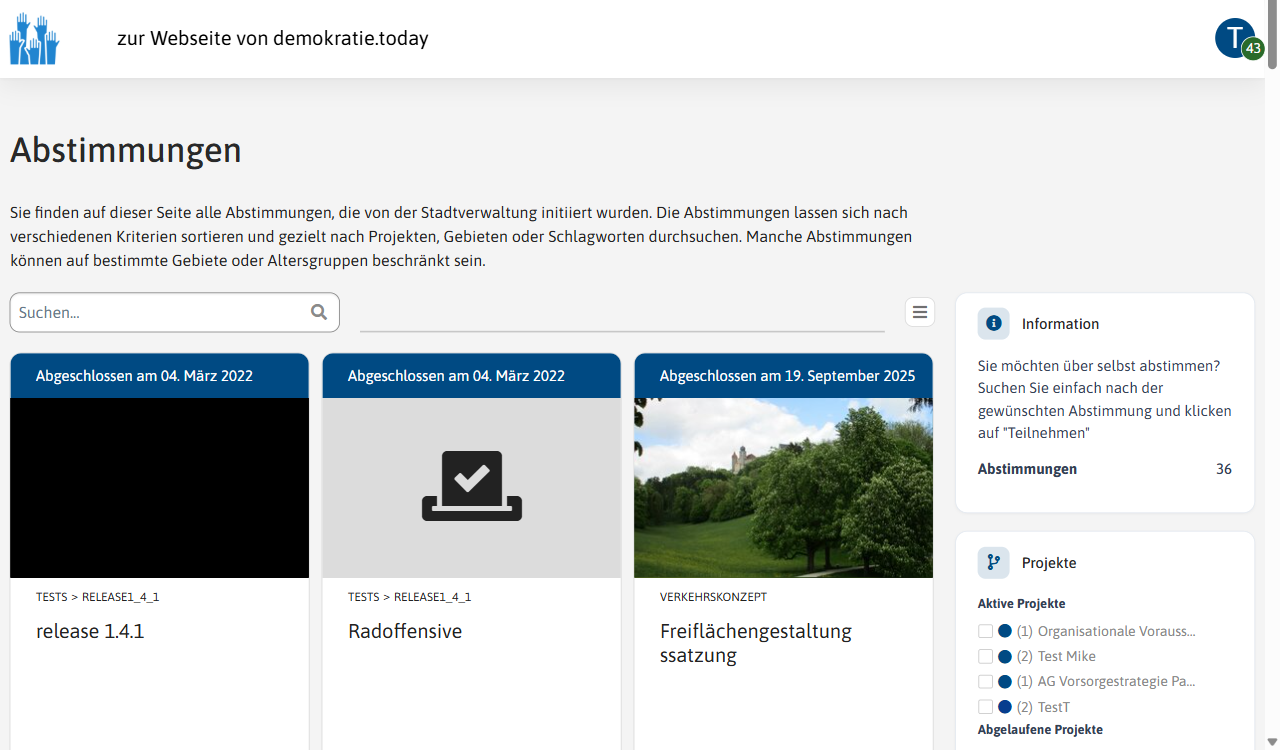
- Open the project and choose the poll tab. Alternatively, you can find polls on the “Polls” overview page.
- Click “Participate” on the poll. The administration can change the label.
- Read the note above the questions. It tells you whether you need to sign in first, register or verify.
- Answer the questions. Each vote is saved right away and confirmed with “Your vote was counted!”.
- When you are done, click “Complete”. Your answers are already saved at this point.
How to answer the questions
- One answer
- Click an answer.
- Multiple answers
- Select answers up to the stated maximum.
- Weighted votes
- Spread your votes across several answers.
- Scale
- Select a level on the scale.
- Map question
- Click on the map to place a pin. Below the map, you can see how many more pins you can place.
- Open answer
- Write your text in the text field. It is saved automatically.
Good to know
- Questions with an asterisk are required. You can’t continue until you have answered them.
- If the questions appear one at a time, switch between them with “Next question” and “Previous question”.
- You can change your answers until the end. To withdraw a vote, click the answer again. To remove a pin, click it.
- The administration decides whether and when you see “Stats” and “Results”.
Pitfalls
Once the poll has ended, you can no longer take part.
If you already voted on site, you can’t also take part online. Pins outside the permitted area are not accepted. Organization accounts can’t vote.