
Reference
Reference
Participation phases
Participation phases
A newsfeed phase shows a news feed on the project page. The feed is a widget from the rss.app service. You set which news it shows there, not in the platform.
Newsfeed
A newsfeed phase shows a news feed on the project page. The feed is a widget from the rss.app service. You set which news it shows there, not in the platform.
Create a phase
- Set up a widget for your feed at rss.app and note its ID and display type.
- In the project, open “Participation phases” and click “Create new phase”.
- For “Participation module”, select “Newsfeed” and click “Create phase”.
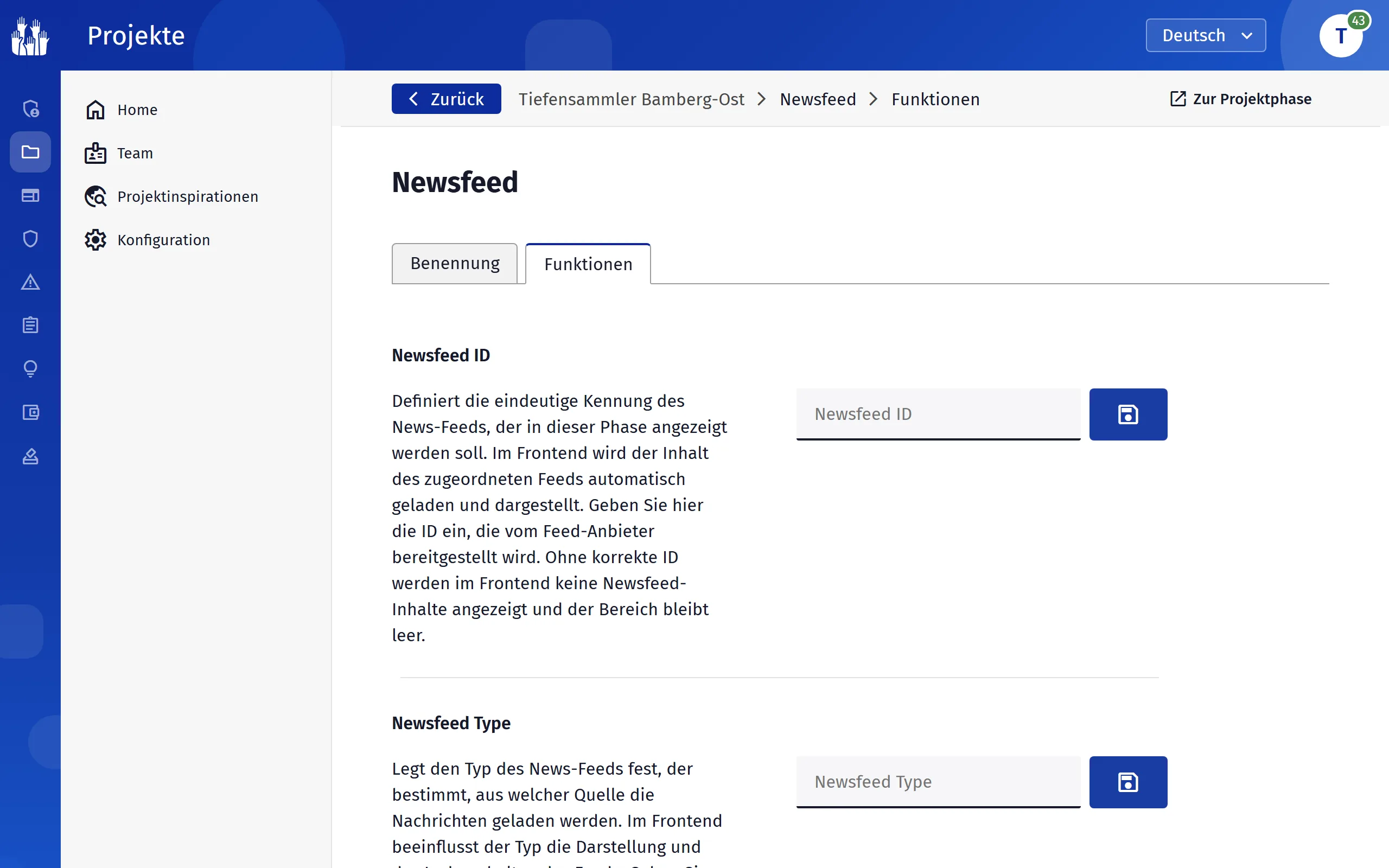
- On the “Features” tab, enter the “Newsfeed ID” and the “Newsfeed type”.
Step by step: Embed external content
The tabs of the phase
- “Naming”
- The “Tab label” on the project page.
- “Features”
- The two widget settings, see below.
The widget settings
- “Newsfeed ID”
- The ID of the widget at rss.app.
- “Newsfeed type”
- The display type. The project page accepts exactly these values: “wall”, “list”, “feed”, “carousel”, “ticker” and “magazine”.
If “Newsfeed type” contains any other value or the ID is missing, the area on the project page stays empty.
Good to know
- The project page loads the widget directly from rss.app when someone opens the page.
- A newsfeed phase has no duration, no participation restriction, and sends no emails.
- To write your own messages to the subscribers of a project, use a Notifications phase.