
Reference
Reference
Participation phases
Participation phases
With the “Short survey” participation module, you ask simple questions with fixed answers. One click is enough to answer, and if you like, everyone sees the distribution. You can also allow open answers for each question.
Short survey
With the “Short survey” participation module, you ask simple questions with fixed answers. One click is enough to answer, and if you like, everyone sees the distribution. You can also allow open answers for each question.
Create a phase
- In the “Projects” dashboard, open your project and then its “Participation phases”.
- Click “Create new phase”, choose “Short survey” under “Participation module”, and click “Create phase”.
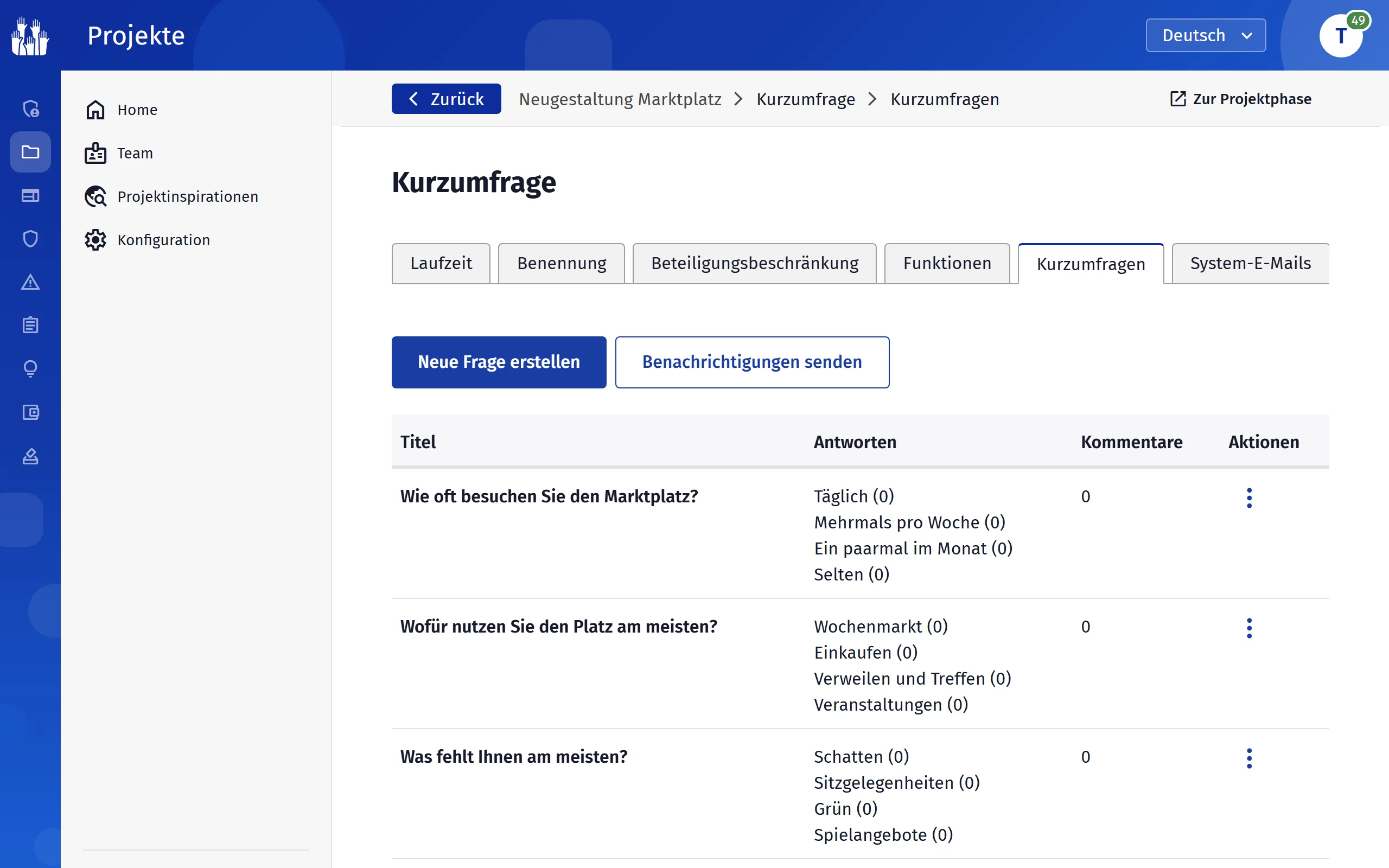
- The phase is active right away. Create the questions in the “Quick polls” tab.
See all tabs in the overview. Step by step: Run a short survey
The tabs
- “Duration”
- The period in which people can answer.
- “Naming”
- “Tab label” and “Button label on the project page”. The default is “Take part in the short survey”.
- “Participation restriction”
- Who may answer: “Participation by user status” (guests, registered or verified users), plus restriction by area or age.
- “Features”
- “Activate projekt questions overview”. Without this switch, visitors see the first question and move on with “Next question”.
- “Quick polls”
- The questions of the phase with their “Answers”, the number of votes per answer and the “Comments”.
- “System emails”
- “Notification of new quick poll”.
Create a question
In the “Quick polls” tab, “Create new question” opens the form.
- “Question”
- The text of the question.
- “Answer options”
- With “Add option” you create the answers, one per line.
- “Show answer count”
- Shows on the website next to each answer how often it was chosen.
- “Open answer”
- An additional field for custom answers. They appear under “Open answers” and can be rated.
The questions appear in the order in which you created them. The table in the tab shows the newest one at the top.
Send notifications
The “Send notifications” button in the “Quick polls” tab sends the email “Notification of new quick poll”. It goes to the subscribers of the phase, and only if the phase already has questions.
Organization accounts cannot take part in a short survey.