
Guides
Guide
Municipal plans
Municipal plans
You want citizens to take part in a plan on the platform, and the plan and the project should link to each other.
Convert a plan into a participation project
Your goal
You want citizens to take part in a plan on the platform, and the plan and the project should link to each other.
Open municipal plans
What you need
- You are an administrator.
- The plan is published, and there is no open draft.
How to do it
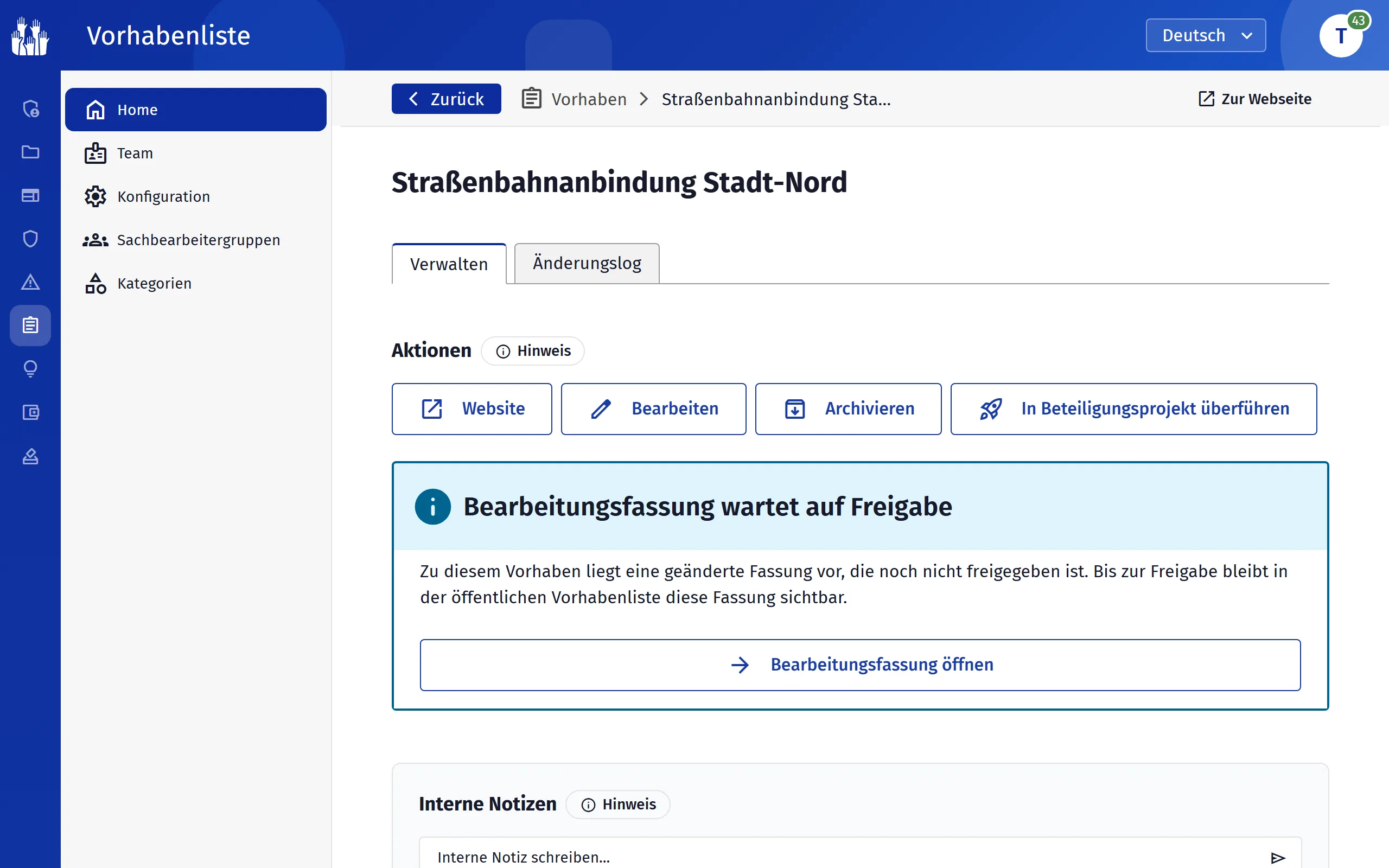
- Open the plan and click “Convert into project” under “Actions”.
- Check “Projekt title” and “Subtitle”. Both are prefilled with the plan’s title and short description.
- Click “Create project”. The project now appears under “Linked participation projects”.
- Set up the project in the “Projects” area and publish it. Make a project visible
What is carried over?
- Title and subtitle from the form.
- The districts, as a restriction so that only people from these districts can take part.
- The map position.
Categories are not carried over. The plan itself stays unchanged.
Decisions
- How long can the subtitle be?
- At most 200 characters and five lines. It appears below the project title.
- More than one project for a plan?
- Yes. Just convert the same plan again.
Common pitfalls
The new project is deactivated at first. The plan’s page links to it only once it is publicly visible.
The details are carried over once. Later changes to the plan do not carry over to the project. You change the project’s districts and map position in its settings.
You cannot link an existing project to a plan afterward. The link is created only when you convert the plan.