
Guides
Guide
Municipal plans
Municipal plans
You want to record a plan of the administration and submit it to the administrators for release.
Create and submit a plan
Your goal
You want to record a plan of the administration and submit it to the administrators for release.
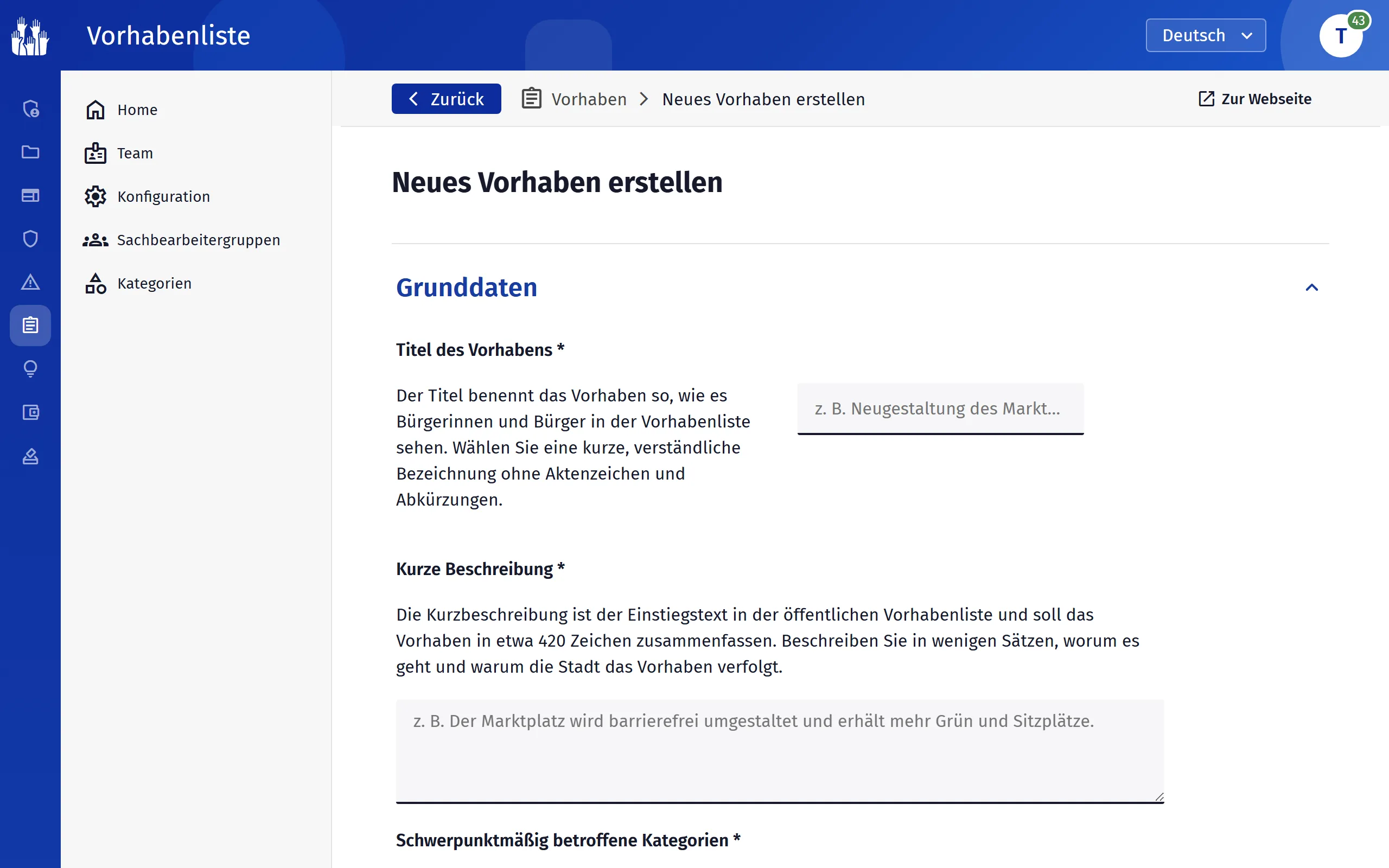
Open “New plan”
What you need
- You are a case officer for municipal plans or an administrator.
- There is at least one category and there are districts.
So geht’s
- On “Home”, click “New plan”.
- Under “Basic data”, fill in “Plan title” and “Short description”, and check the categories.
- Under “Status & schedule”, fill in “Current processing status” and “Schedule / next steps”.
- Under “Participation & context”, select the districts and set the “Map position” by clicking on the map.
- Under “Contact & responsibility”, select the “Responsible officer” and enter the contact person.
- Click “Create”. The plan is now a draft and is not visible to the public.
- Check the detail page and, under “Actions”, click “Submit for release”. All administrators receive an email.
To save a draft, the title is enough. You can add the rest later, at the latest before you submit.
Die Entscheidungen
- Who is responsible?
- A group of case officers or one person. The responsible people maintain the plan and receive every notice from citizens by email. If you leave the field empty, you are entered yourself.
- Which districts?
- Four at most. If the plan affects more areas, select the four most important.
- Is citizen participation planned?
- Check “Formal citizen participation is planned” or “Informal citizen participation is planned” and give a short reason. Both appear publicly as a badge and work as a filter.
- Do you need a system mailbox?
- A functional address under “System mailbox for notices” receives every notice in addition. This way no notice goes unanswered when someone is absent.
Stolpersteine
If a required field is missing when you submit, you see “Bitte füllen Sie das Feld … aus, bevor Sie das Vorhaben veröffentlichen.” (Please fill in the field … before you publish the plan.) After you submit, the platform checks the required fields every time you save.
If you enter a group you do not belong to, or another person, as the responsible officer, you can no longer edit the plan afterward.
You cannot withdraw a submission. You can still edit the plan until it is released.